

Adding a speed dial contact
You can use Receptionist Console to assign contacts to your speed dial directory, so you can quickly dial them using a one‑ or two‑digit code. If you no longer need a contact in your speed dial directory, you can delete the contact.
To add a speed dial contact:
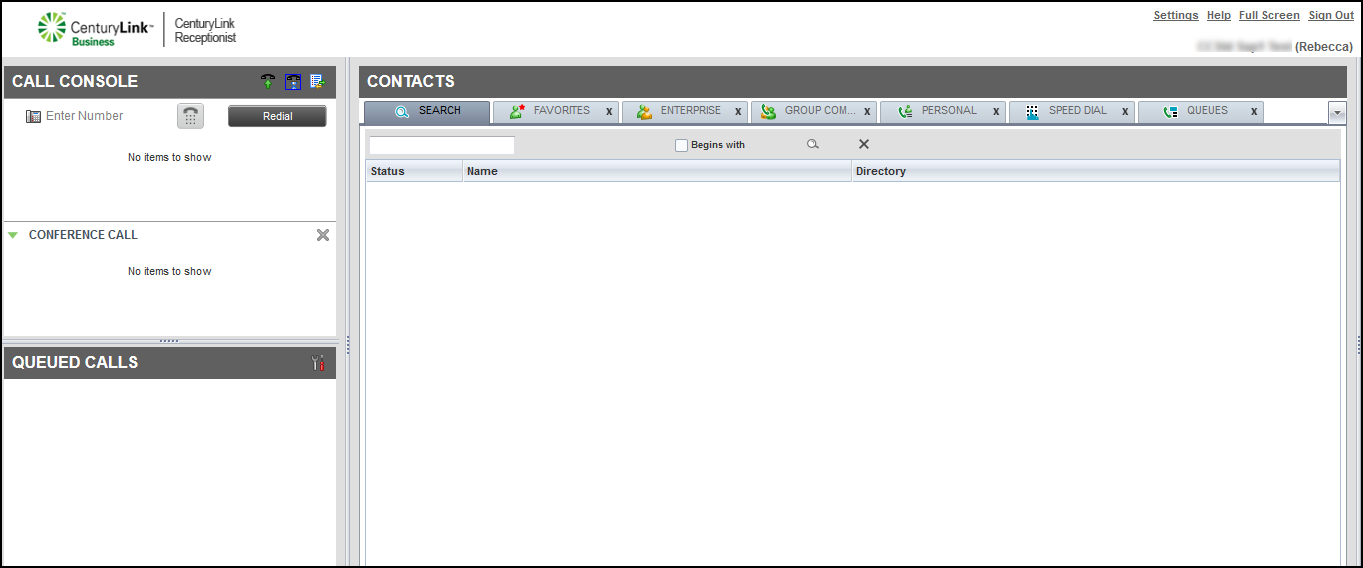
- From the Contacts pane, click the SPEED DIAL tab.
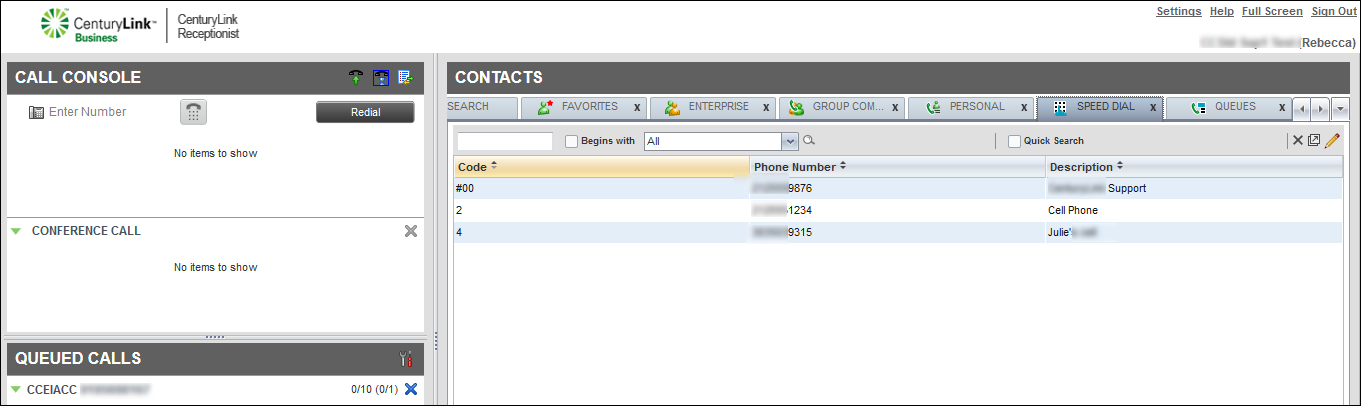
- On the right side of the directory’s management bar, click the icon.
- Click Add.
- In the window that appears, use the Code column to select a one‑ or two‑digit code from the Code list to apply the speed dial number to the contact.
- Type the phone number and description for the contact, then press enter on your keyboard.
Receptionist Console lists the contact in your speed dial directory and you can use the speed dial code to dial the contact.
- Click the x in the top‑right of the window to return to Receptionist Console.



