

Speed dialing a contact from Receptionist Console
After you add a contact to your speed dial directory in Receptionist Console, you can use a speed dial code to call the contact or use the speed dial directory to call. If you no longer need a contact in your speed dial directory, you can delete it.
Speed dialing a contact from Receptionist Console
To speed dial a contact from Receptionist Console:
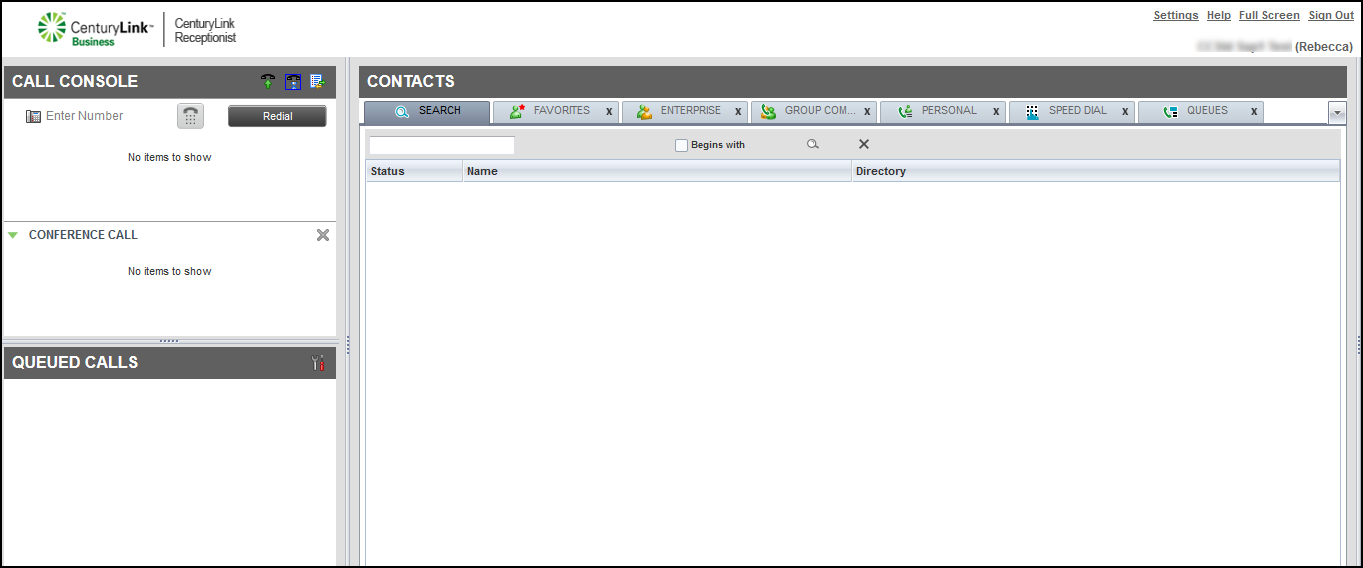
- From the Contacts pane, click the SPEED DIAL tab.
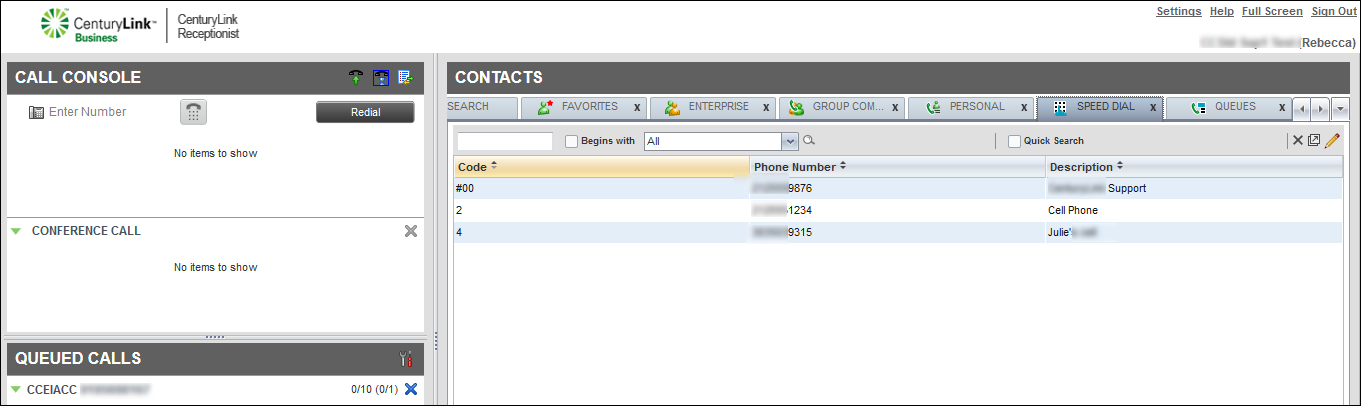
- Find the contact’s speed dial code, then in the Enter Number field, type the code, and then click the Dial icon.
- Answer the call using your phone’s handset, headset, or speakerphone.
Receptionist Console dials the phone number.
- When you’re done with the call, hang up the phone or click END in Receptionist Console.
Speed dialing a contact from the directory
To speed dial a contact from the directory:
- From the Contacts pane, click the SPEED DIAL tab.
- Find the contact you want to call, click the contact, then click CALL.
Receptionist Console calls you.
- Answer the call using the phone’s handset, headset, or speakerphone.
Receptionist Console dials the contact.
- When you’re done with the call, hang up the phone or click END in Receptionist Console.



