

Converting a potential ticket into a repair ticket
Lumen creates potential tickets when we detect a possible problem on your network. It's important to review these tickets to help avoid problems with your service. If you're having issues with your service, you can convert the potential ticket into a repair ticket. If you're not having an issue, Lumen Connect automatically closes the potential ticket after 72 hours or you can dismiss it and Lumen closes the potential ticket.
To convert a potential ticket to a repair ticket:
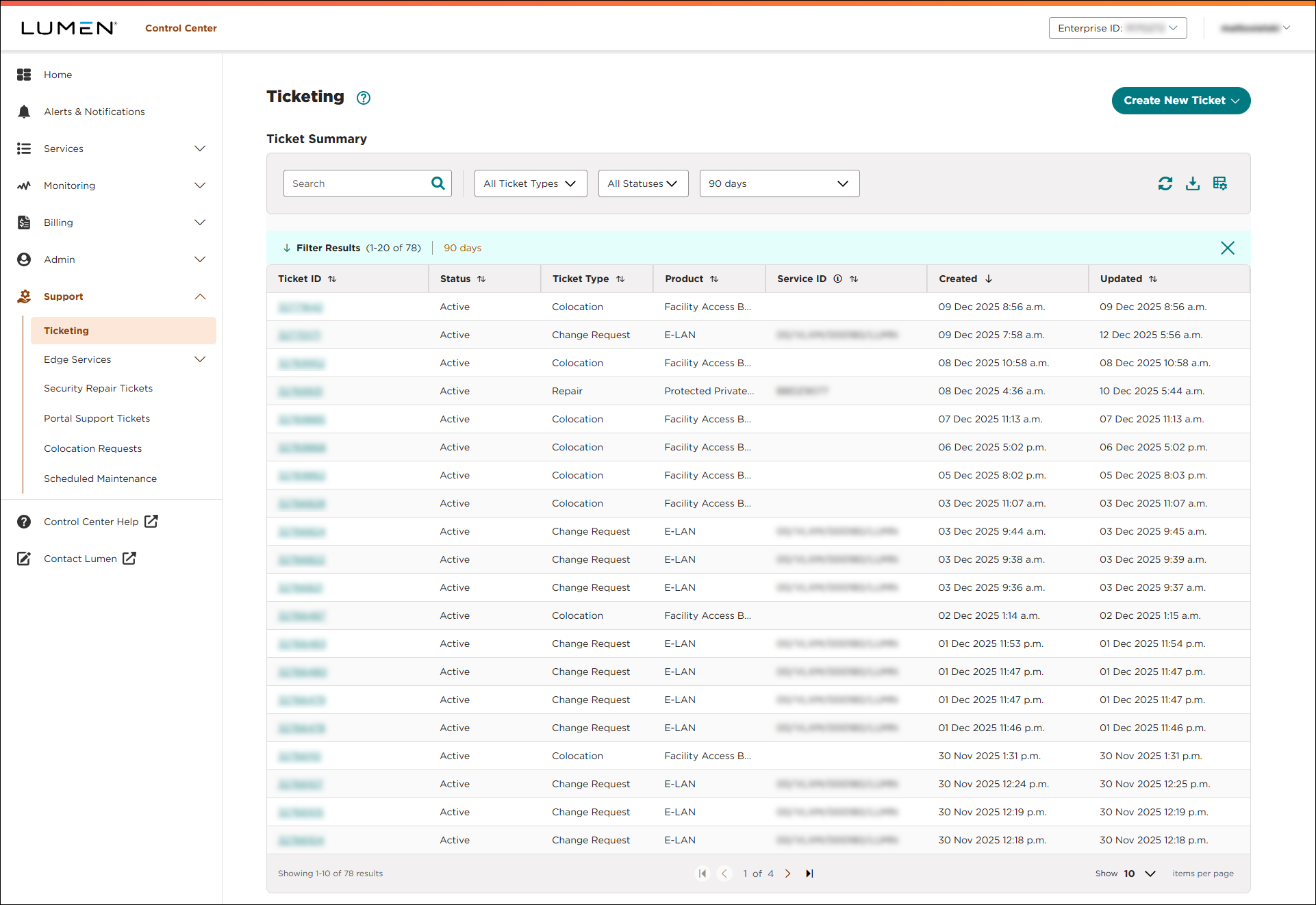
- Using the left menu, click Support, then Ticketing.
Lumen Connect lists all tickets—repair, potential repair, activation, configuration, billable field tech, maintenance inquiry, portal support, and reason for outage (RFO)—including tickets Lumen created on your behalf. By default, Lumen Connect shows tickets created in the past 90 days and tickets are organized by the date the ticket was created (starting with the newest). The Status column shows the status for each ticket: Active, Canceled, Closed, etc. Potential tickets are marked with a yellow flag (). Tickets needing a reply from you are marked with a green flag ().
- Click anywhere on the row for the potential repair ticket.
Lumen Connect shows details for the potential repair ticket you selected.
- Review the information for the potential ticket.
- To convert the potential ticket to a repair ticket, click CONVERT TO TICKET.
Lumen converts the potential ticket to a repair ticket.
- To dismiss the potential ticket, click DISMISS.
Lumen Connect adds a note to the work log indicating the potential ticket can be closed. Lumen closes the potential ticket.
- To convert the potential ticket to a repair ticket, click CONVERT TO TICKET.



