

Viewing the status of a billing request
You can check the status of billing requests created for your organization. After viewing the status of your requests, you can update or close requests as needed.
To view the status of a billing request:
- Sign in to Media portal. (Get help resetting your password)
- From the main menu, select Billing > Billing Requests.
Media portal shows all open billing requests and request closed in the past 30 days with a status for each request.
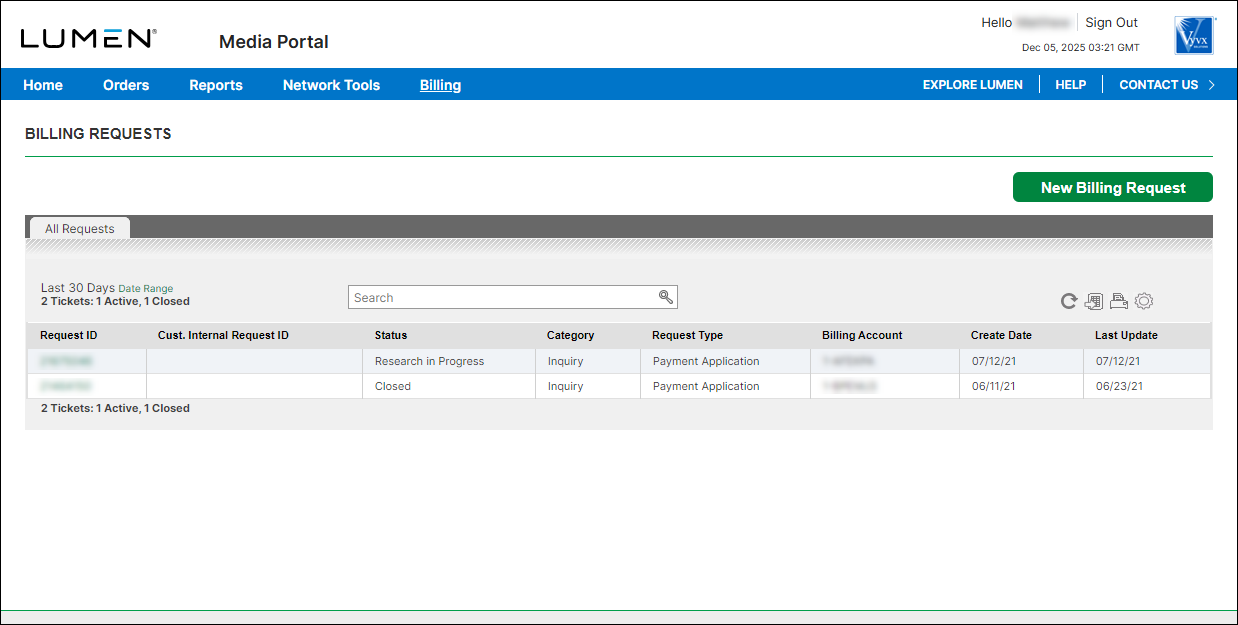
- To view details for a billing request, click the link in the Request ID column. (If you don't see the billing request you want to view, you can use the Search box to search for it.)
Media portal shows details for the request you selected.



