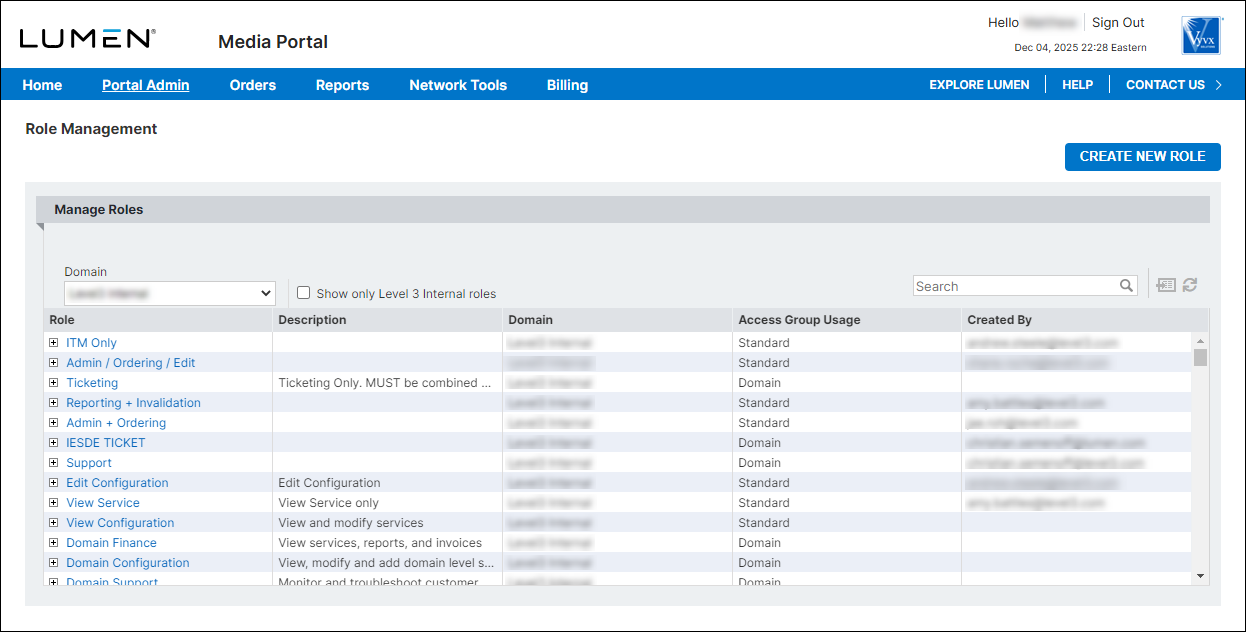
Viewing a list of roles
You can view a list of Media portal roles for your organization: the default roles for Media portal and any created by your organization. Roles you create can apply at the domain level access group or to all access groups. From the list, you can also view details for a role and create, edit, or delete custom roles.
Note: You must be a domain admin to create and manage custom roles.
To view a list of roles:
- Sign in to Media portal. (Get help resetting your password)
- From the main menu, select Portal Admin > Role Management.
Media portal lists the roles for your domain.