Viewing details for a role
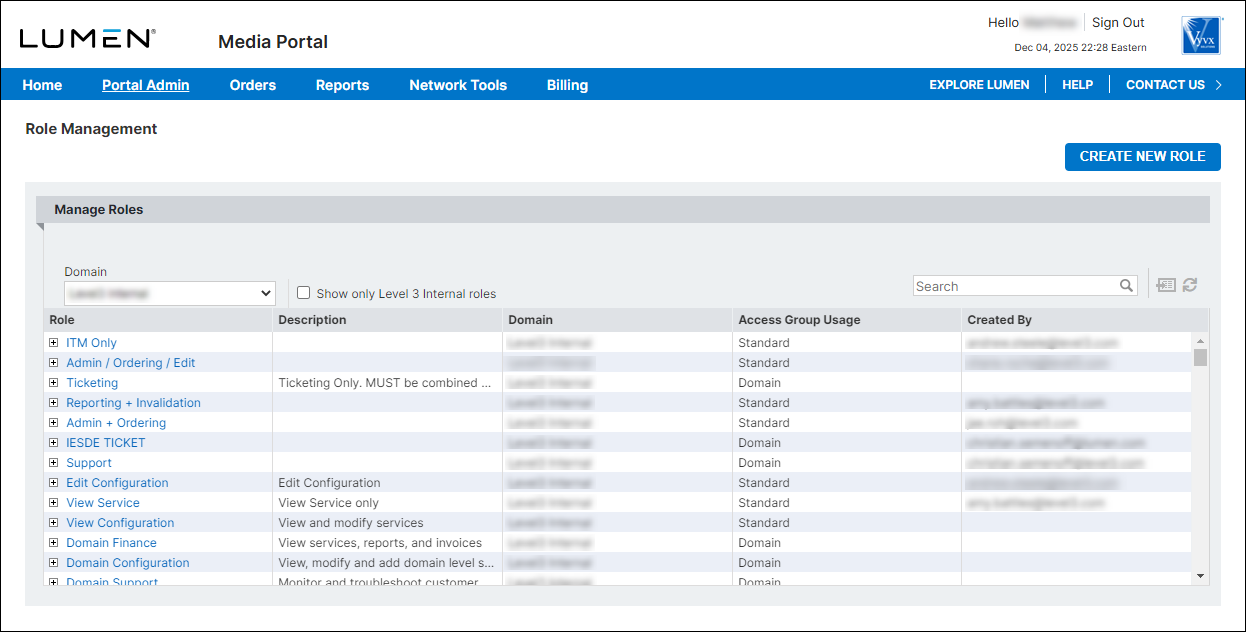
From the list of roles in Media portal, you can view details for default roles or any roles created by your organization.
To view details for a role:
- Sign in to Media portal. (Get help resetting your password)
- From the main menu, select Portal Admin > Role Management.
Media portal lists the roles for your domain.