

Creating a bulk order for toll-free numbers
Using Lumen Connect, you can place a bulk order for toll‑free numbers using a spreadsheet on a Lumen® 1+ Switched and Toll Free service. This saves you having to order toll‑free numbers row by row.
To create a bulk order for toll-free numbers:
- Using the left menu, click Services, click Service Tools, then click 1+ Switched & Toll Free.
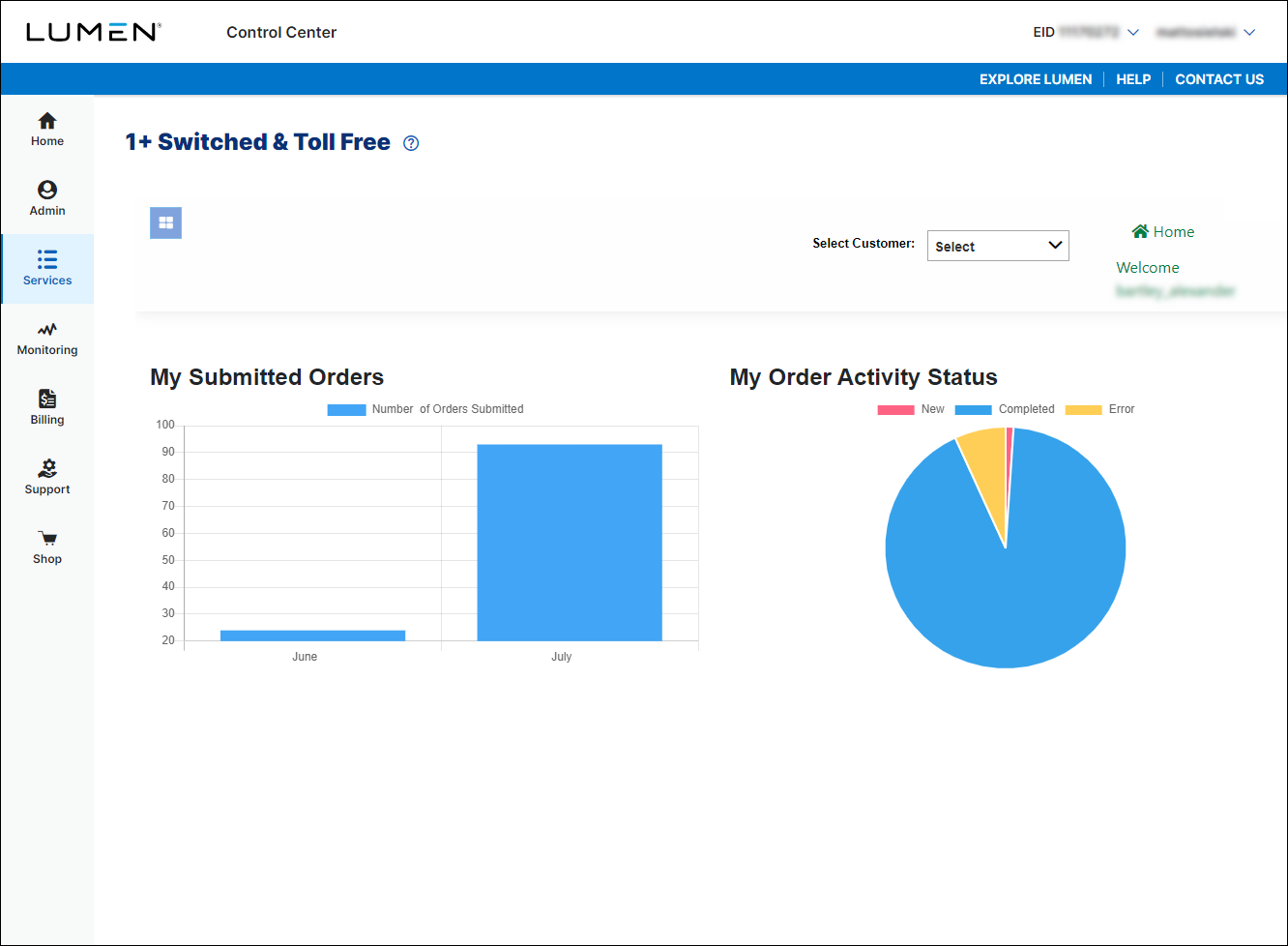
- If you have more than one customer number, use the Select Customer list to select the customer ID you want to work with.
- Click the menu icon (), click Toll Free, then click Order TFN.
- In the Svc Loc/Bill Acct field, select the billing account number you want to place the order under. (If you only have one billing account number, Lumen Connect automatically selects that billing account number for you.)
- In the Activation Date field, do one of the following:
- To activate the toll-free number immediately, leave the date and time listed.
- To schedule a different day and time to activate the toll-free number, click the icon, select the date and time, then click Save.
- To activate the toll-free number immediately, leave the date and time listed.
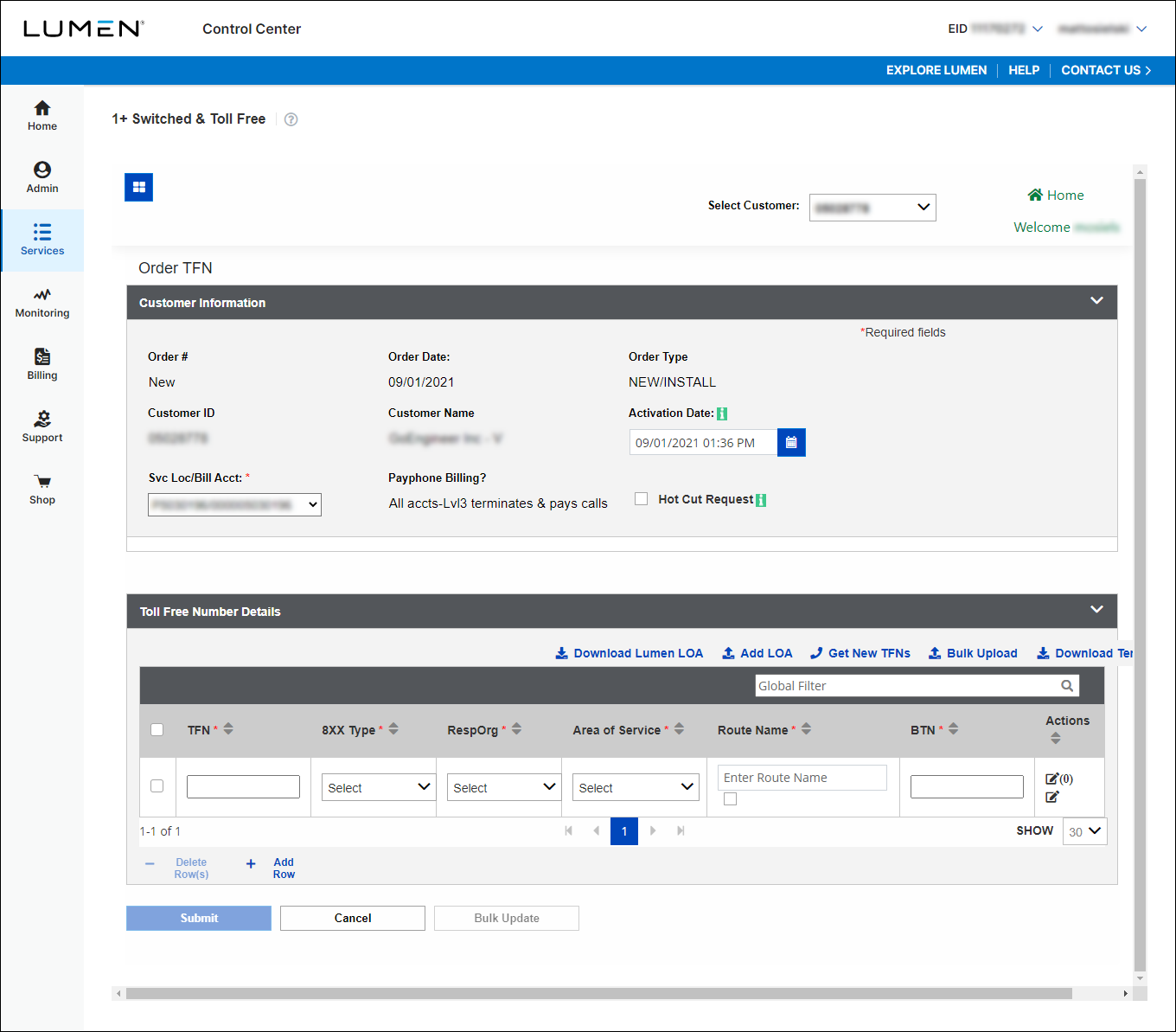
- Click Download Template and save the bulk template to your computer.
- Fill out the template with the information for the toll-free numbers you want to add.
- Click Bulk Upload, navigate to the file, then click Open.
- When you're done, click Submit.
Lumen Connect submits the order for the toll‑free numbers. You can now track the status of your order online.



