

Editing a bare metal server network
Use Lumen Connect to edit the name of the network created for use with your Lumen® Edge Bare Metal servers. This action changes the network name seen in Lumen Connect. You cannot edit the network configurations. If you need to make changes to network configurations after viewing the details, delete the network from Lumen Connect and provision a replacement network. Before deleting the network, you must delete all bare metal servers from the network.
To edit a bare metal server network:
- Click the Networks tab.
Lumen Connect shows the networks created for your organization with a status and brief summary for each network (location, network type, and IP block).
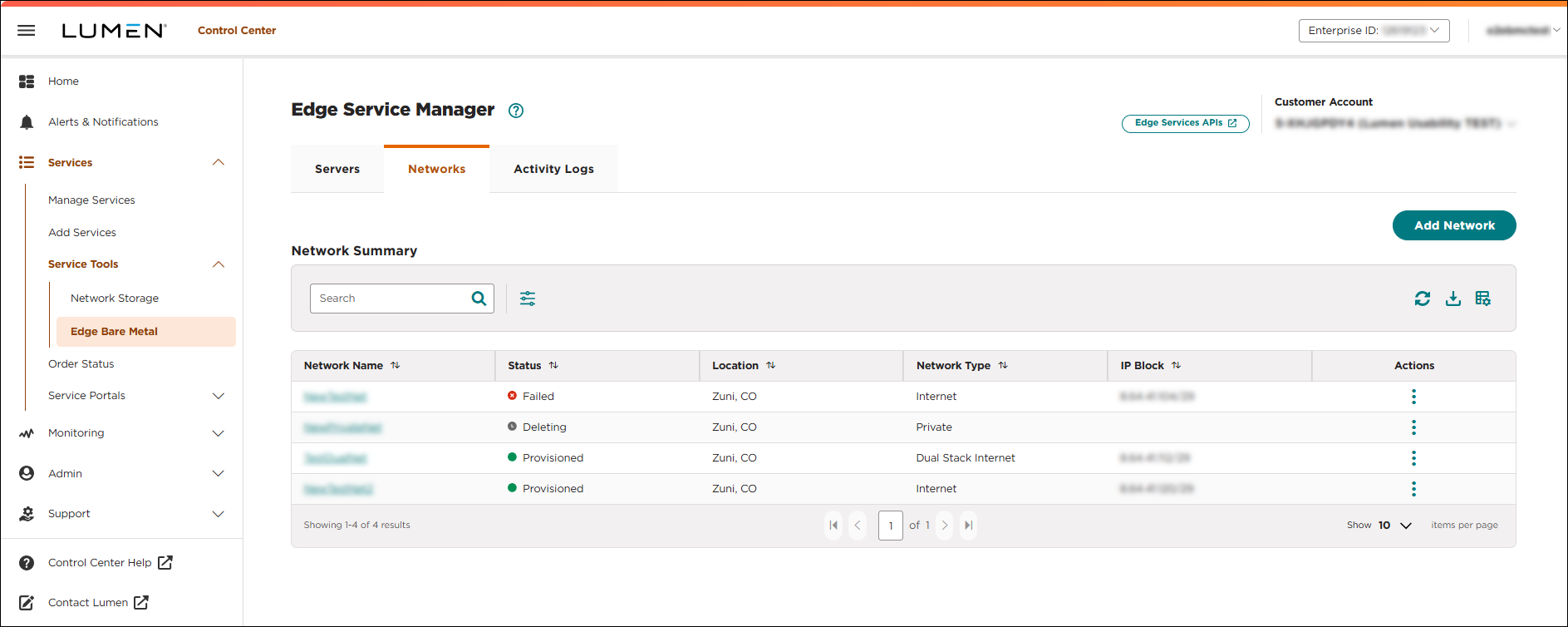
- Click the network name you want to work with to view details for that network.
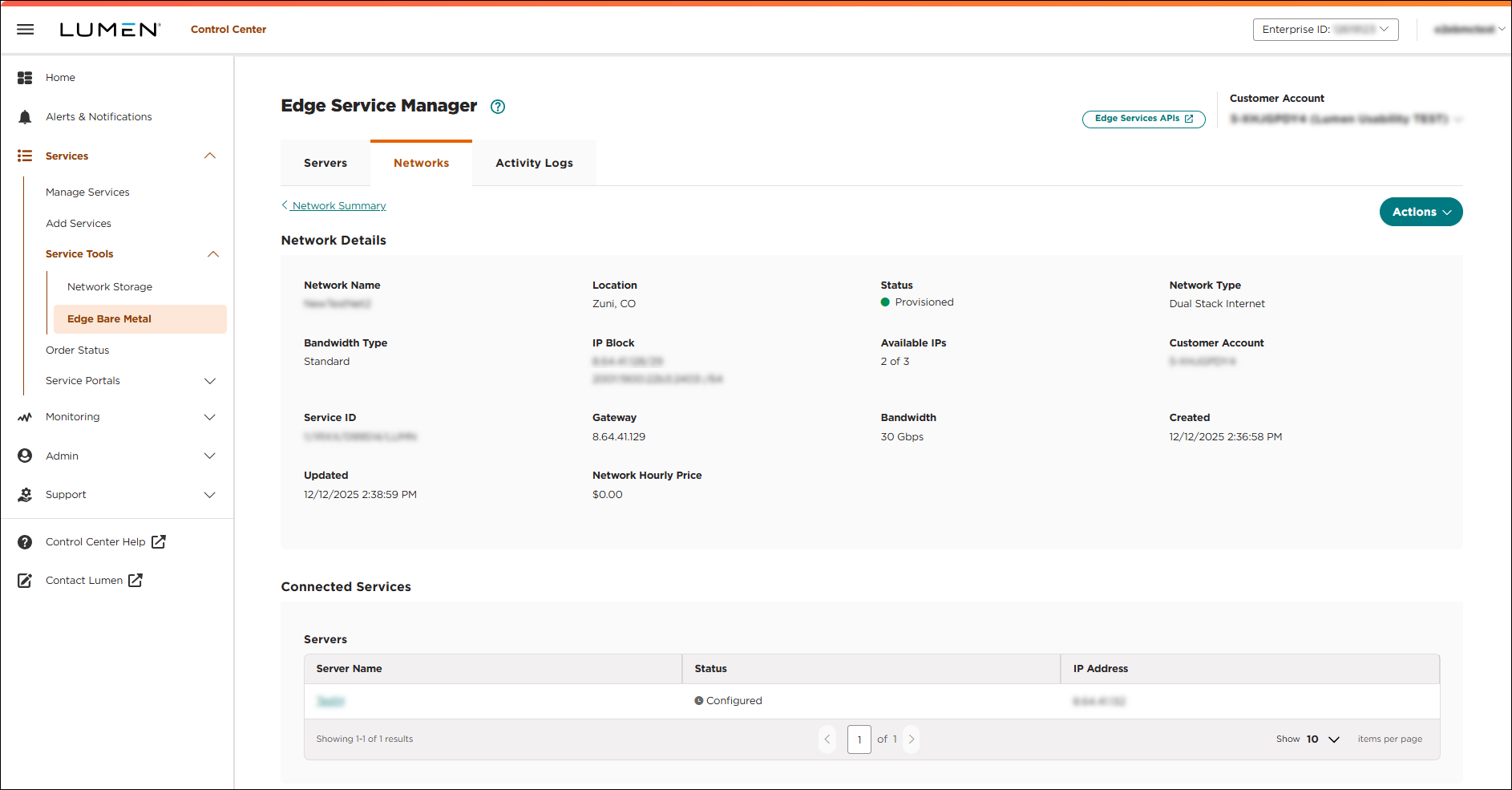
- Click Actions, then select Edit Name.
- Type a name for the network in the New Network Name field, then click SAVE.
Lumen Connect edits the network name. When the edit is complete, a success message shows on the Networks tab.



