

Ordering Switched services
Ordering Switched services using single-order entry (SOE) is useful when you have a small to medium volume of orders in a single day. You can place your order using Lumen Connect (Orders > Manage Orders).
Order | Description |
Add | Add services to your account: |
Change | Change existing information about your account: |
Disconnect | Release your customer from your Lumen billing account: |
Block | Deactivate a customer’s ANI service on the Lumen network. |
Unblock | Reactivate a customer’s ANI service on the Lumen network. |
To order Switched services:
- From the Lumen Connect dashboard, click Manage Orders (in the Frequently Visited widget).
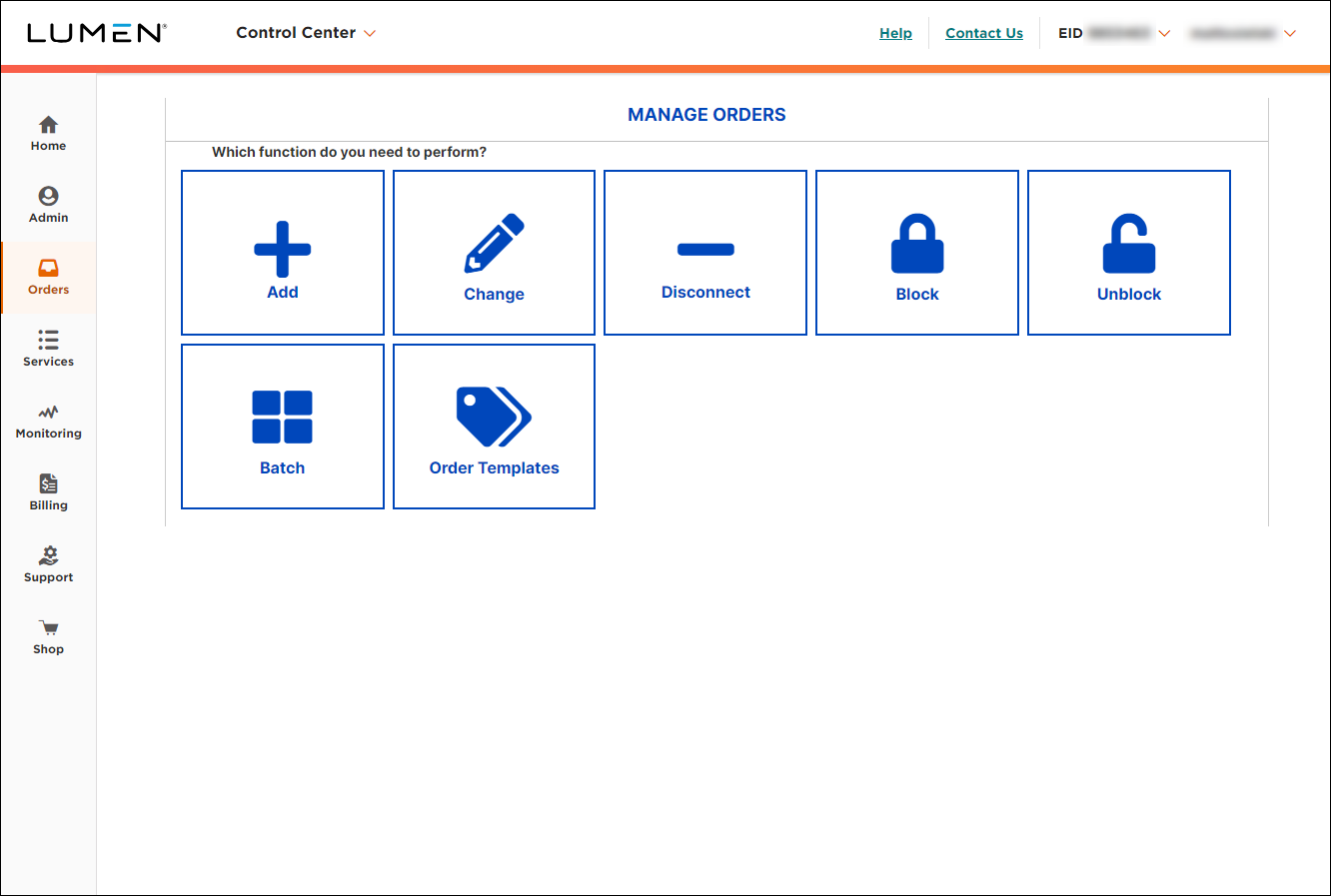
- Select the tile for the action you'd like to take: Add, Change, Disconnect, Block, or Unblock. (Block and unblock are for ANI services only.)
- From the Service Type list, select 8XX, ANI, or Card. If you selected 8XX, then select Switched.



