

Creating a bulk order for simple toll-free route plans
Using Lumen Connect, you can place a bulk order to create multiple simple route plans for toll‑free numbers on a Lumen® 1+ Switched and Toll Free service. This saves you having to add route plans to an order row by row.
Need more than just a simple route plan? Learn how to order a complex toll‑free route plan
To create a bulk order for simple toll-free route plans:
- Using the left menu, click Services, click Service Tools, then click 1+ Switched & Toll Free.
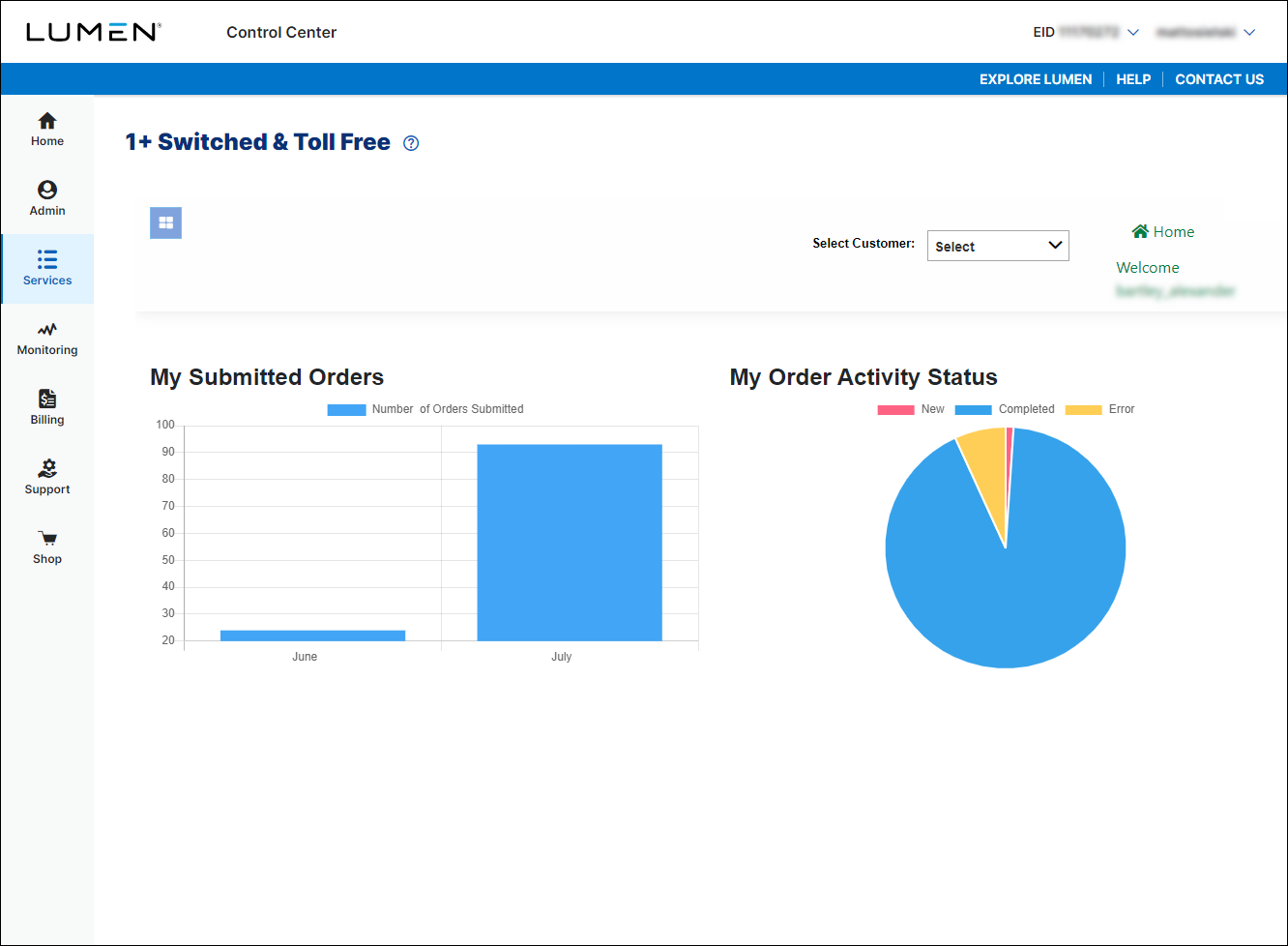
- If you have more than one customer number, use the Select Customer list to select the customer ID you want to work with.
- In the Route Type field, select the Simple radio button.
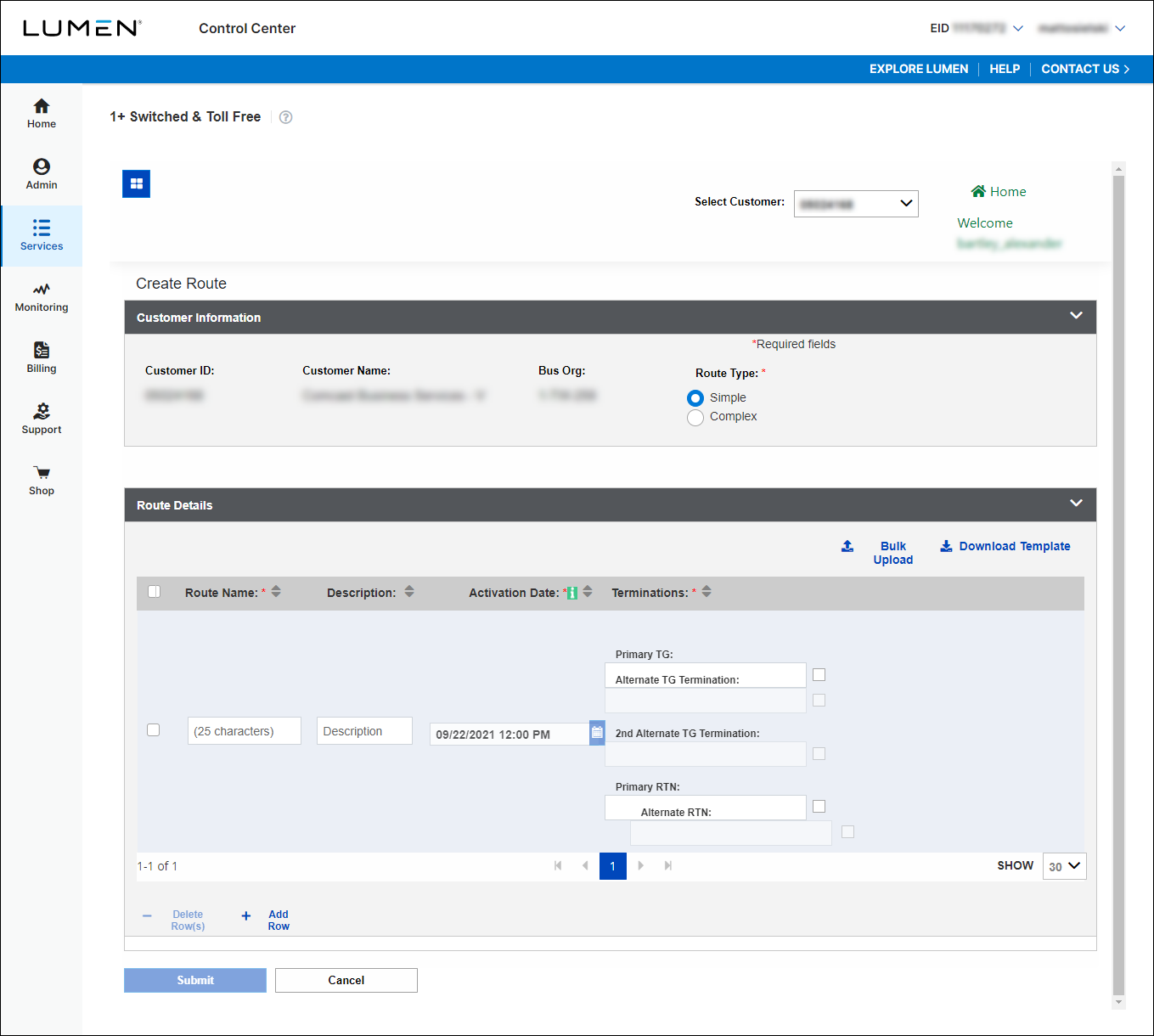
- Click Download Template and save the bulk template to your computer.
- Fill out the template with the route plans you want to add.
- Click Bulk Upload, navigate to the file, then click Open.
- When you're done, click Submit.
Lumen Connect submits the order for the route plan. You can now track the status of your order online.



