

Selecting supervisors to monitor
You can select the supervisors you want to monitor in the Contact Center Agent Client, to make it easier to know when they're available to talk. You can also quickly call a supervisor if there’s an escalating problem or an emergency.
To select supervisors to monitor:
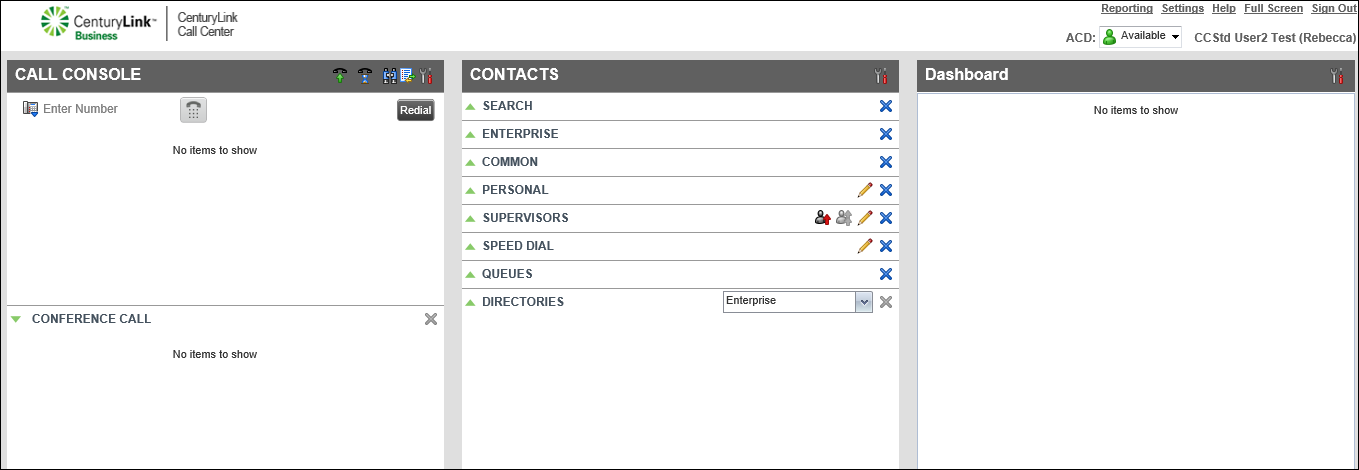
- In the Contacts pane next to SUPERVISORS, click the icon.
- Select the checkbox next to the supervisor(s) you want to monitor, then click Save.
- To exit, click the x in the upper-right corner of the window.
You’re now monitoring your supervisors and will see the phone status next to the supervisor’s name.



