Adding a description to a service in Bill Analyst
You can add up to two descriptions to each service to give your billing reports more meaning in Bill Analyst.
To add a description to a service:
- Using the left menu, click Billing, then click Bill Analyst.
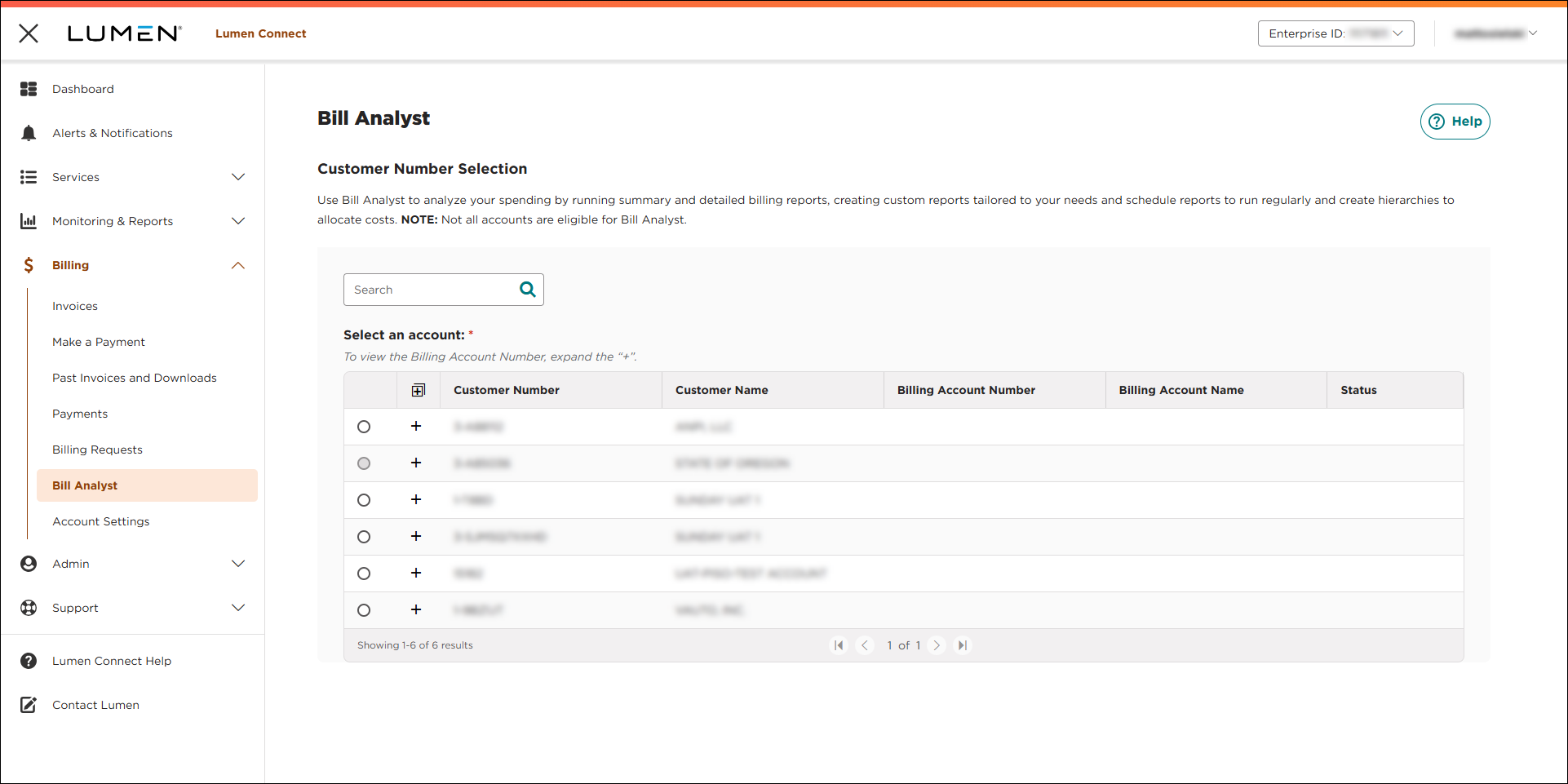
- Select the radio button next to the account you want to view, then click LAUNCH BILL ANALYST.
Lumen Connect opens Bill Analyst on a new tab.
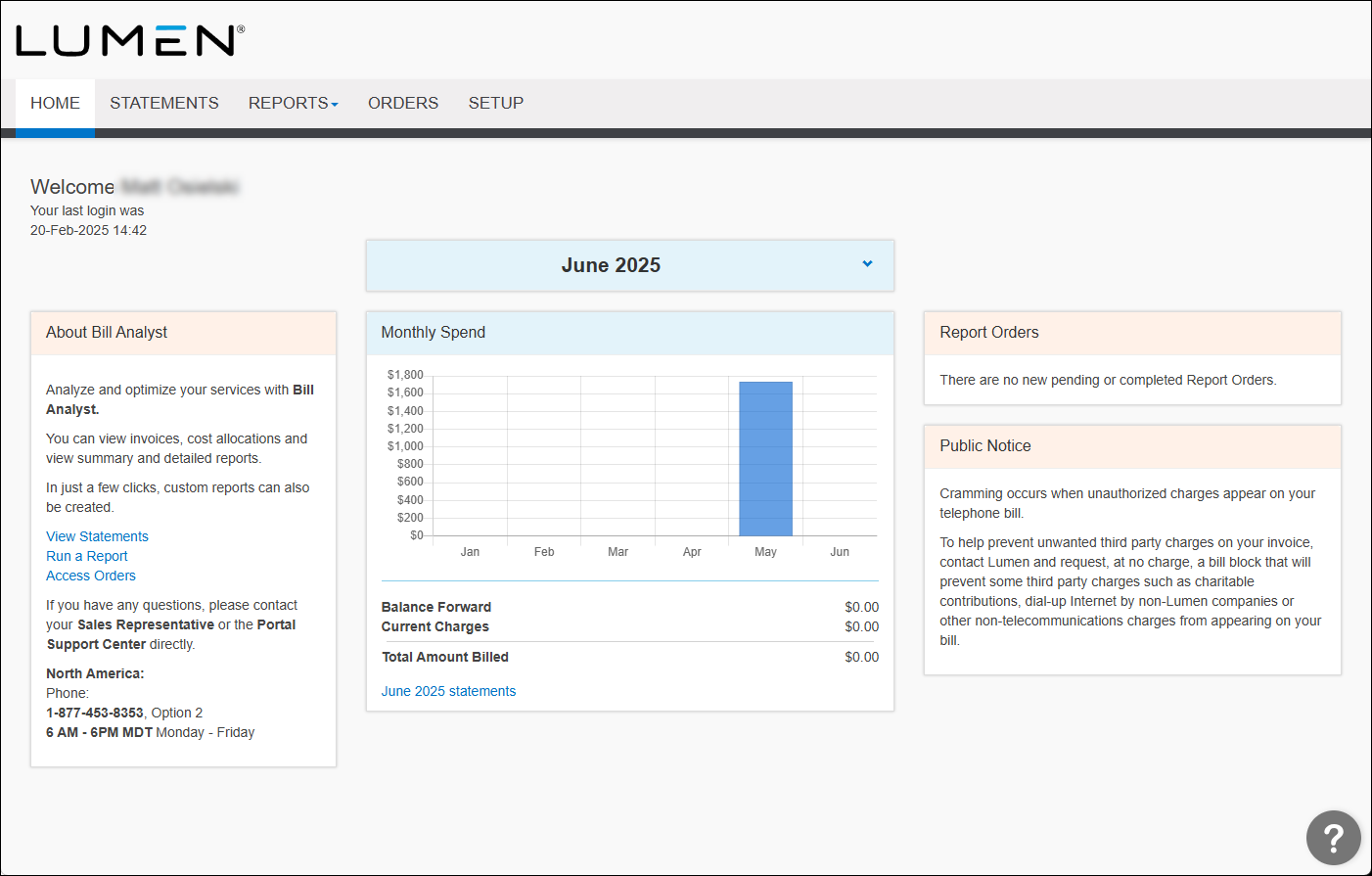
- Click the Setup tab.
- In the Hierarchies box, click Edit Levels.
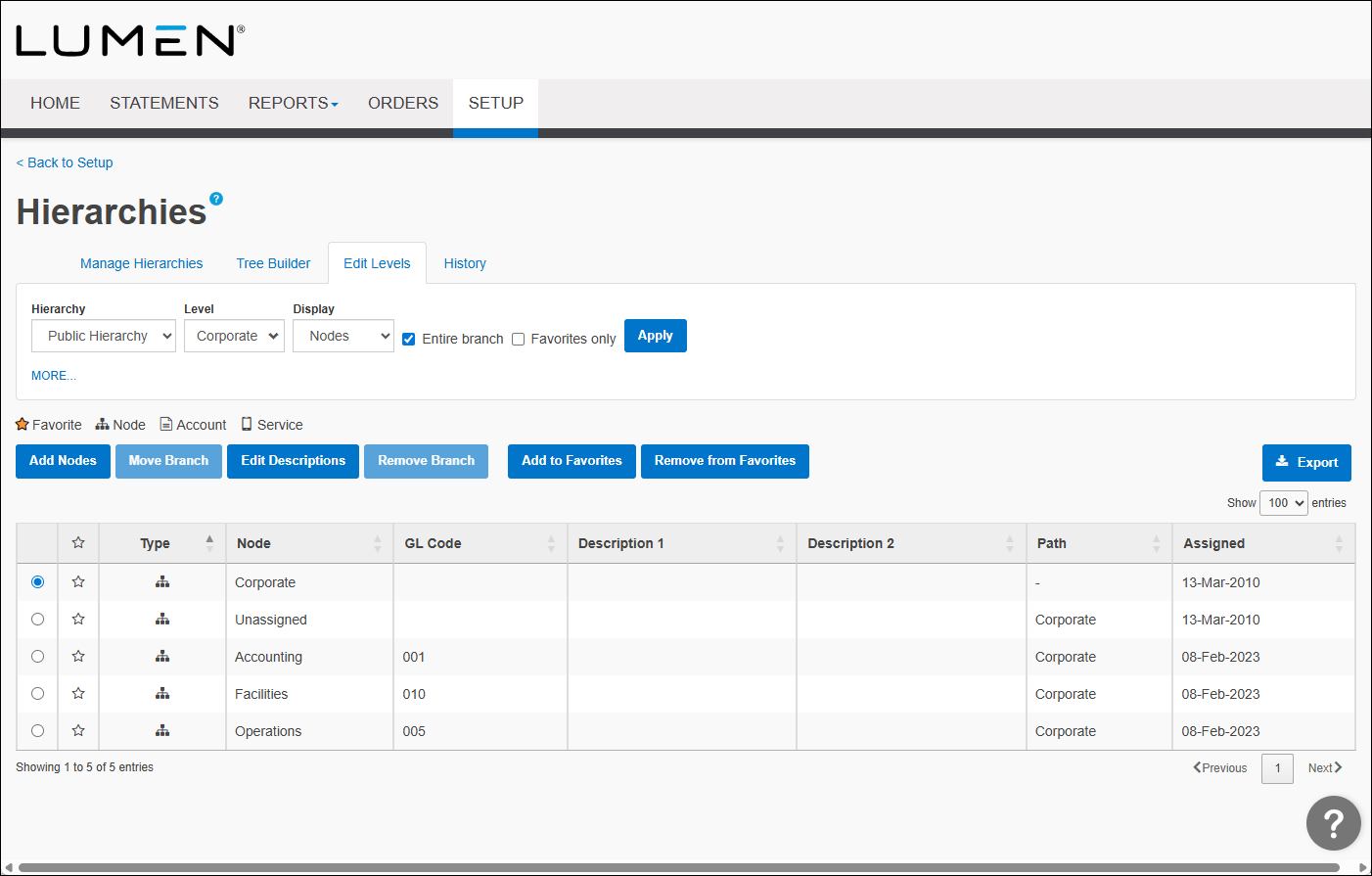
- From the Display list, select Services.
- Select the checkbox next to the service you want to add a description for, click Edit Description.
- In the Description 1 field, type a description for the service. If you want another description, type it in the Description 2 field.
- Click Save.



