Checking the status of an SFTP location in Bill Analyst
After you've added a secure file transfer protocol (SFTP) location in Bill Analyst, you can check its status. You will see one of three messages: pending, unable to validate, or validated. If needed, you can also edit an SFTP location or delete the SFTP location if you no longer need it.
To check the status of an SFTP location:
- Using the left menu, click Billing, then click Bill Analyst.
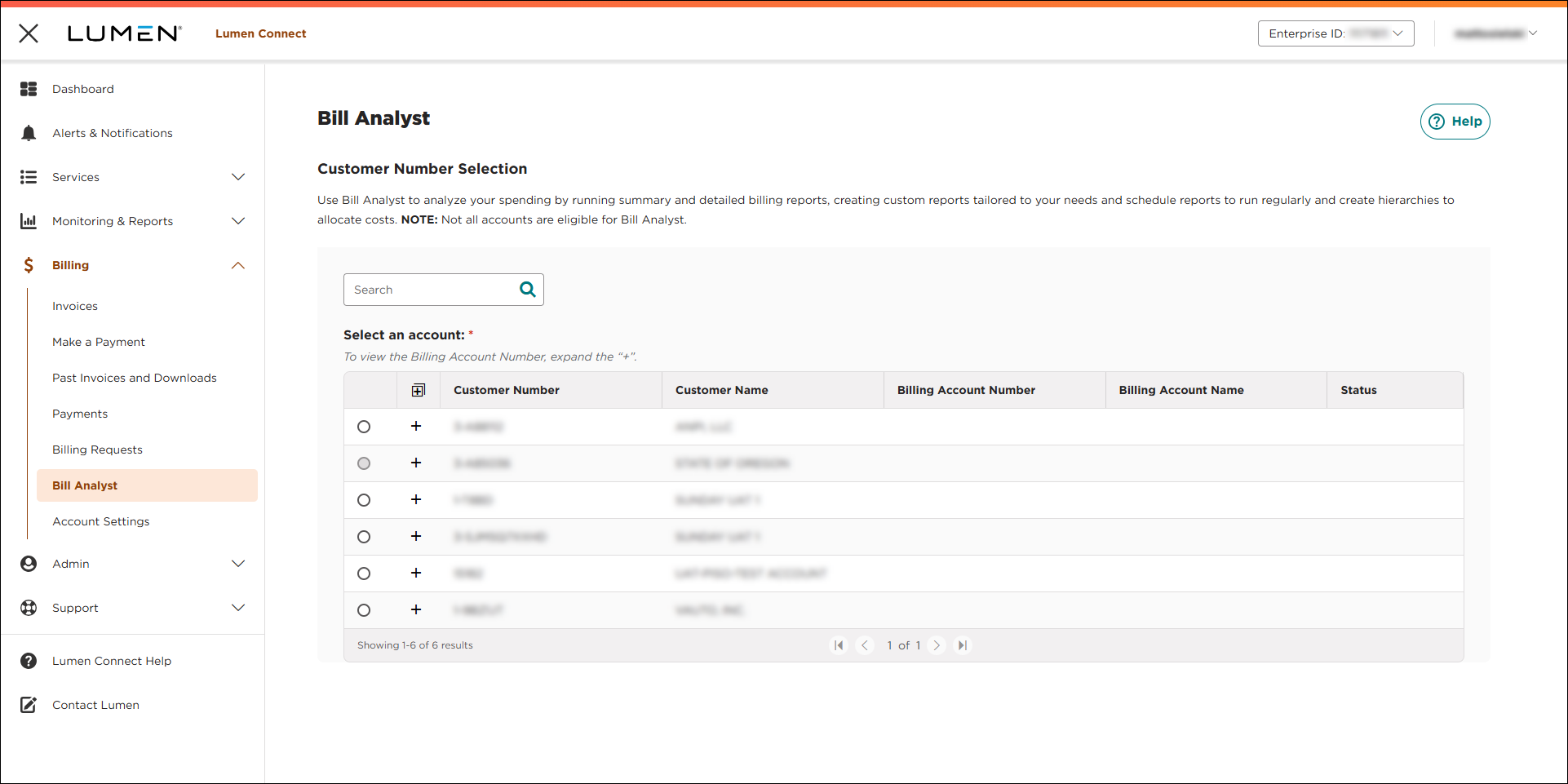
- Select the radio button next to the account you want to view, then click LAUNCH BILL ANALYST.
Lumen Connect opens Bill Analyst on a new tab.
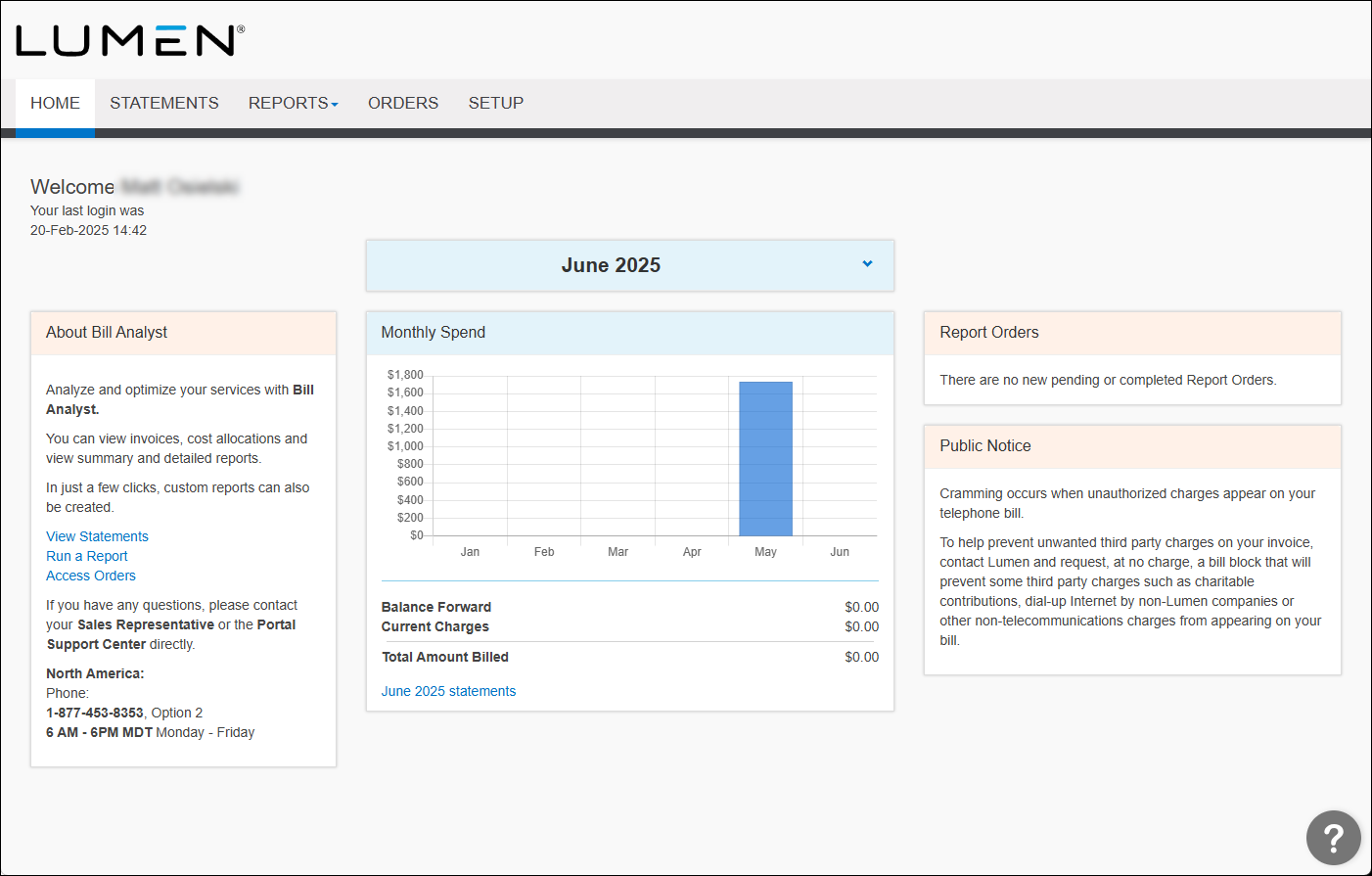
- Click the Setup tab.
- In the Account Information section, click SFTP Locations.
Bill Analyst lists the SFTP locations for your organization (if any) with a status for each location.



