Changing your Lumen Connect password
For security reasons, you should change your password periodically. If you need to change your enterprise ID, enterprise name, or username, contact your system administrator. If you ever forget your Lumen Connect username or password, you can retrieve them without having to contact us. We also have guidelines to help you choose a good password.
To change your Lumen Connect password:
- In the upper-right corner, click your username, then click My Profile.
Lumen Connect shows your profile.
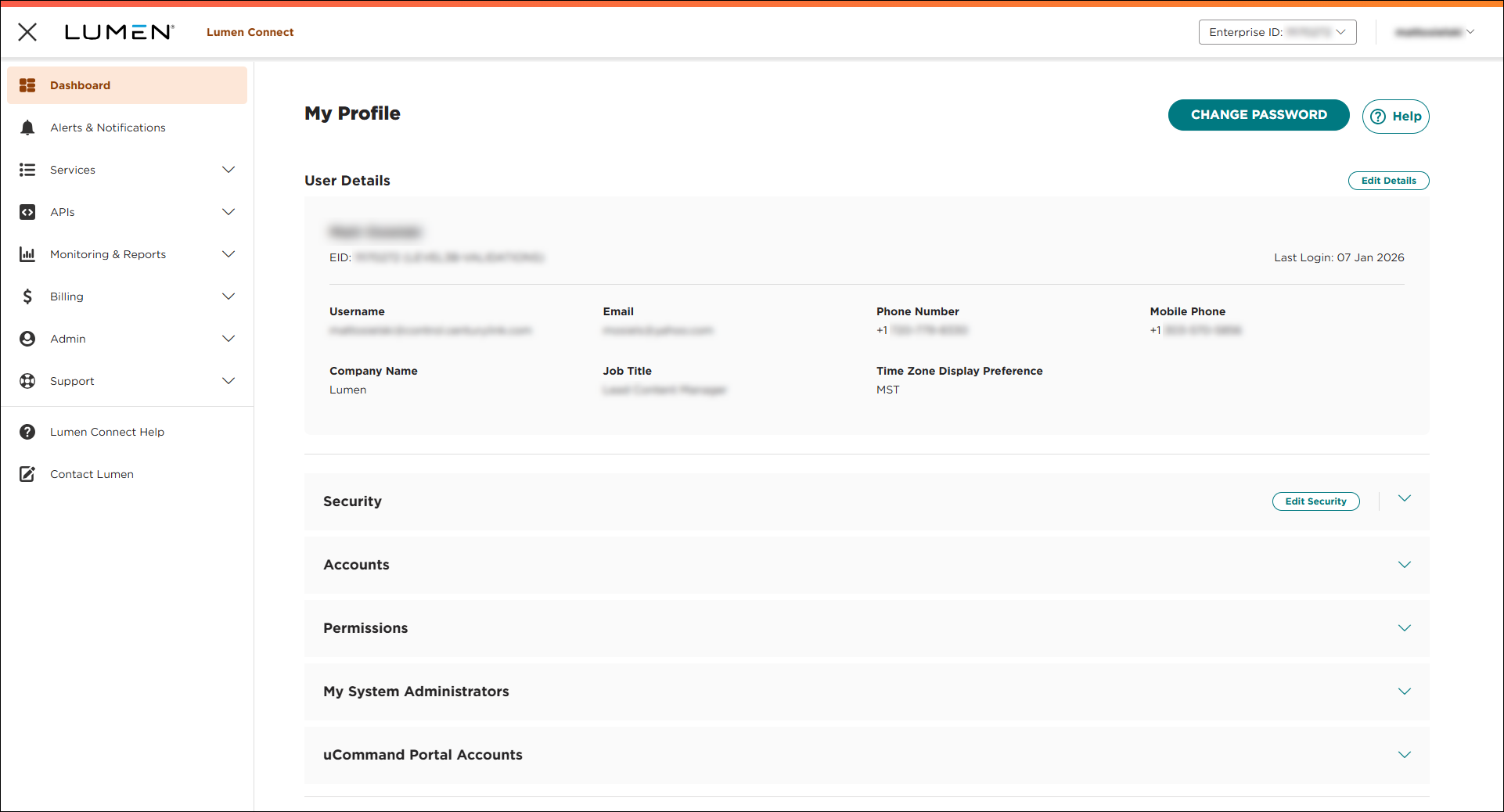
- Click EDIT PROFILE, then click Change My Password.
- In the Current Password field, type your current password, then type your new password in both the New Password and Confirm Password fields.
- Click Save.
Control Center saves your password.



