Viewing a list of your subscribed channels
As a Lumen® Vyvx® Linear Channel Distribution subscriber, you can view a list of the channels you're subscribed to. For each of the services in the list, you can hover over the blue arrow(s) to the left of the Provider column to see details of the subscription reservation(s) for that channel.
To view a list of your subscribed channels:
- Sign in to Media portal. (Get help resetting your password)
- From the main menu, select Orders > Linear Channel Distribution.
Media portal lists the available channels you can subscribe to. If you're a content subscriber, you can hover over the blue arrow(s) to the left of the Provider column to view your existing subscription reservations for that channel.
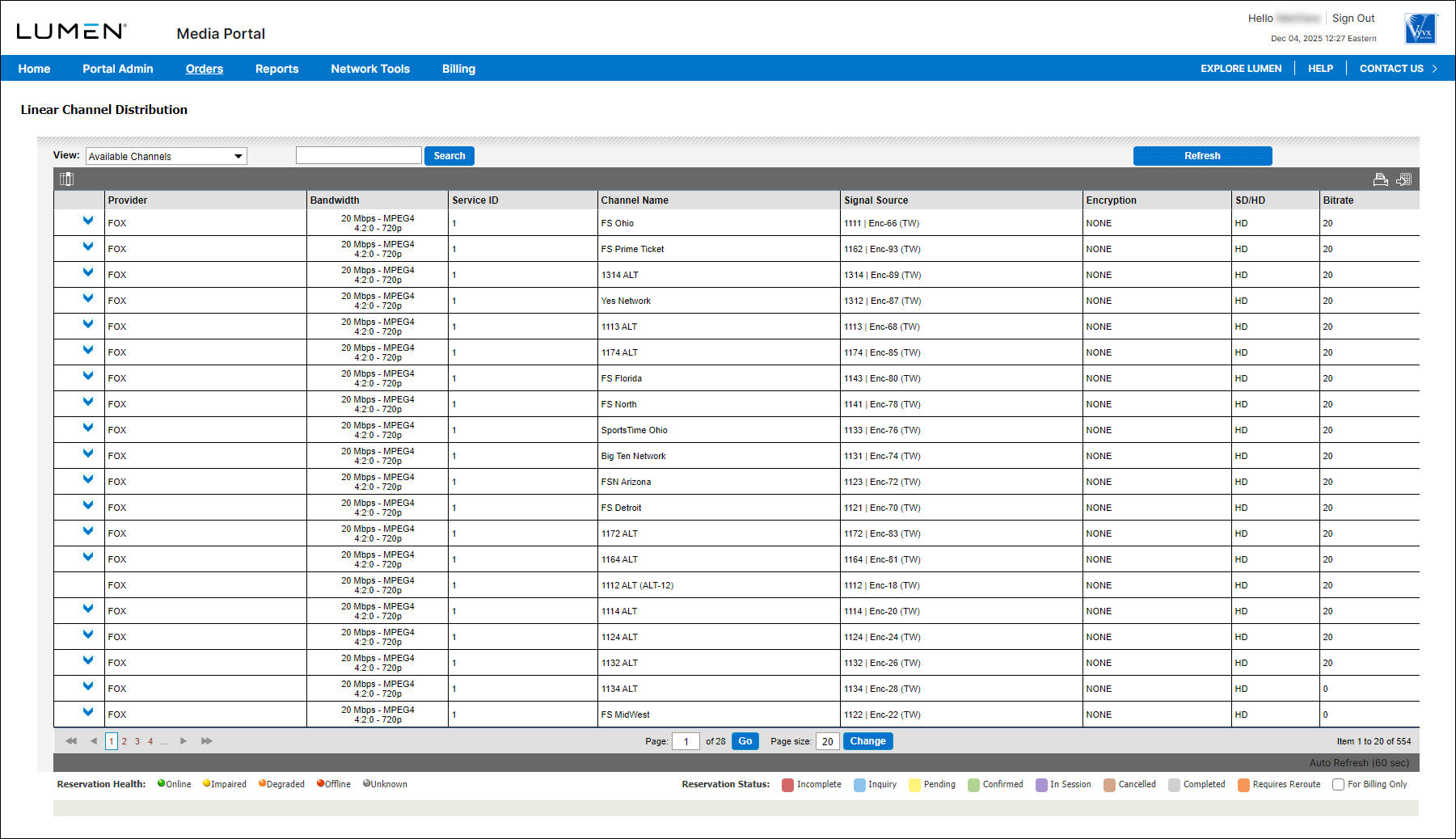
- From the View list, select My Channels (Subscribed).
Media portal lists the channels you're subscribed to. In the column to the left of the Provider column, Media portal shows the health of your reservation: Online (green dot), Impaired (yellow dot), Degraded (orange dot), Offline (red dot), or Unknown (gray dot).



