Deleting a document
If you no longer need a document stored in Lumen Connect, you can delete it. You also delete a document if you need to replace an outdated copy or adjust who can access the document. Once you've deleted the old document, you can upload a new copy and specify who can access it.
To delete a document:
- Using the left menu, click Admin, then click Documents.
Lumen Connect lists all documents you have access to for your organization.
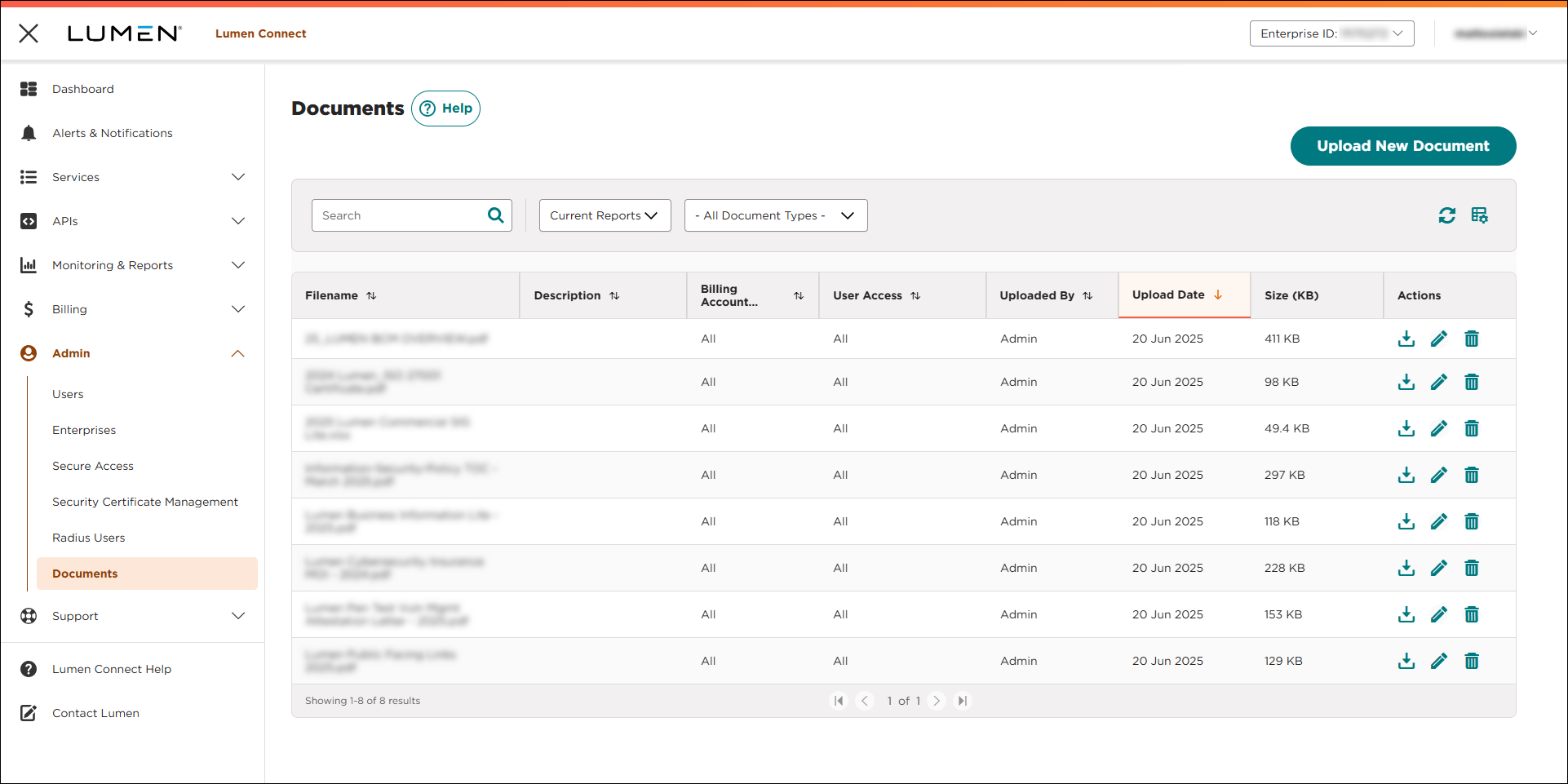
- On the right side of the row for the document you want to delete, click the icon (in the Actions column).
Lumen Connect deletes the document you selected.



