Viewing a list of accounts on an enterprise
As a system administrator, you can view a list of all the accounts assigned to an enterprise in Lumen Connect®. The accounts control what services appear on the enterprise. After you view the list, you can create billing groups to make it easier to manage your accounts. If you have additional accounts that aren't in Lumen Connect, you can add those accounts to this enterprise so you can see everything in one place. If you have accounts on another enterprise, you can also request those accounts be moved to this enterprise. You can also request a new enterprise if you need to segregate a set of accounts.
Looking for a list of services? You can view a list of Lumen services on an enterprise.
Looking for a list of users? You can also view a list of users on an enterprise.
To view a list of accounts on an enterprise:
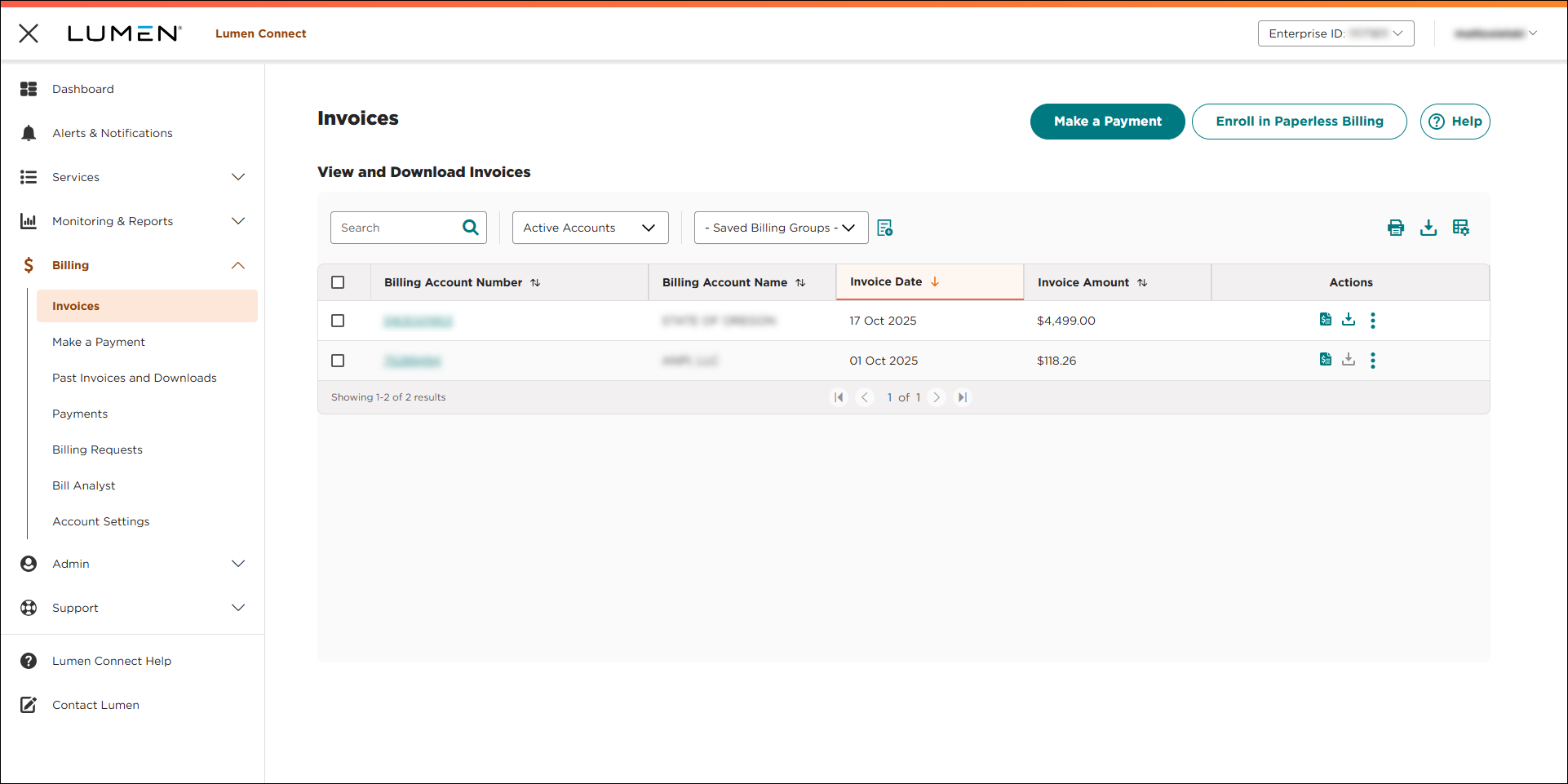
- Using the left menu, click Billing, then click Invoices.
Lumen Connect shows a list of invoices for active accounts. (To view all accounts, select All Accounts from the Active Accounts list.)