Changing your time zone preference
You can set Lumen Connect® to show times in Greenwich Mean Time (GMT) or using your browser's local time zone.
To change your time zone preference:
- In the upper-right corner, click your username, then click
person My Profile.
Lumen Connect shows your profile.
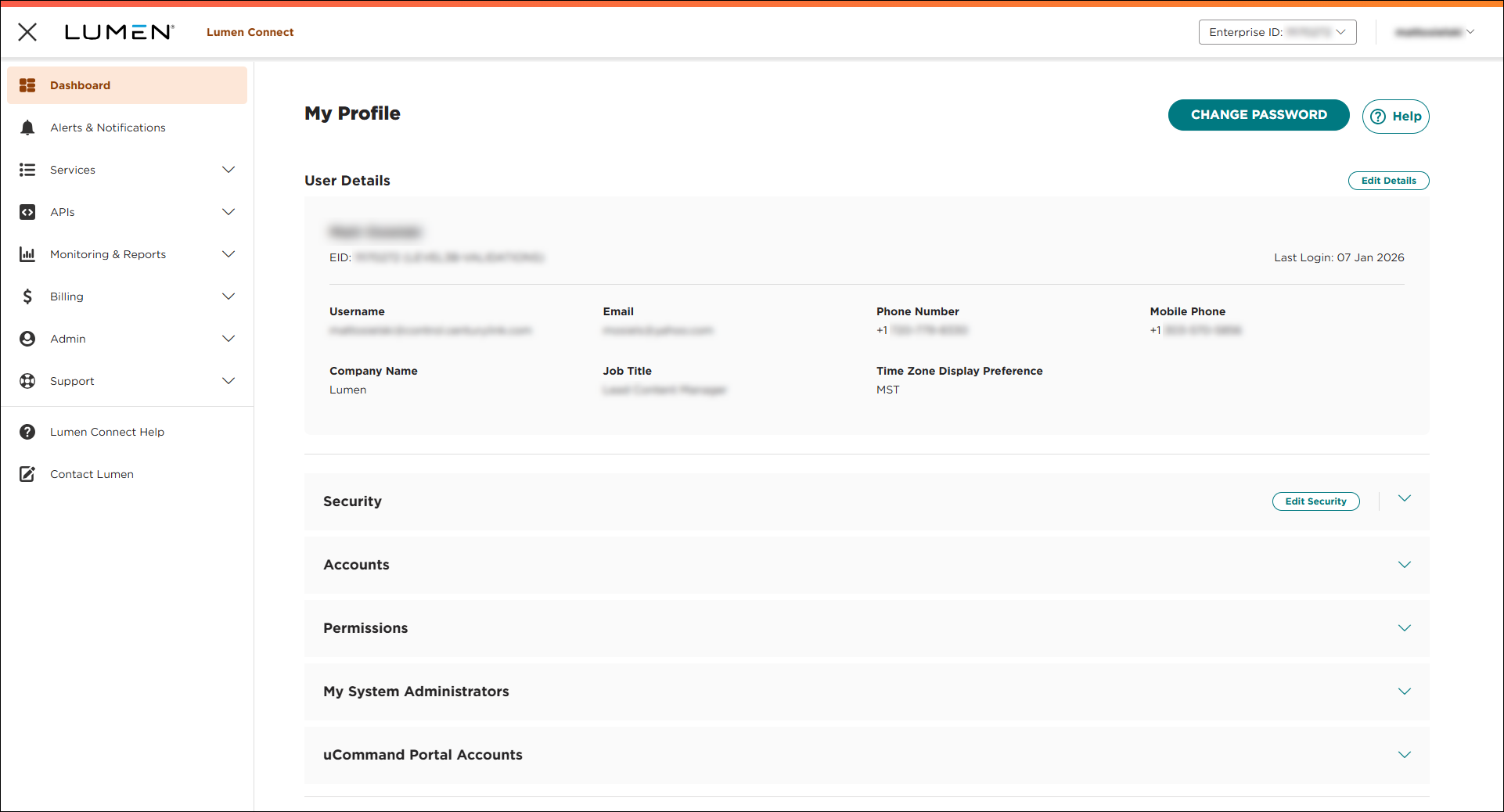
- In the User Details section, click Edit Details.
- To set your time zone, do one of the following:
- To use your time zone, click User Time Zone.
- To use GMT, click GMT Time Zone.
- To use your time zone, click User Time Zone.
- Click Save & Return to Profile.
Note: We've recently increased our security. Depending on when you last updated your profile, you may also need to update your security questions.



