Viewing the status of an order without signing in
You can check the status of an order while you're on the go without signing in to Lumen Connect. Just type your billing account number and order number to get a quick status update on your order. You can also check the status of an open ticket without signing in.
To view the status of an order without signing in:
- Open a browser and go to connect.lumen.com.
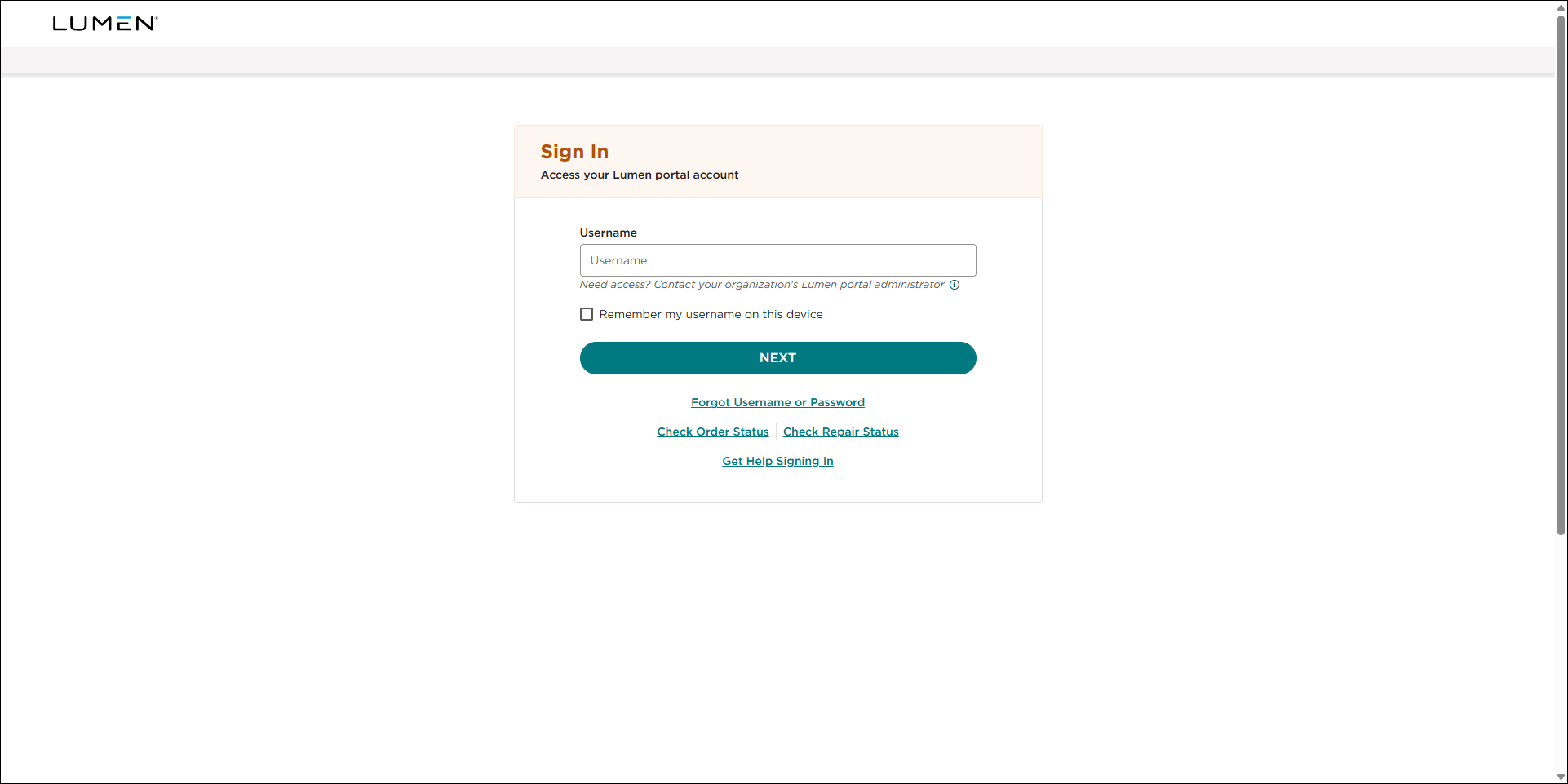
- In the Check your status without signing in box, click Order Status.
- Type the order number and the billing account number, click Submit.
Lumen Connect shows details for the order.



