Viewing the status of an order without signing in
You can check the status of an order while you're on the go without signing in to Lumen Connect®. Just type your billing account number and order number to get a quick status update on your order. You can also check the status of an open ticket without signing in.
To view the status of an order without signing in:
- Open a browser and go to connect.lumen.com.
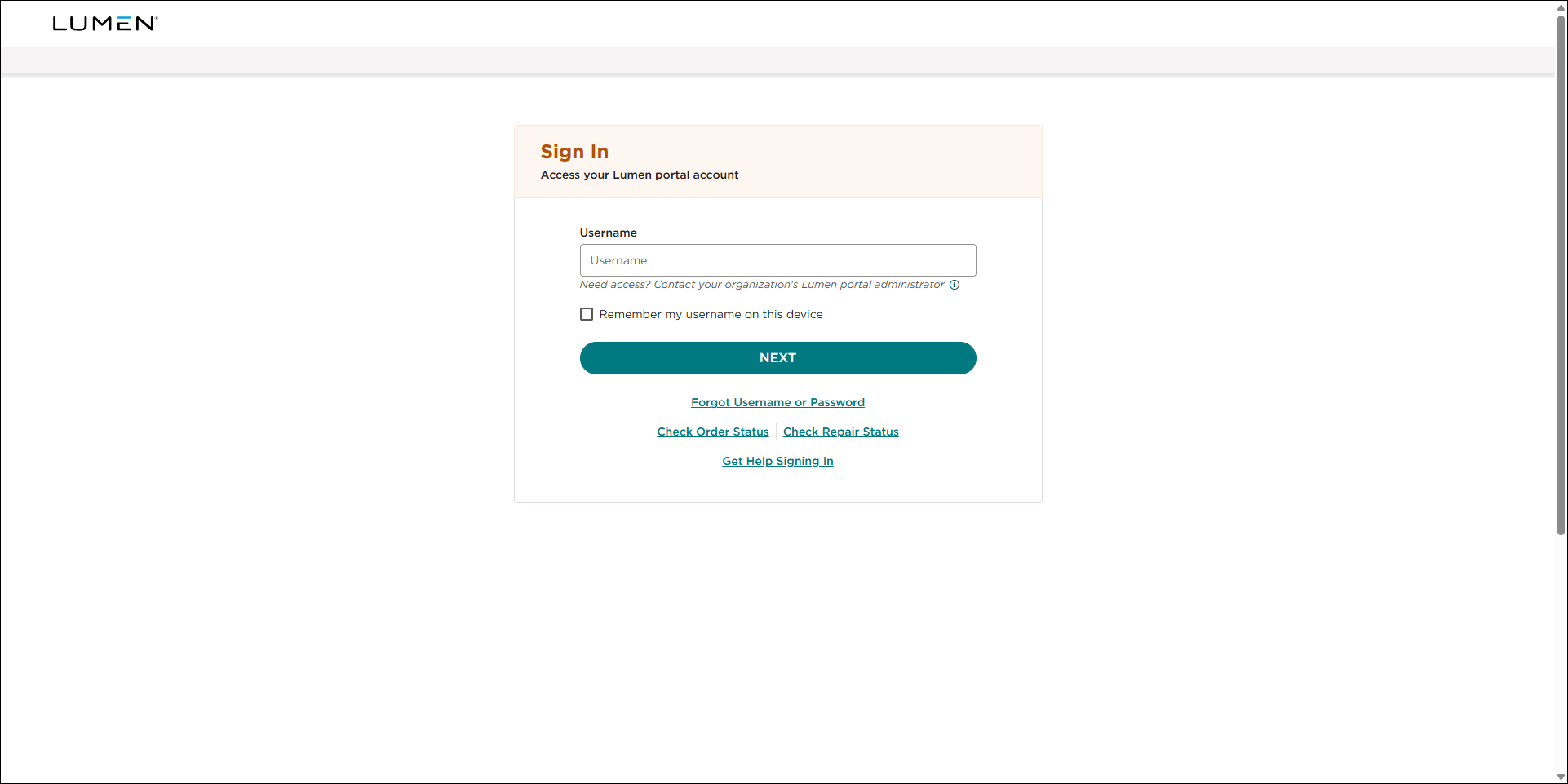
- In the Check your status without signing in box, click Order Status.
- Type the order number and the billing account number, click Submit.
Lumen Connect shows details for the order.



