Submitting a request to move services
Use Lumen Connect to submit a request to move Lumen Toll-Free, IQ Networking, or Private Line services. Your request will be routed to your Lumen representative, who will contact you for additional information.
To submit a request to move services:
- Using the left menu, click Services, then click Order Status.
Lumen Connect shows all open orders and those completed in the past 90 days and lists status of each order in the Status column. If an order has child orders, a icon appears to the left of the order number. (You can use the cards at the top of the page to filter your orders to view install, change, or disconnect orders.)
- Pending—we priced and designed a solution and you accepted it. We’re working on the final details of the order so our team can submit your order.
- Submitted—we submitted your order and are getting credit approval. Once your credit is approved, we will assign a customer care manager to work on your order (depending on the service you purchased).
- In Progress—we’re working on building and testing your service. As progress continues, we’ll email you to let you know the status. If you have questions about your order, contact the customer care manager listed on your order.
- Cancelled—we canceled your order and your service(s). No further progress will be made. For questions concerning the cancellation, contact the customer care manager listed on your order.
- Complete—we completed your order and your service(s) is ready for you to use and manage. We’ve also started billing you for this service.
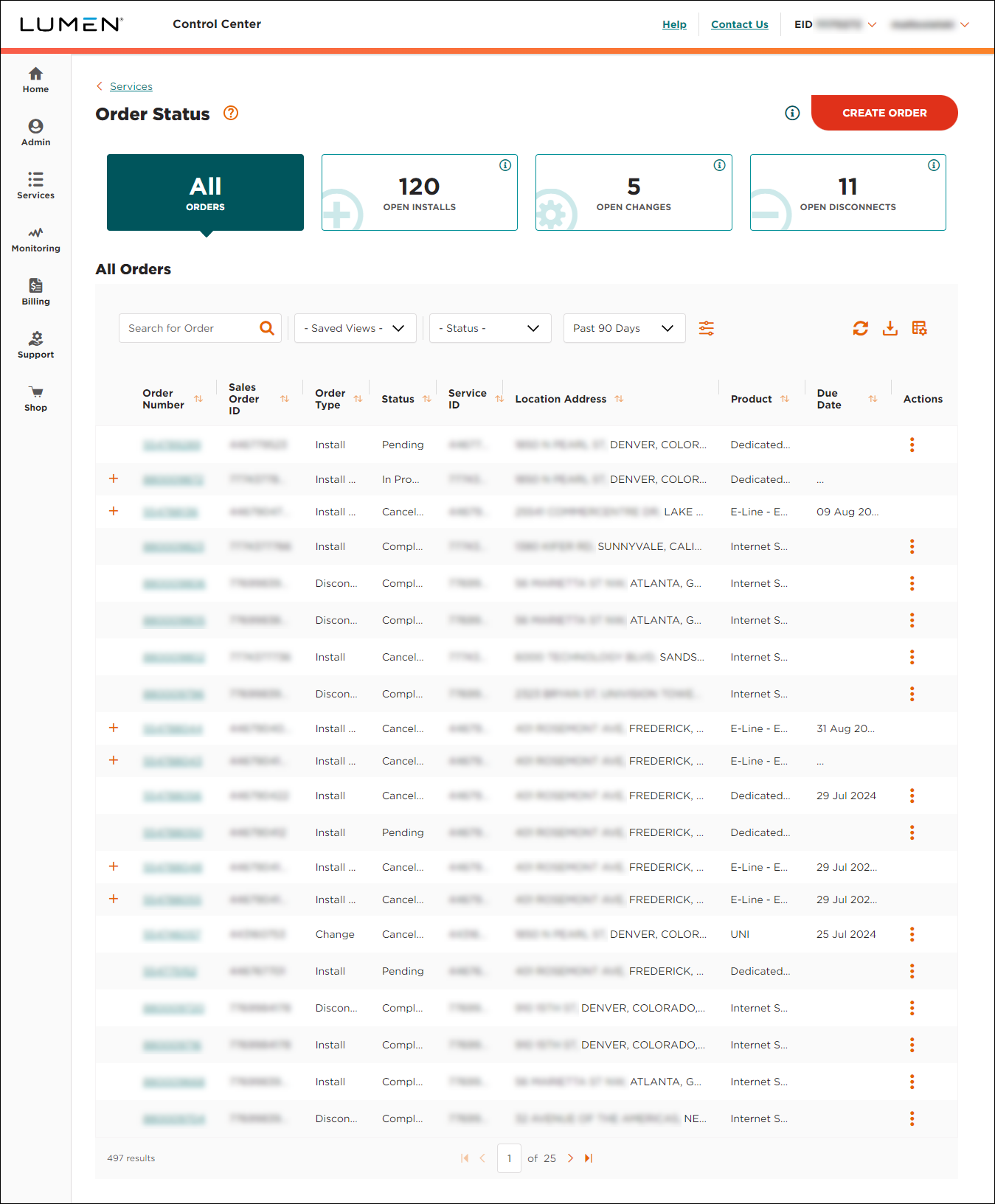
- Click CREATE ORDER.
- Click Move.
- From the Service Type list, select the service you want to move, then fill in the form.
Include your name, phone number, email address, account number, service ID(s), current service address, new service address, and preferred move date. If you have a complex request, you can upload a file (e.g., XLS, CSV, PDF, XML) rather than manually entering the information.
- When done, click Submit Request.
You'll receive an email confirming the services you want moved. You can also check your order status in Lumen Connect.



