Signing in to Media portal
To manage your Lumen® Vyvx® services, you need to sign in to Media portal.
Note: To sign in to Media portal, you must be a registered user. If you don't have an account, contact your Lumen representative.
To sign in to Media portal:
- Open a browser and go to mediaportal.lumen.com.
- Type your username and password, then click Sign In.
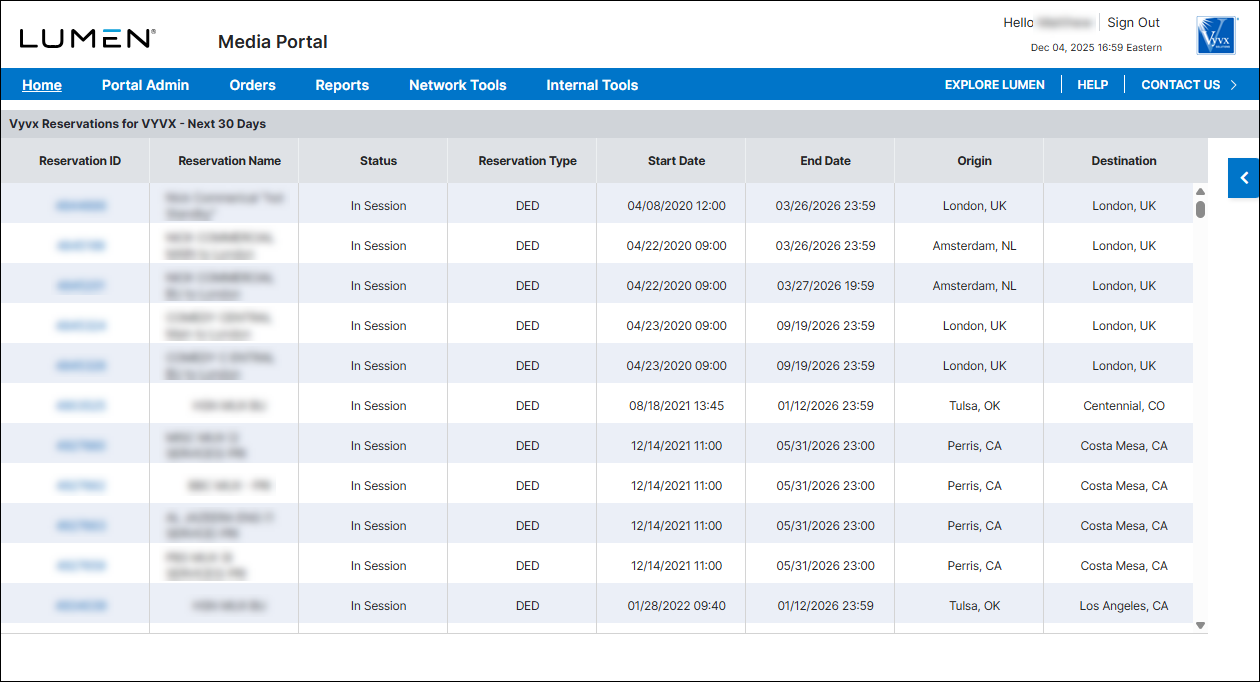
The Media portal dashboard appears.