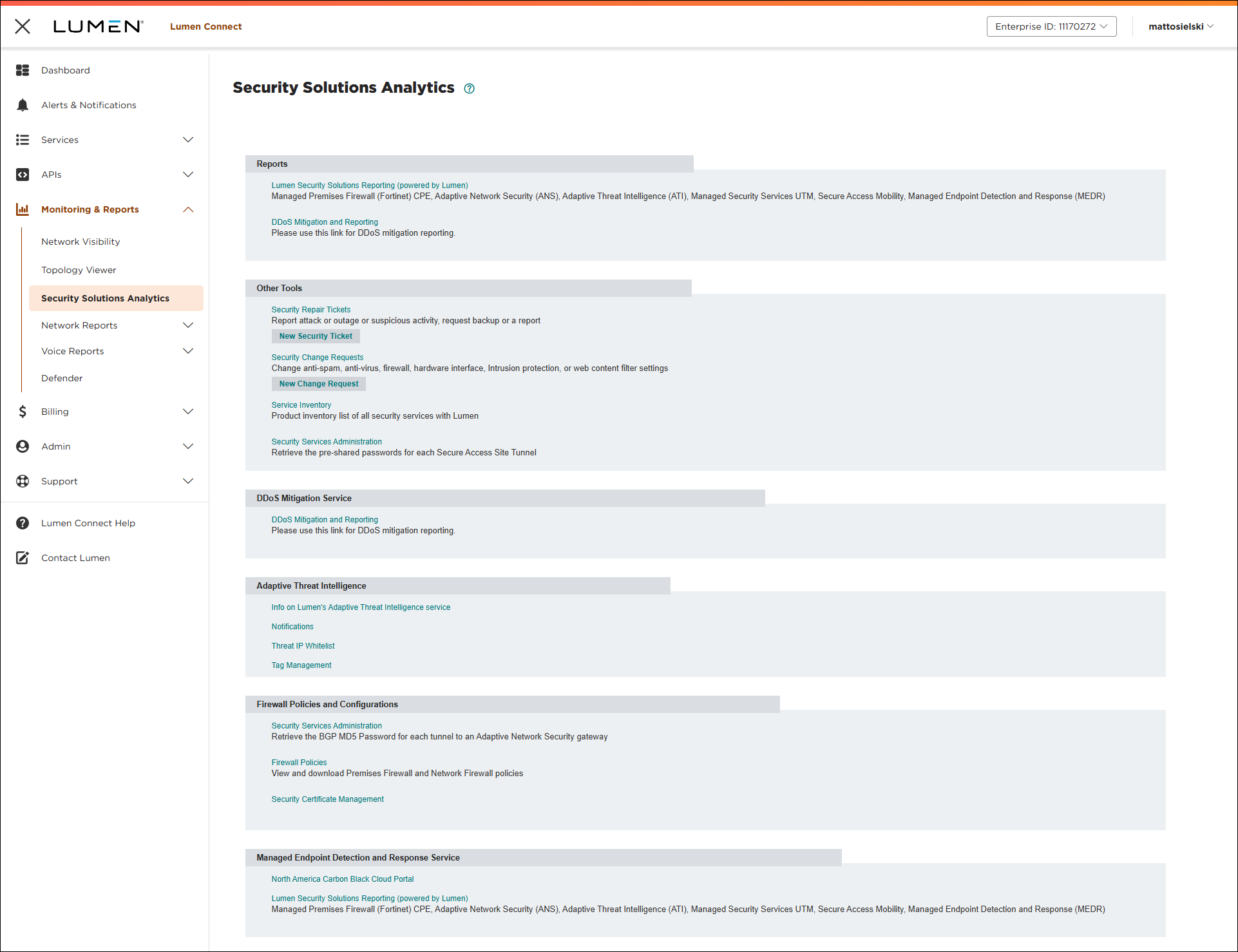
Signing in to the Security Solutions portal
To view reporting for your security services, such as Adaptive Network Security or Adaptive Threat Intelligence, you need to sign in to the Security Solutions portal.
To sign in to the Security Solutions portal:
- Open a browser and go to https://www.lumen.com/securitysolutions.
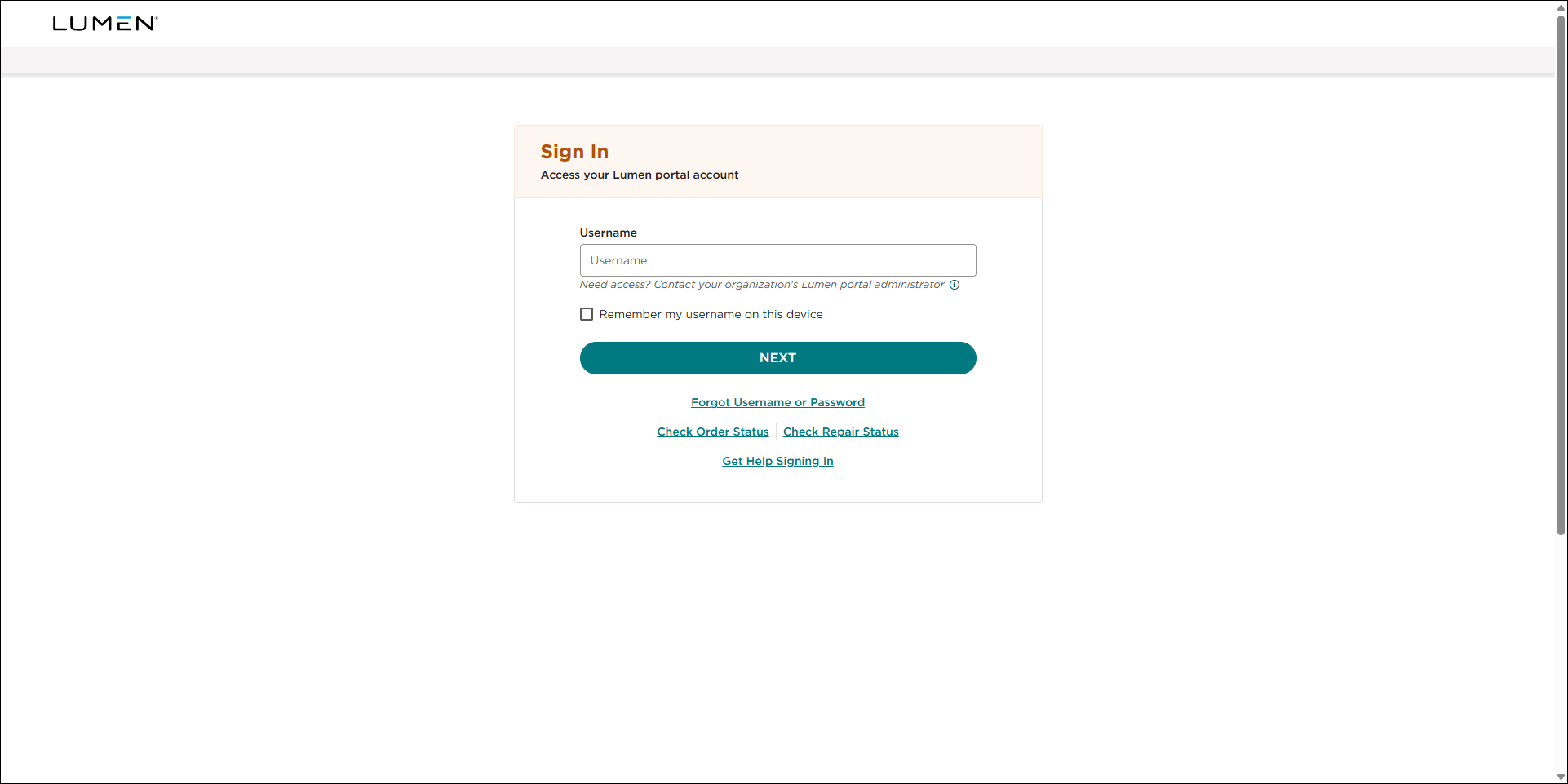
- Type your username, then click NEXT.
- Type your password, then click SIGN IN.
- Open the authenticator app you set up for Lumen Connect.
- Type or copy the one-time code from the authenticator app into the Verification Code field, then click CONTINUE.