Creating a custom holiday for day‑of‑year routing
If you're using the day-of-year routing feature to redirect call traffic for Lumen® Toll Free Service, you can create custom holidays that are unique to your business using Lumen Connect. Holidays only last one day. If you need to redirect calls for multiple or consecutive days during a single week use day-of-week routing.
To create a custom holiday for day-of-year routing:
- In the Services widget on the homepage, select Toll Free from the Find by Product or Service Tool list.
Lumen Connect shows all Toll Free services on the enterprise ID.
- Search for the service you want to work with. When you find the service you want to work with, click the hyperlinked service ID or click the icon (in the Actions column), then click View Details.
Lumen Connect shows details for the toll-free service you selected.
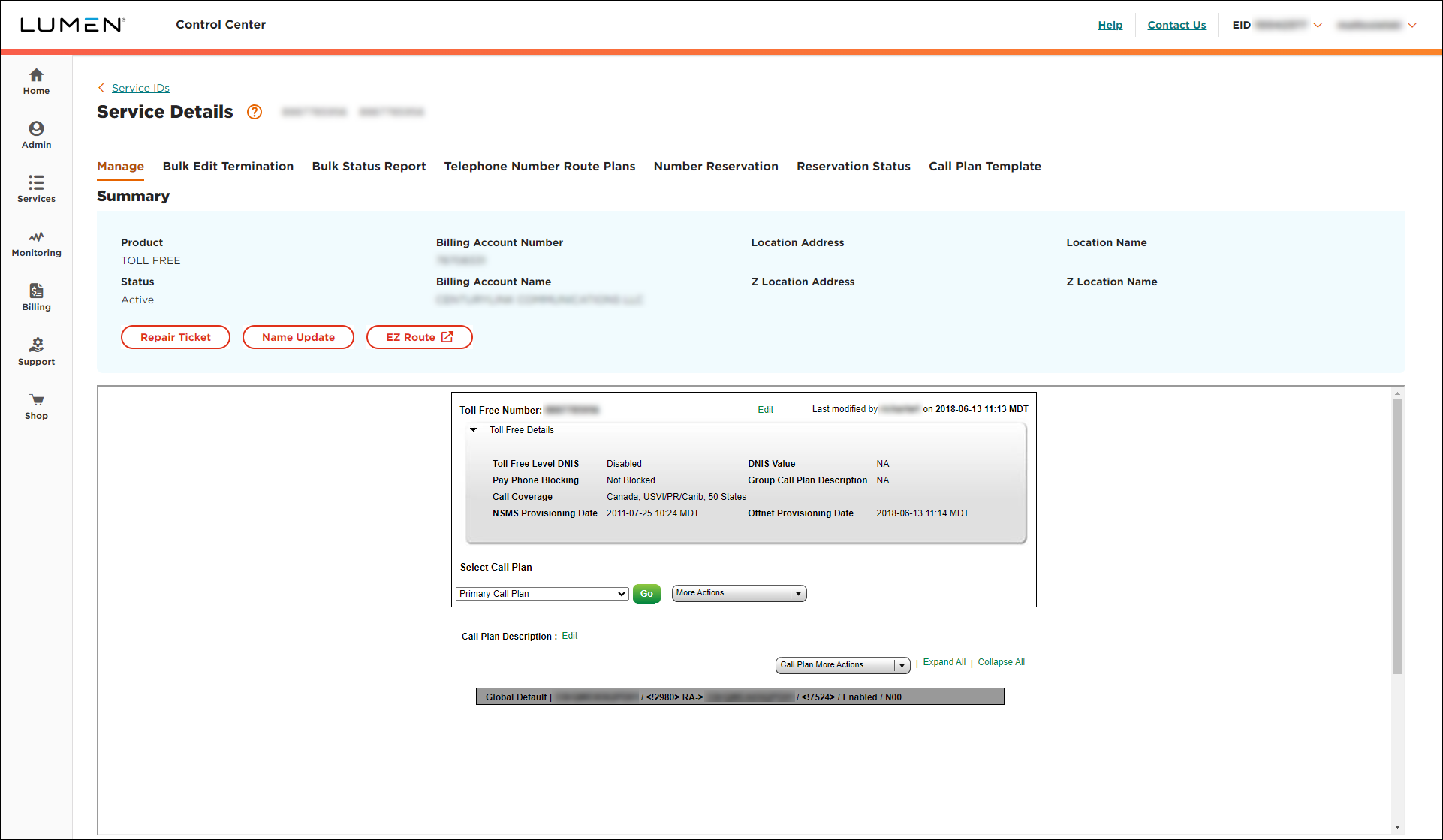
- From the Call Plan More Actions list, select Edit Call Plan.
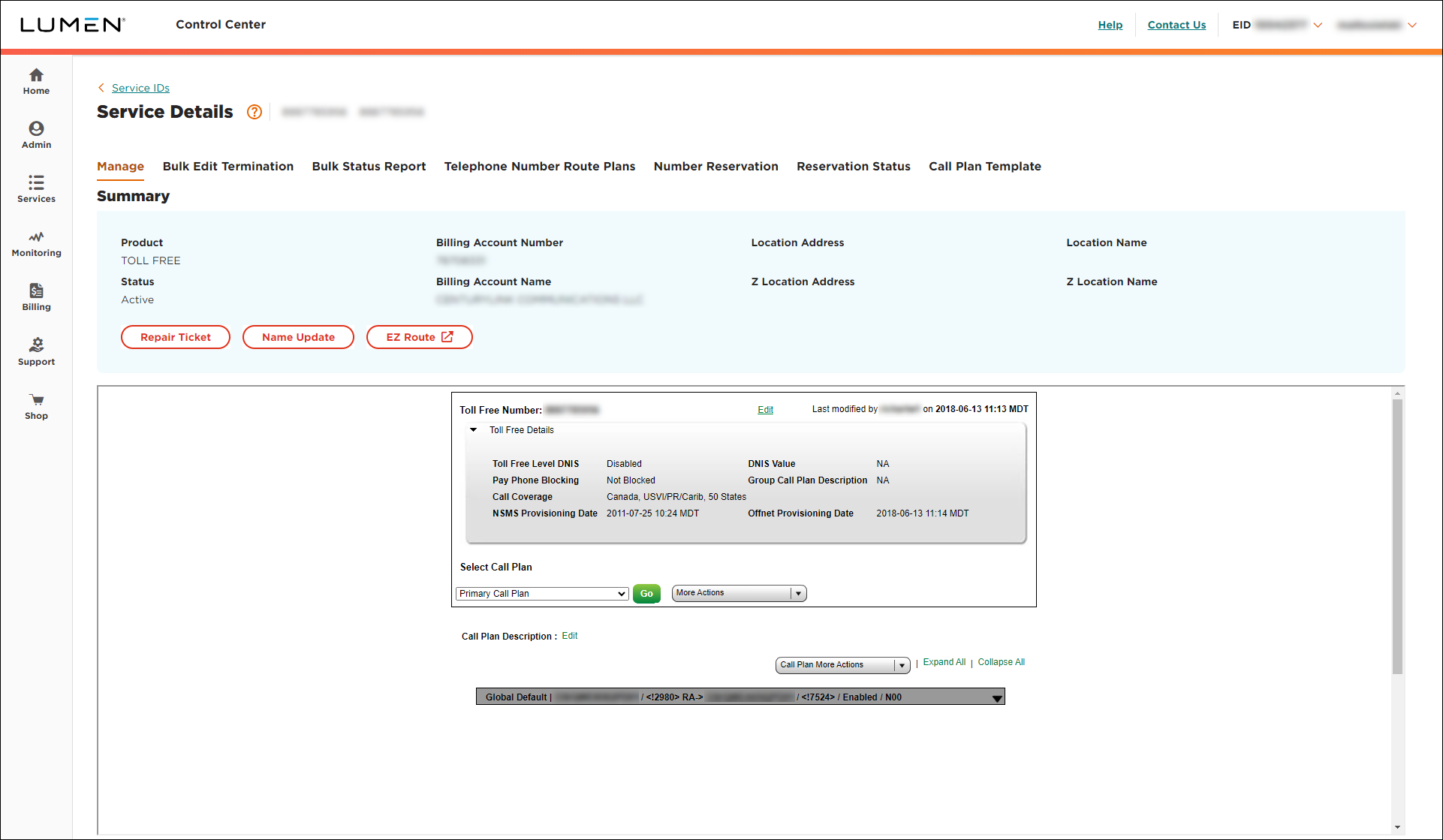
- From the Call Plan More Actions list, select Holidays.
- Click Add New.
- In the Holiday Name field, type a name for the holiday.
- In the Date field, type a date for the holiday (or click the calendar to select the date).
- Click Add.
Lumen Connect shows the new holiday in the list of custom holidays for the year.



