Removing a toll-free number from a group call plan
For Lumen® Toll Free Service, group call plans let you change the routing plan for multiple toll-free numbers at once. After you set up the group call plan using Lumen Connect, you can update it (e.g., to add numbers to the group). You can remove toll-free numbers if you no longer want them to follow the call plan.
To remove a toll-free number from a group call plan:
- In the Services widget on the homepage, select Toll Free from the Find by Product or Service Tool list.
Lumen Connect shows all Toll Free services on the enterprise ID.
- Search for the service you want to work with. When you find the service you want to work with, click the hyperlinked service ID or click the icon (in the Actions column), then click View Details.
Lumen Connect shows details for the toll-free service you selected.
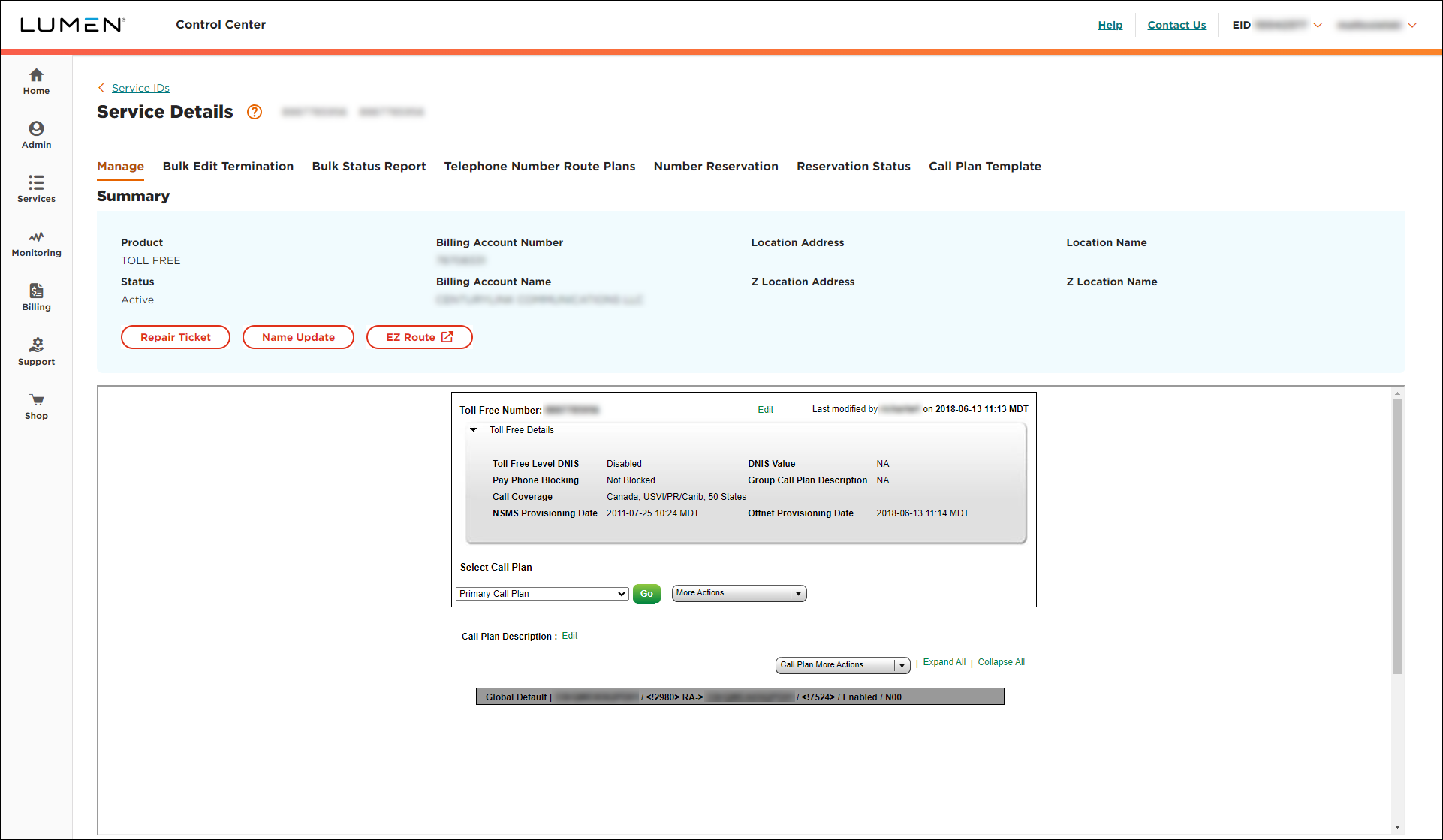
- From the More Actions list, select Group Call Plan.
Lumen Connect lists the toll-free numbers that are part of the group call plan.
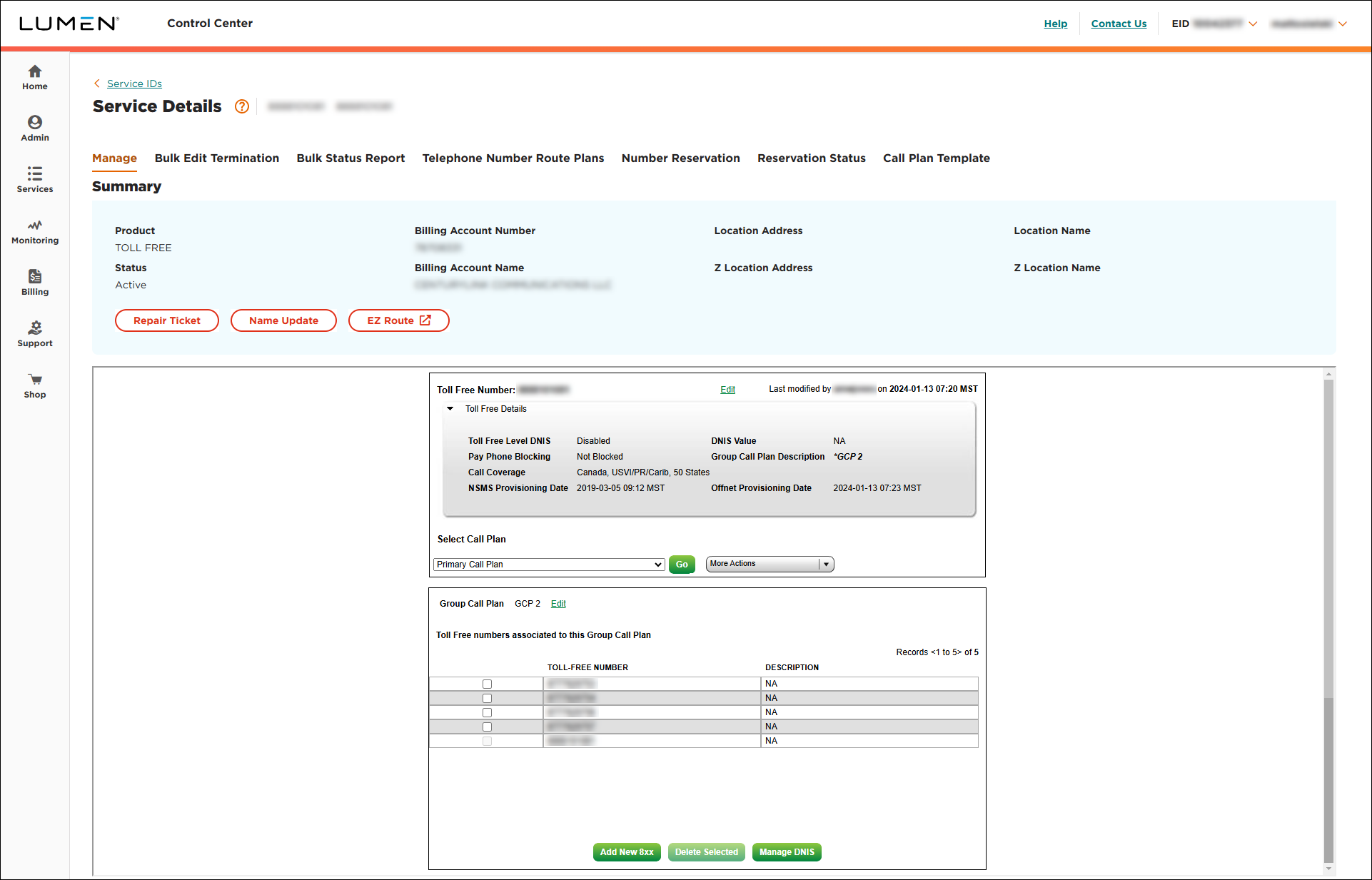
- Select the checkbox on the same line of the toll‑free number you want to remove from the group call plan, then click Delete Selected.
- In the confirmation window that appears, click OK.



