Viewing the status of a reserved toll-free number
After you reserve a toll-free number for a Lumen® Toll Free Service, you can check the status of your reservation using Lumen Connect. From there, you can cancel a reservation or determine which number(s) you'd like to order. However, you can only hold a reserved toll-free number for a limited amount of time (shown in the Expiration Date column). If you don't order or cancel the number by the expiration date, Lumen Connect returns it to the pool of available numbers.
To view the status of a reserved toll-free number:
- In the Services widget on the homepage, select Toll Free from the Find by Product or Service Tool list.
Lumen Connect shows all Toll Free services on the enterprise ID.
- Search for the service you want to work with. When you find the service you want to work with, click the hyperlinked service ID or click the icon (in the Actions column), then click View Details.
Lumen Connect shows details for the toll-free service you selected.
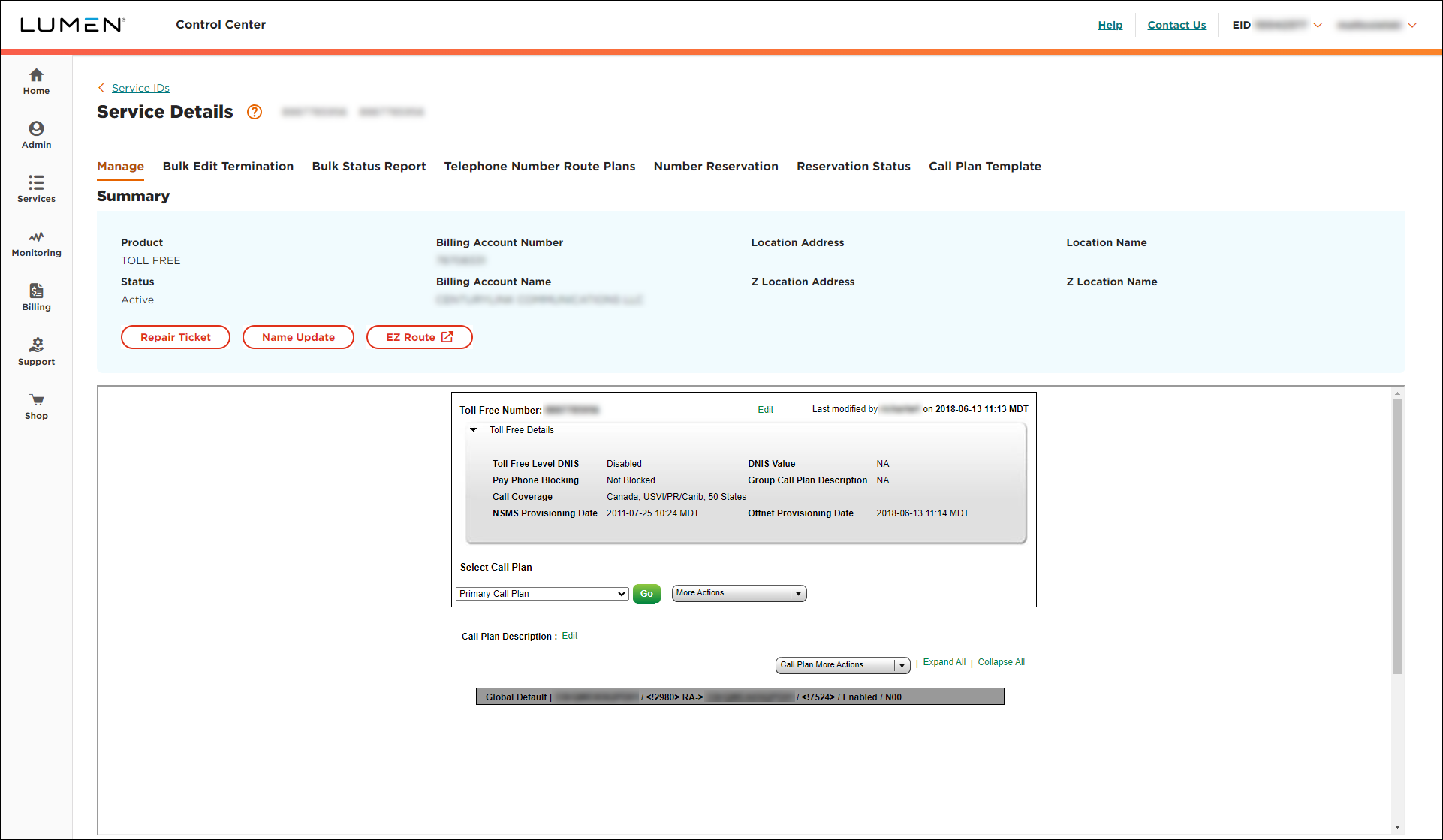
- Click the Reservation Status tab.
Lumen Connect shows the toll‑free numbers you've reserved along with the status of each reservation (Pending, Failed, Partial, Reserved, Canceled, Expired, or Ordered), date the number was reserved, and date the reservation will expire. If you have a lot of reserved numbers, you can filter the list by clearing or selecting the status(es) for reservations you want to view.



