Deleting an API key
If you no longer need an API key you created or want to disable the key/secret combination for the API key, you can delete it from Lumen Connect.
Important: Once you delete an API key, Lumen cannot restore it. If you need the API key again, you must create a new API key.
To delete an API key:
- Using the left menu, click APIs, then click API Keys.
Lumen Connect lists the API keys for your organization.
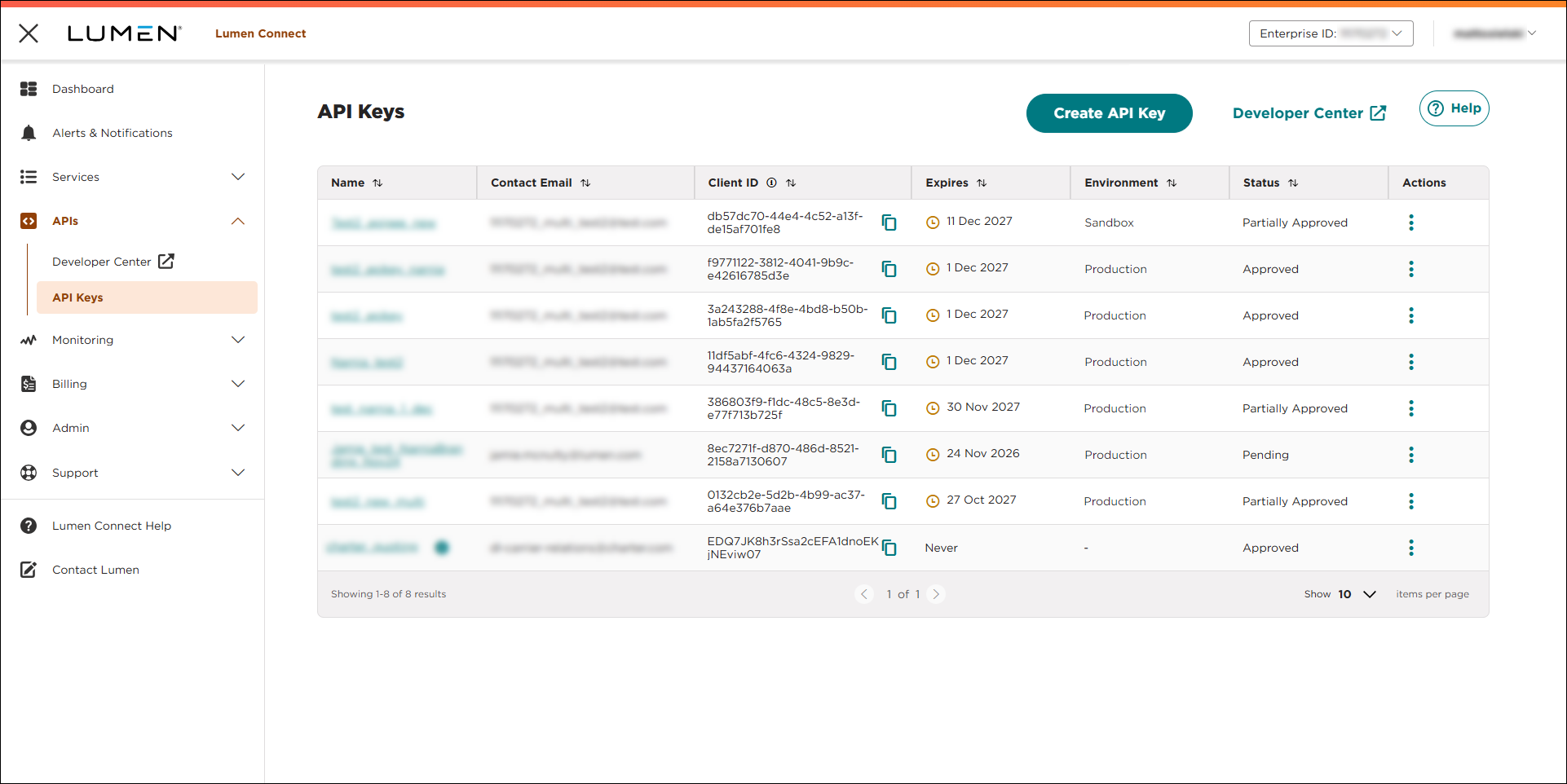
- Do one of the following:
- To delete the API key without reviewing it, click the icon (in the Actions column) for the API key, then click Delete API Key.
Lumen Connect deletes the API key.
- To review the API key before deleting, do the following:
- Click the link in the Name column on the row for the API key.
Lumen Connect shows details for the API key.
- Review the details to be sure you selected the correct API key, then click DELETE API KEY.
Lumen Connect deletes the API key.
- Click the link in the Name column on the row for the API key.
- To delete the API key without reviewing it, click the icon (in the Actions column) for the API key, then click Delete API Key.



