Editing a pending billing report order in Bill Analyst
If you've placed a order for a summary or detail billing report or a billing statement in Bill Analyst, you can edit it before the order is complete (for one-time orders) or edit it for future recurring orders. If you no longer need a report, you can delete the pending billing report order from your list of pending orders.
To edit a pending billing report order:
- Using the left menu, click Billing, then click Bill Analyst.
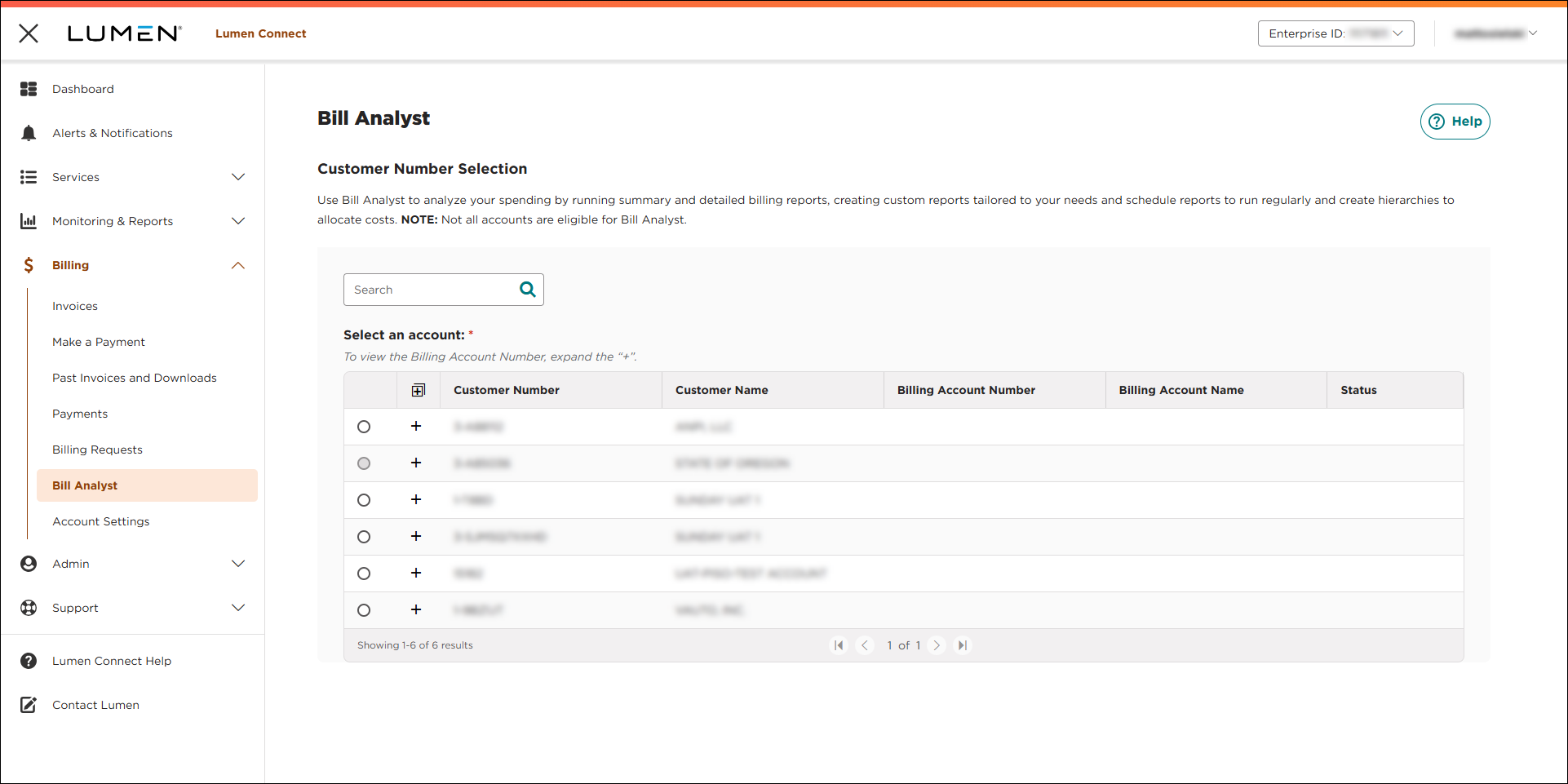
- Select the radio button next to the account you want to view, then click LAUNCH BILL ANALYST.
Lumen Connect opens Bill Analyst on a new tab.
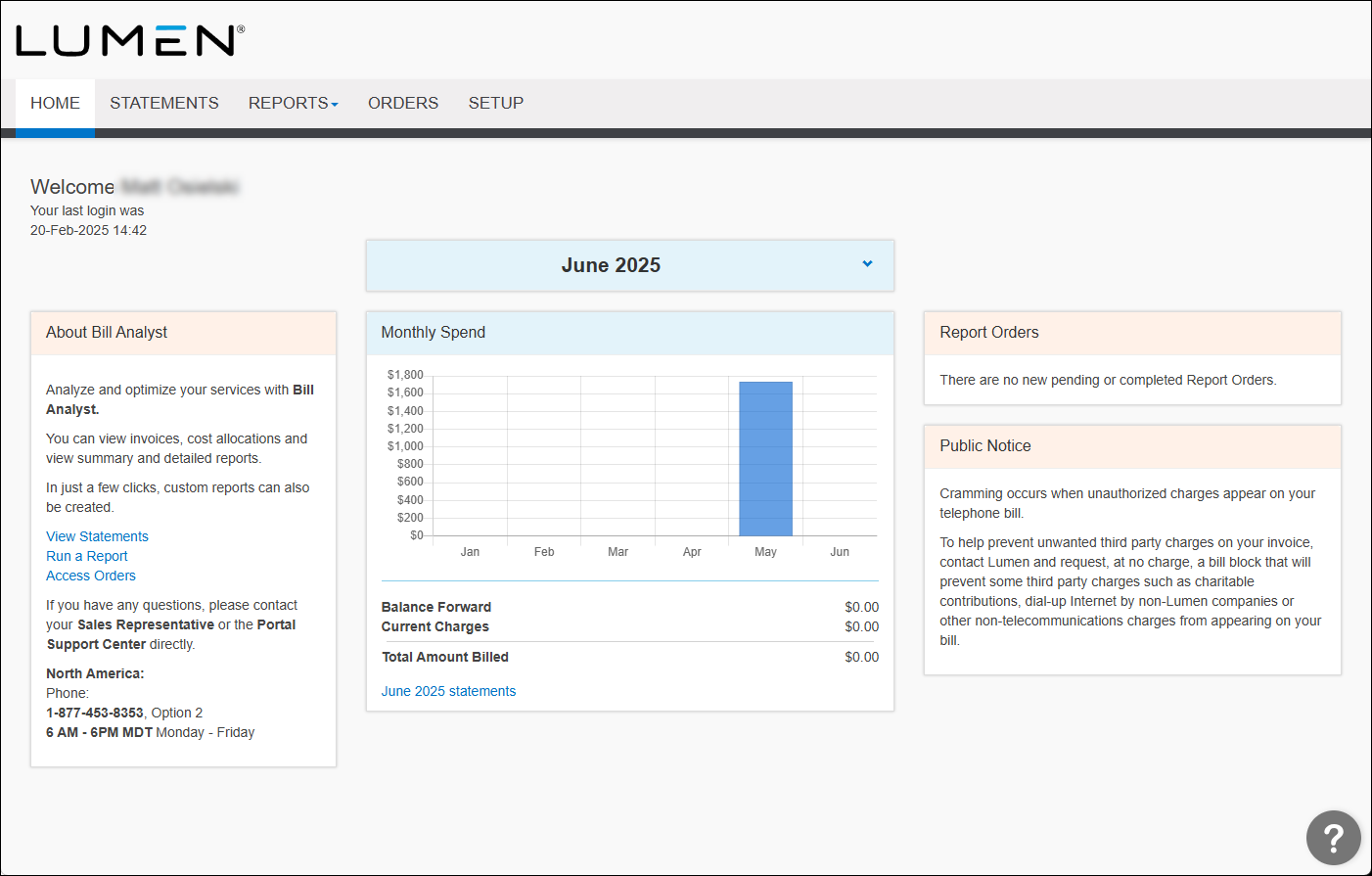
- Click the Orders tab.
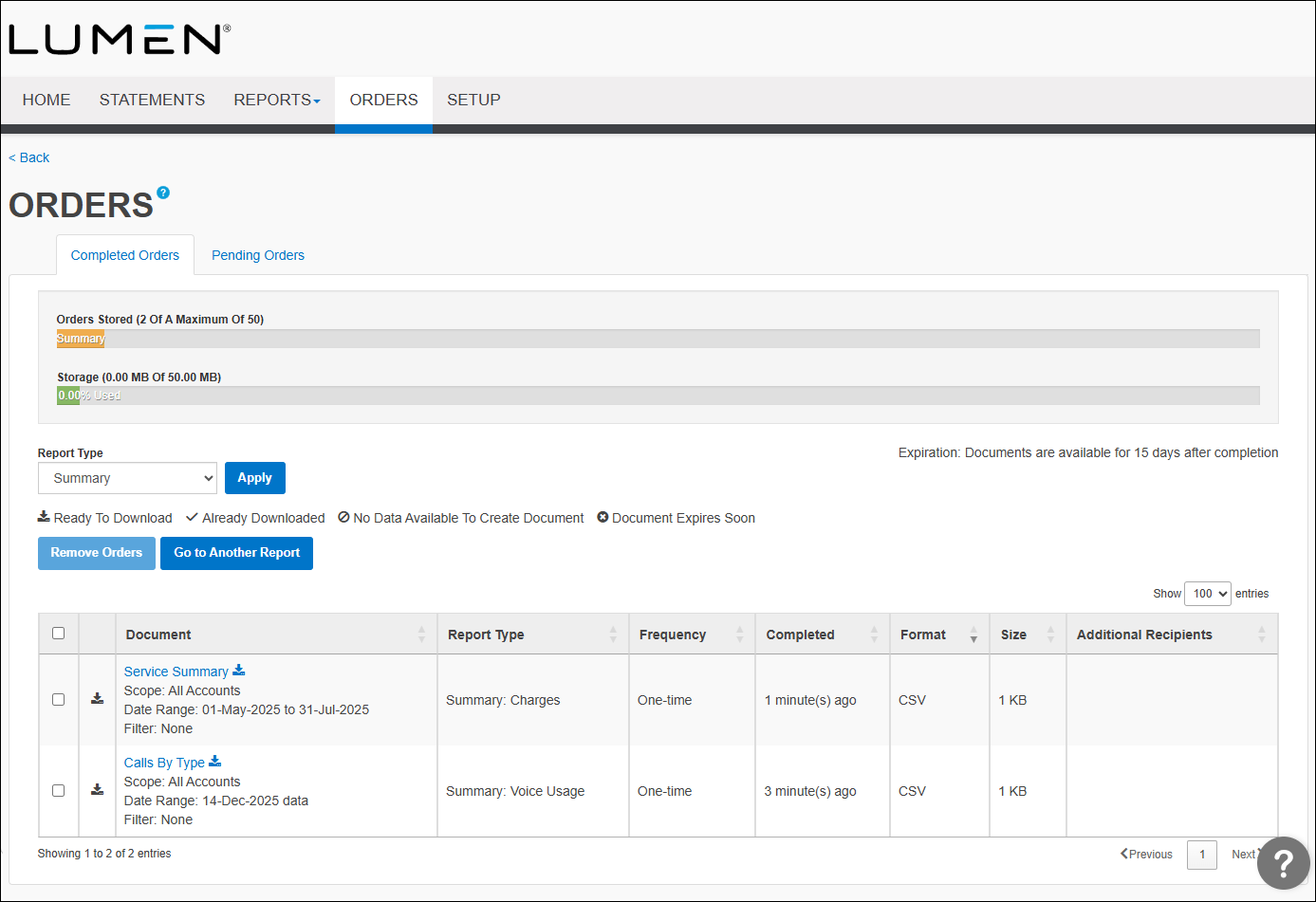
- Click the Pending Orders tab.
Bill Analyst lists the pending orders. By default, Bill Analyst lists pending summary reports. Use the Report Type filter to view other pending reports or statements. For example, to view pending orders for statements, select All Statements from the Report Type list.
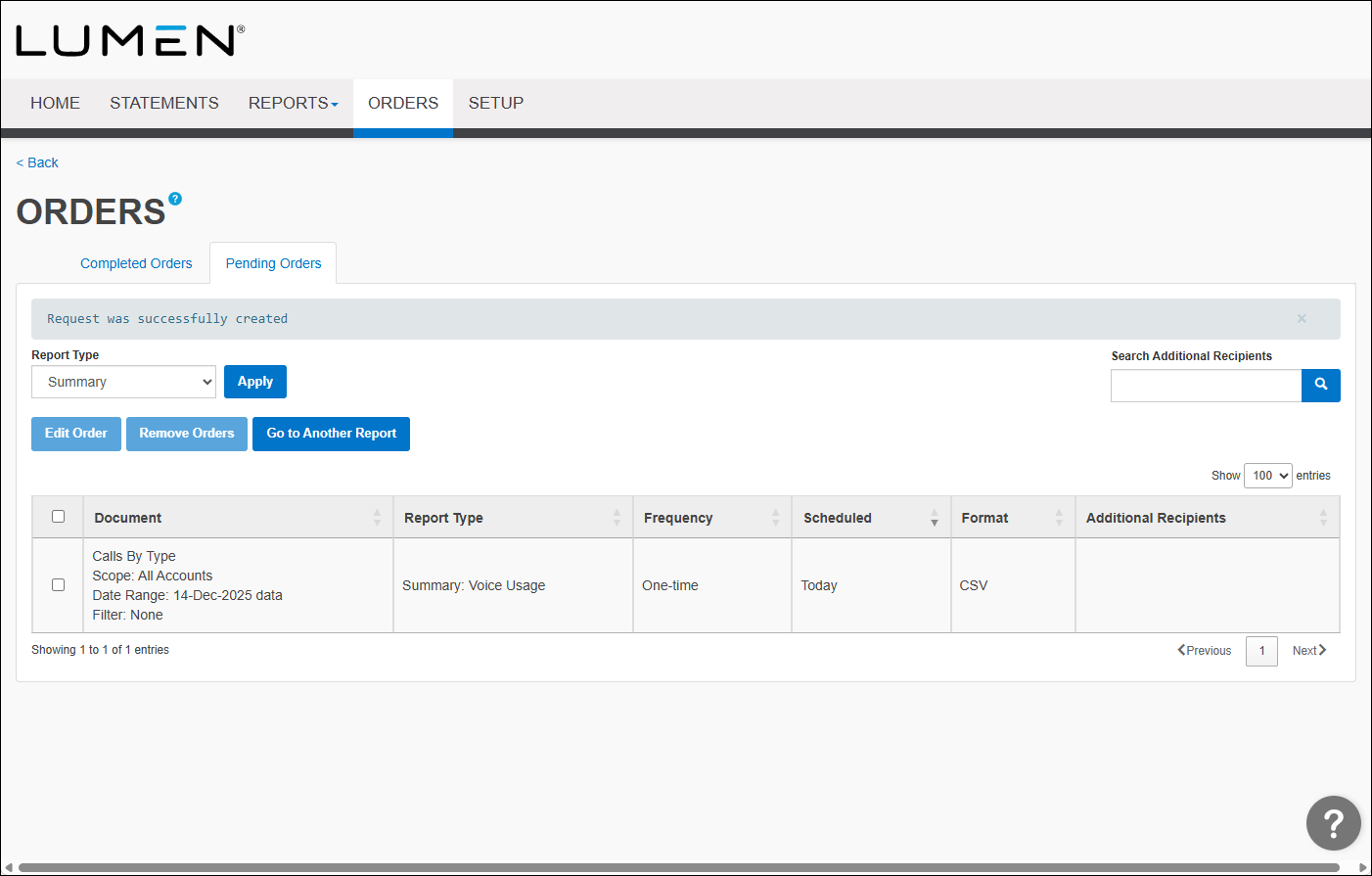
- Select the checkbox next to the order you want to edit, then click Edit Order.
- Edit the Order, Order Frequency, Order Format, and Order Delivery sections.
- When you're done, click Submit Order.



