Closing a billing request
You can ask us to close an active billing request in Lumen Connect if you are able to resolve your billing issue on your own.
To close a billing request:
- Using the left menu, click Billing, then click Billing Requests.
Lumen Connect shows open billing requests for your organization, closed billing requests for the past 18 months, and a status for each request: Open, Active, or Closed.
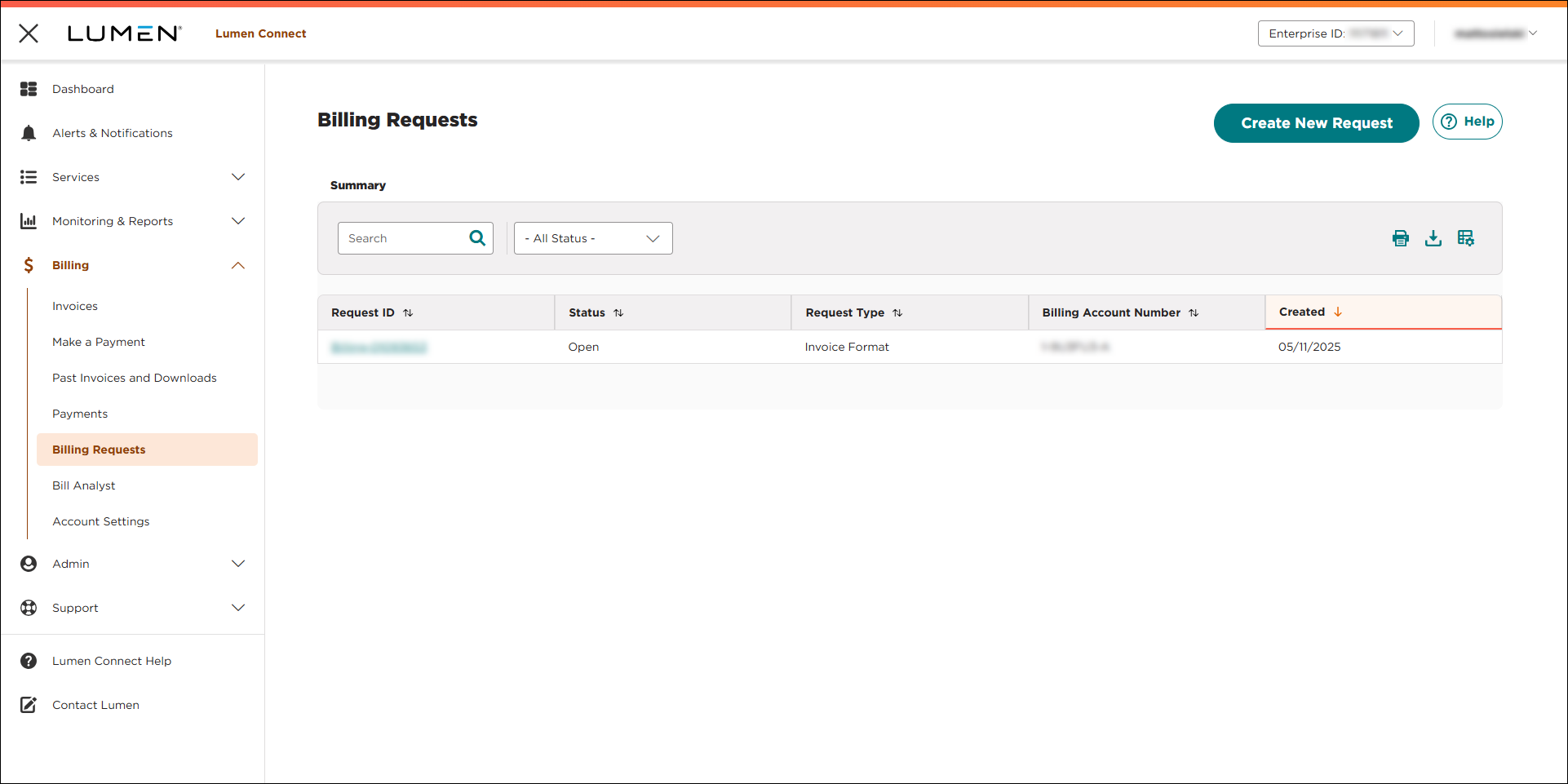
- Click the Request ID for the billing request you want to close. (If you don't see the request you want to close, you can use the Search box to search for it or click the column headers to sort the records in ascending or descending order.)
Lumen Connect shows the details for the billing request.
- Review the request to make you you selected the correct request, then click CLOSE REQUEST.
- Type the reason you want to close the billing request, then click PROCEED.
Lumen Connect confirms your request to close the billing request.
- Click OK.
A Lumen billing specialist will review the reason and close the billing request for you; Lumen Connect changes the request status to Closed.



