Viewing a CCP pool utilization report for Voice Complete
Using Lumen Connect, you can view concurrent call path (CCP) pool utilization reports for Lumen® Voice Complete® trunk groups: by day for all trunk groups and by trunk group for a specific time period. The reports tell you how many concurrent call paths you can have and the max pool utilization for the date range. You can also view threshold metrics for CCP pools.
To view a CCP pool utilization report for Voice Complete:
- Using the left menu, click Monitoring, click Voice Reports, then click Voice Complete.
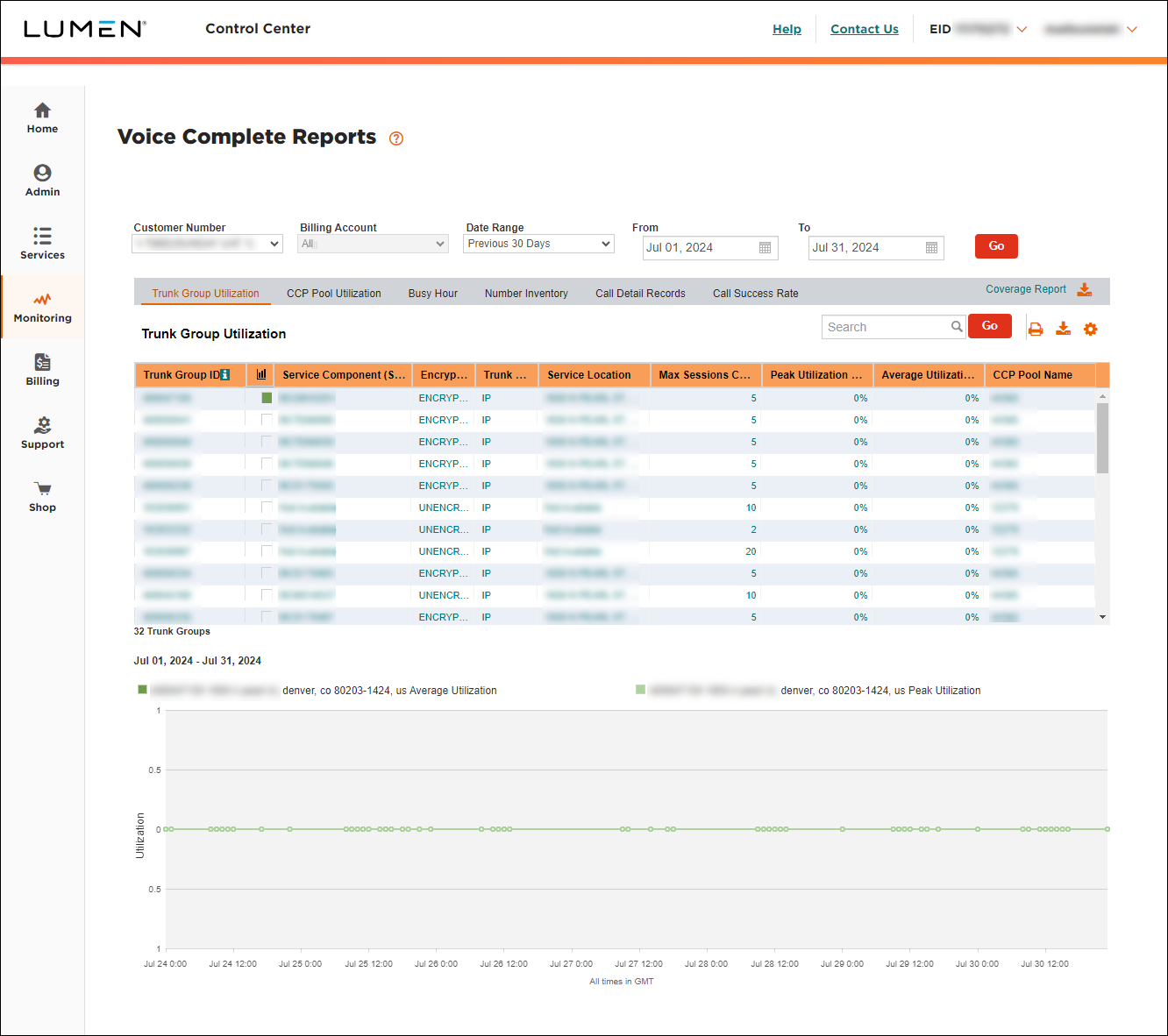
- Select the customer number and billing account with the trunk group you want to view CCP pool utilization for.
- Select the date range you want to view CCP pool utilization for. (At a minimum, you must select Previous 30 Days from the Date Range field.)
- Click CCP Pool Utilization.
Lumen Connect shows the CCP pool utilization for the date rage you selected. Lumen Connect lists two reports: CCP detail and CCP trunk group.
- Click the hyperlinks in the CCP Pool Utilization column to download the report to your computer.
- Open the report using Excel or another application that can process a .csv file.
The CCP detail report contains CCP utilization data for each day in the date range you selected:
- CUSTOMER_NBR: the customer number you selected.
- CUSTOMER_NAME: the name associated with the customer number you selected.
- STATS_DATE: the date for the CCP data show in columns D, E, and F.
- CCP_PROVISIONED_QTY: the total number of concurrent call paths provisioned for the trunk groups assigned to the customer number.
- MAX_CCP_USED_QTY: the maximum number of concurrent call paths used during the date range for the trunk groups assigned to the customer number.
- MAX_CCP_USED_PCT: the percentage of used concurrent call paths out of the total provisioned concurrent call paths that was used during the date range for the trunk groups assigned to the customer number.
The CCP trunk group report contains CCP utilization data for each trunk group for the date range you selected:
- CUSTOMER_NBR: the customer number you selected.
- CUSTOMER_NAME: the name associated with the customer number you selected.
- Switch: the switch associated with the trunk group.
- TRUNKGROUP: the trunk group number.
- CCP_PROVISIONED_QTY: the total number of concurrent call paths provisioned for the trunk group.
- MAX_CCP_USED_QTY: the maximum number of concurrent call paths used during the date range.
- MAX_CCP_USED_PCT: the percentage of used concurrent call paths out of the total provisioned concurrent call paths that was used during the date range.
- MAX_CCP_USED_TIMESTAMP: the date and time the maximum number of concurrent call paths was used during the date range.



