Registering for API access
To create and manage API keys, register for access to APIs in Lumen Connect.
To register for API access:
- Open a browser and go to developer.lumen.com.
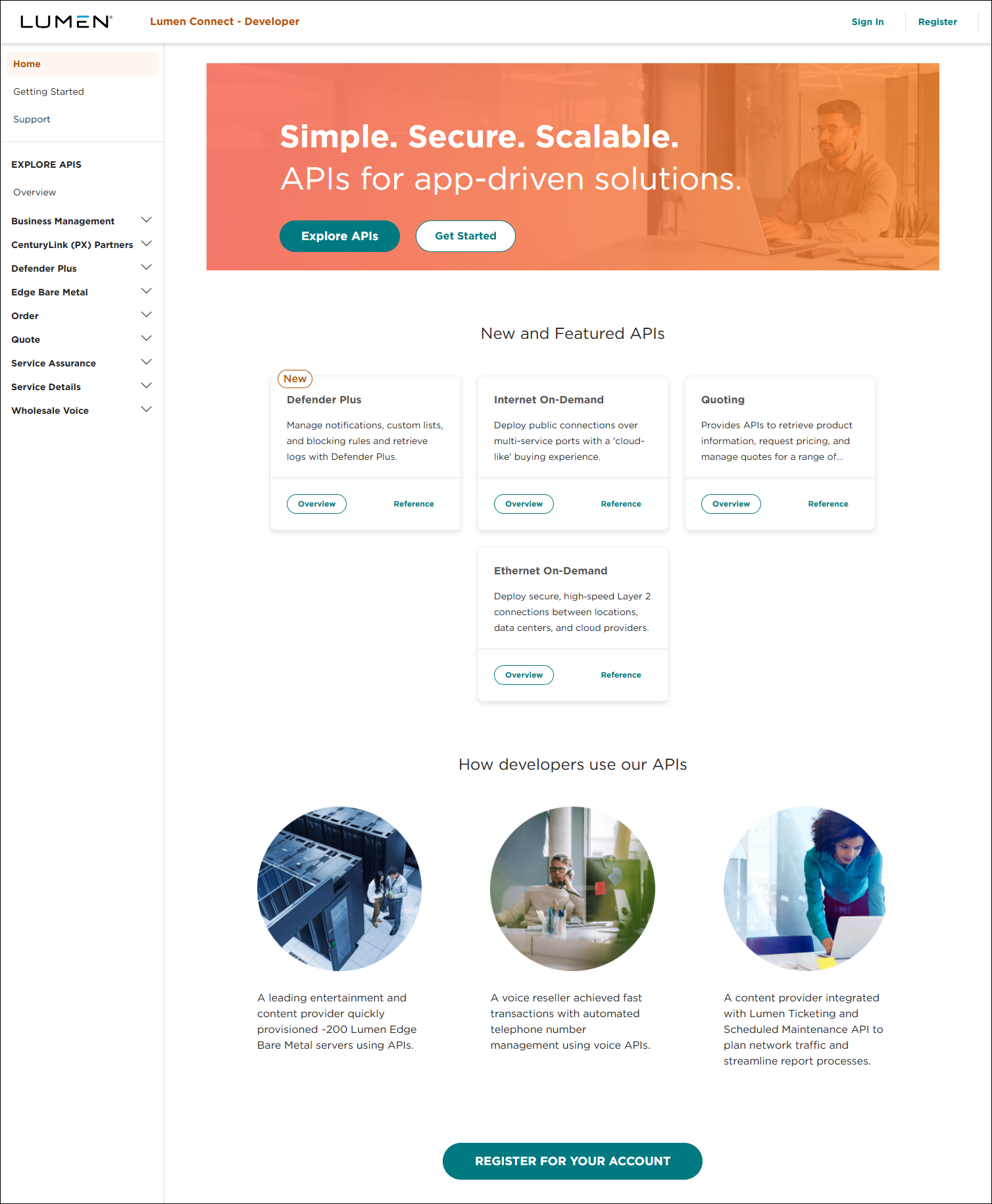
- Click Register.
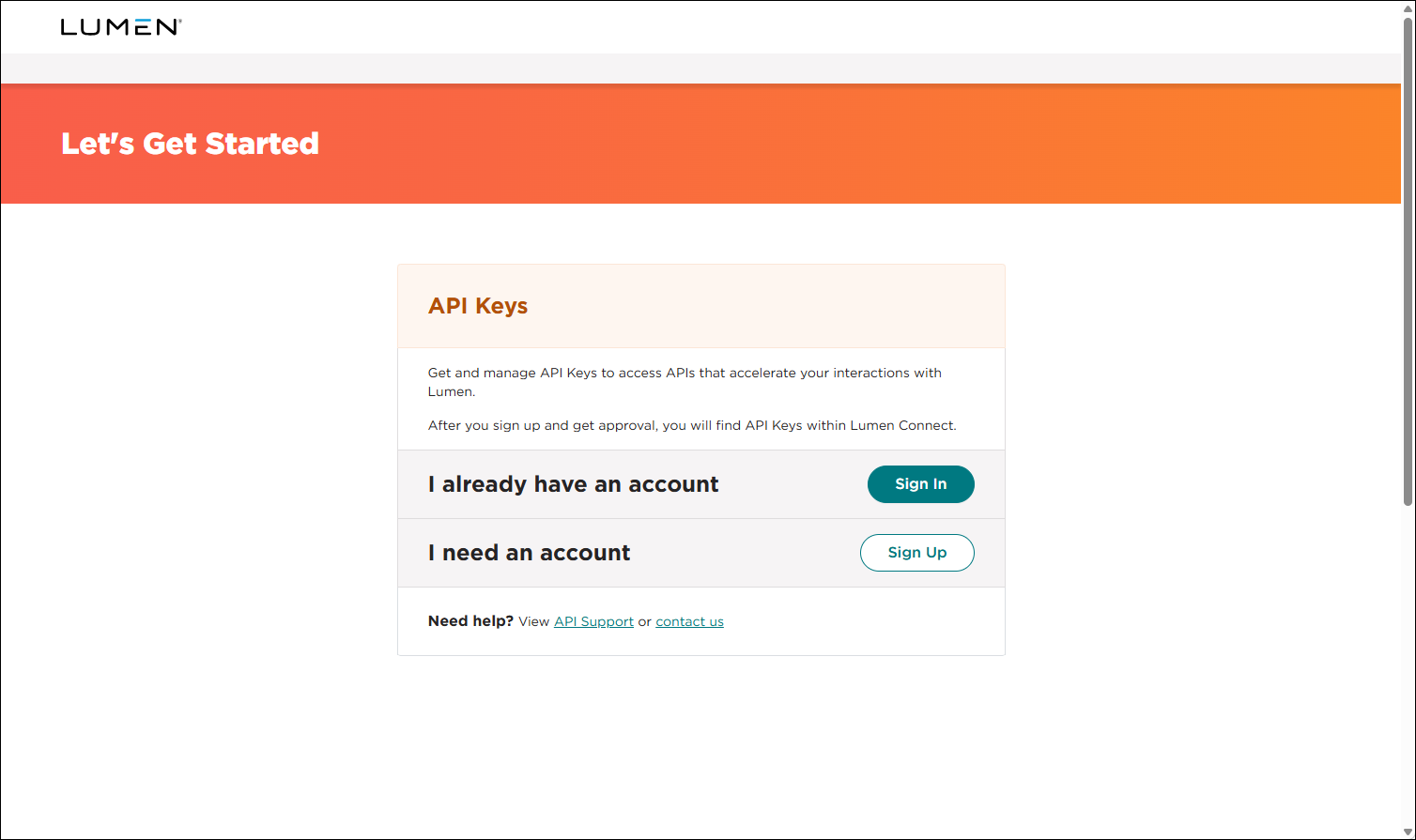
- Do one of the following:
- If you already have access to Lumen Connect, click SIGN IN, and then sign in using your Lumen Connect username and password.
Lumen Connect submits your registration to Lumen. Once we process your registration, we will email you a welcome email so you can sign in to your Lumen Connect. (Once you sign in, click APIs, then click API Keys so you can create your first API key.)
- Otherwise, do the following:
- Click SIGN UP.
- Fill in the fields on the registration form, select the I'm not a robot checkbox, select the checkbox to acknowledge the privacy policy, then click NEXT.
Lumen Connect sends you an email to verify your email address.
- When you receive the email from Lumen, click the link to verify your email address.
Lumen Connect submits your registration to Lumen. Once we process your registration, we will email you a welcome email. You can sign in and create your first API key.
- Click SIGN UP.
- If you already have access to Lumen Connect, click SIGN IN, and then sign in using your Lumen Connect username and password.



