Adding a description to a service for billing reports
To add a description to a service for billing reports:
- Using the left menu, click Billing, then click Billing Reports.
Lumen Connect shows a list of billing reports for your organization.
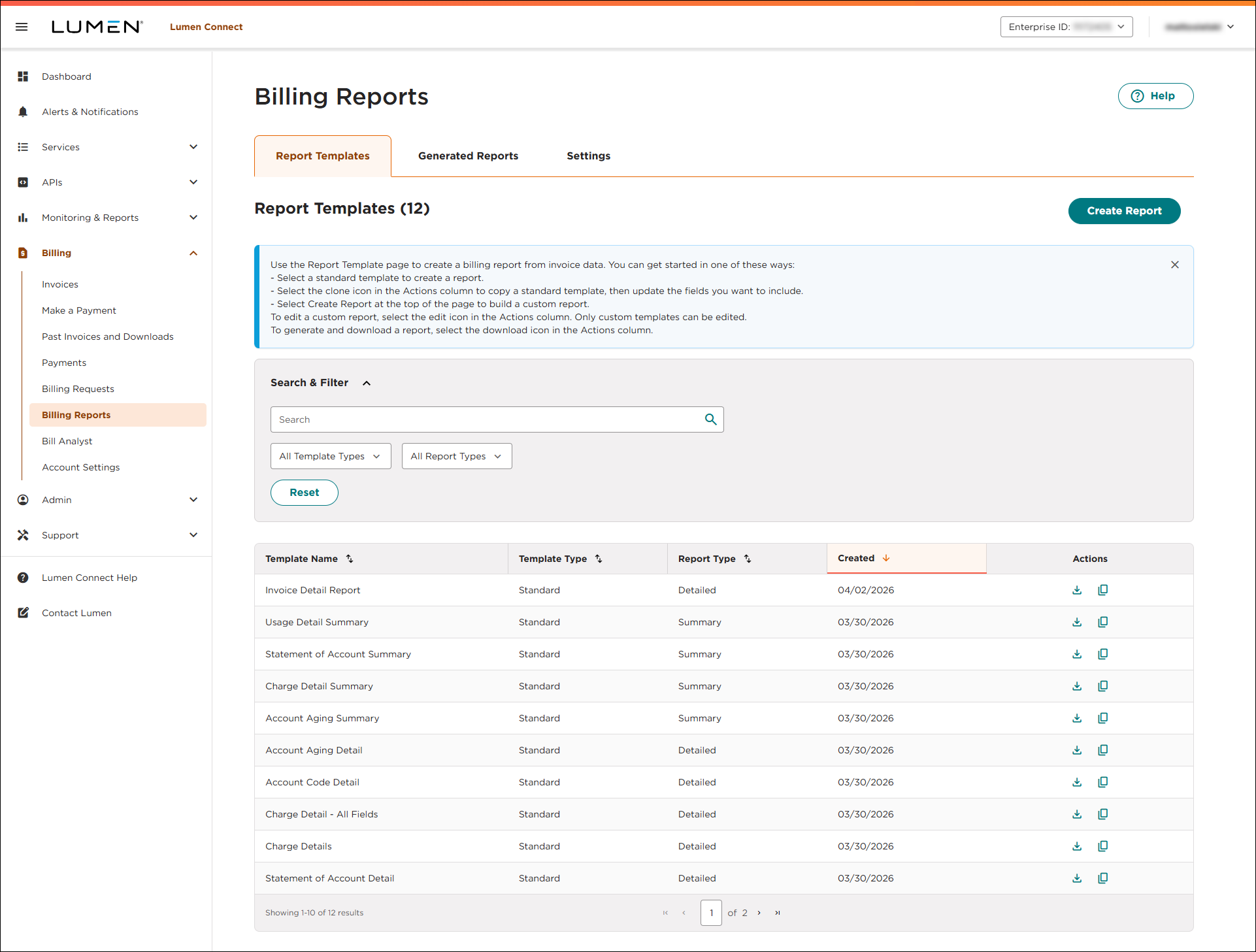
- Click the Settings tab.
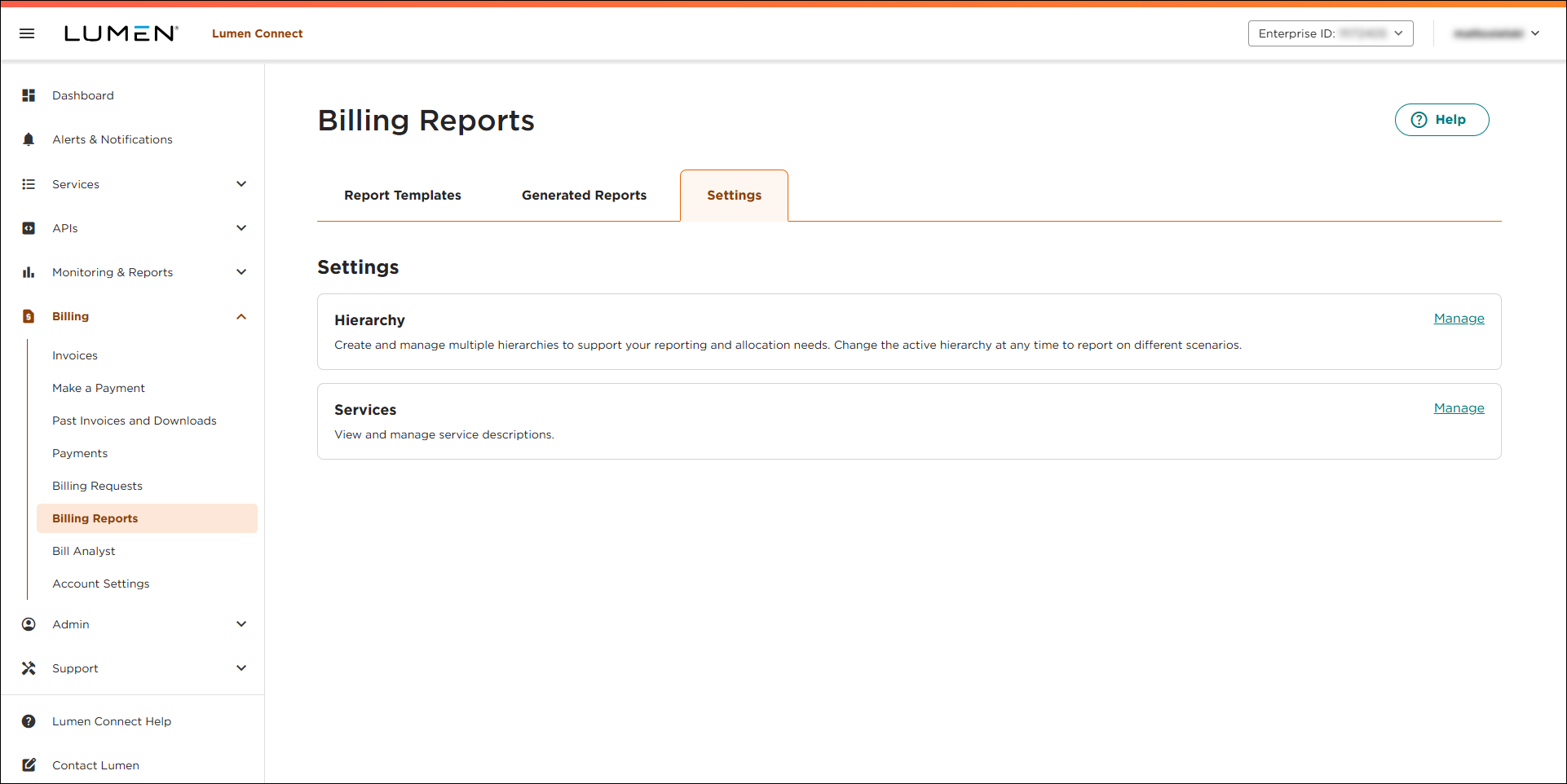
- In the Services box, click Manage.
- Use the Search and Filter box to search for the service(s) you want to add a description for. You can use the search field to type a service ID or location. You can also filter the list of services by billing account number or status (Active vs. Inactive).
- When you find the service(s), use the the Description 1 field, type a description for the service. If you want another description, type it in the Description 2 field.
- When you're done, click Save.
Lumen Connect saves the description(s) you added and will add them to summary and detail reports for your organization.
- Repeat steps 5–7 to search for more services and add descriptions as needed.



