Changing your two-factor authentication method
You can change the two-factor authentication (2FA) method you use to sign in to Lumen Connect®. Choose to receive your six-digit code either using an authentication app or by email. You Lumen Connect system adminstrator can also change your authentication method if you're having trouble signing in.
To change your two-factor authentication method:
- In the upper-right corner, click your username, then click
person My Profile.
Lumen Connect shows your profile.
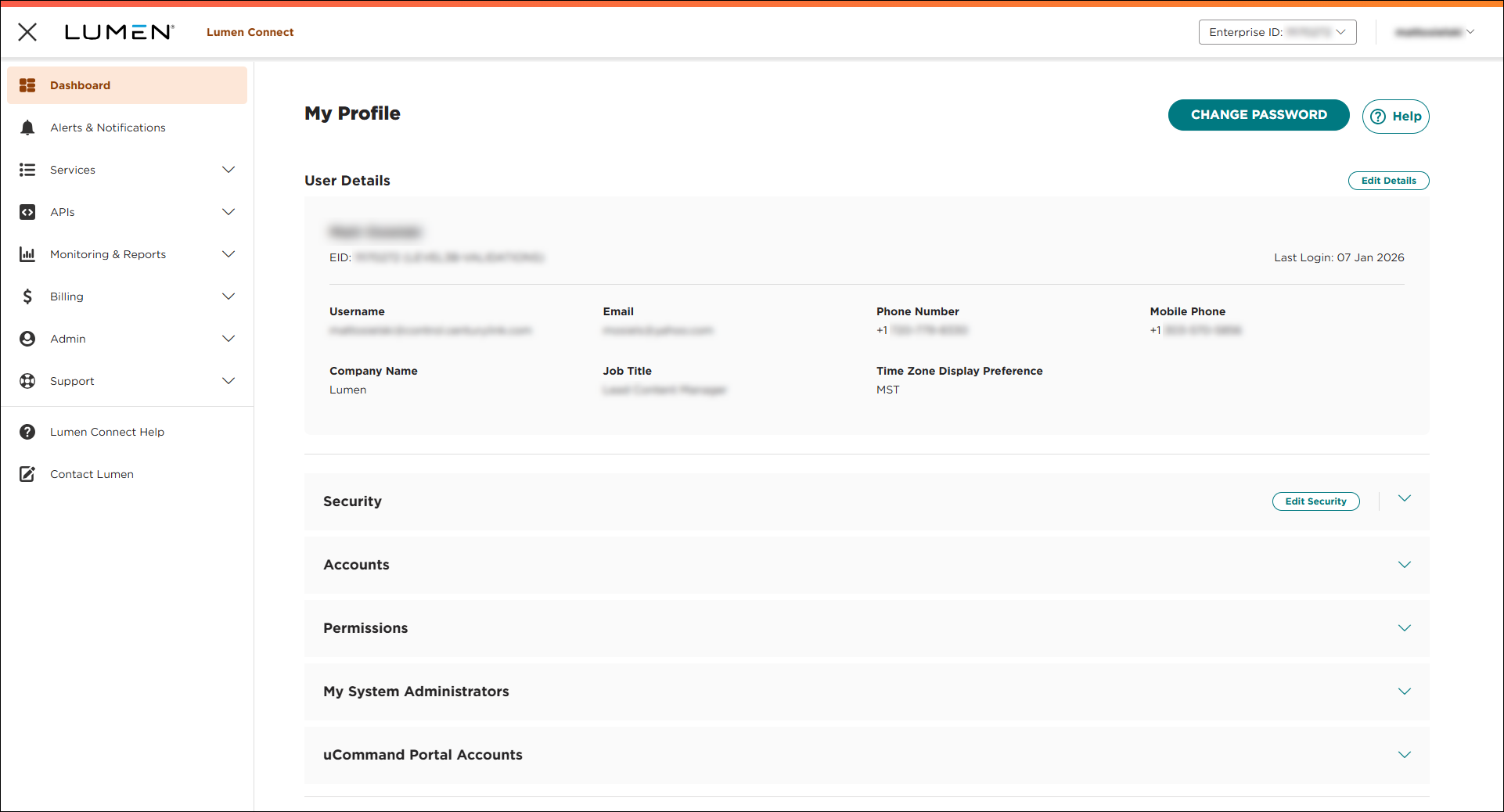
- In the Security section, click Edit Security.
- Use the 2FA Method field to select your authentication method:
- To receive your six-digit code using an authentication app, select Authentication App.
Lumen Connect changes your authentication method. The next time you sign in, Lumen Connect prompts you to set up two-factor authentication so you can receive your code.
- To receive your six-digit code by email, select Email.
Lumen Connect changes your authentication method. The next time you sign in, Lumen Connect emails your code to the email address in your user profile.
- To receive your six-digit code using an authentication app, select Authentication App.



