Deleting a custom usage report
To delete a custom usage report:
- Using the left menu, click Monitoring, click Voice Reports, then click Usage Reports.
Lumen Connect shows a list of usage reports for your organization.
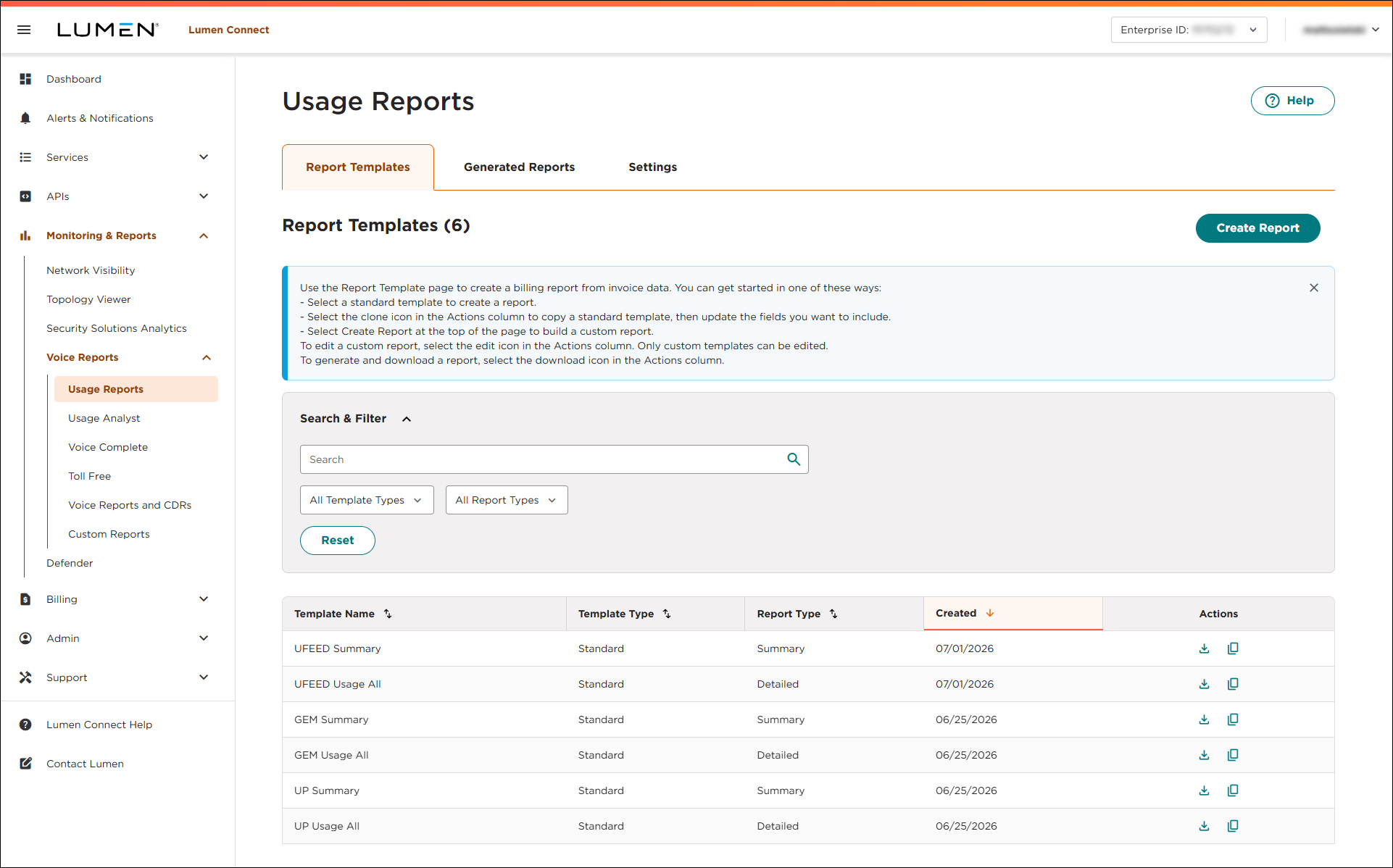
- On the row for the custom usage report that you want to delete, click the
delete icon.
- In the window that appears, verify you selected the correct report, then click Confirm.
Lumen Connect deletes the report you selected.



