Viewing the status of a change request
You can track the status of your organization's change requests in Lumen Connect®. For each request, you can also view details.
To view the status of a change request:
- Using the left menu, click Services, click Service Requests, then click Change Requests.
Lumen Connect shows all open and recently completed change requests (by default, within the past 30 days) for your organization with a status for each request:
- Saved—change request draft that hasn't been submitted.
- Submitted—we received your request.
- In Progress—a Lumen representative is assigned to and working on your request.
- Complete—we finished working on your request.
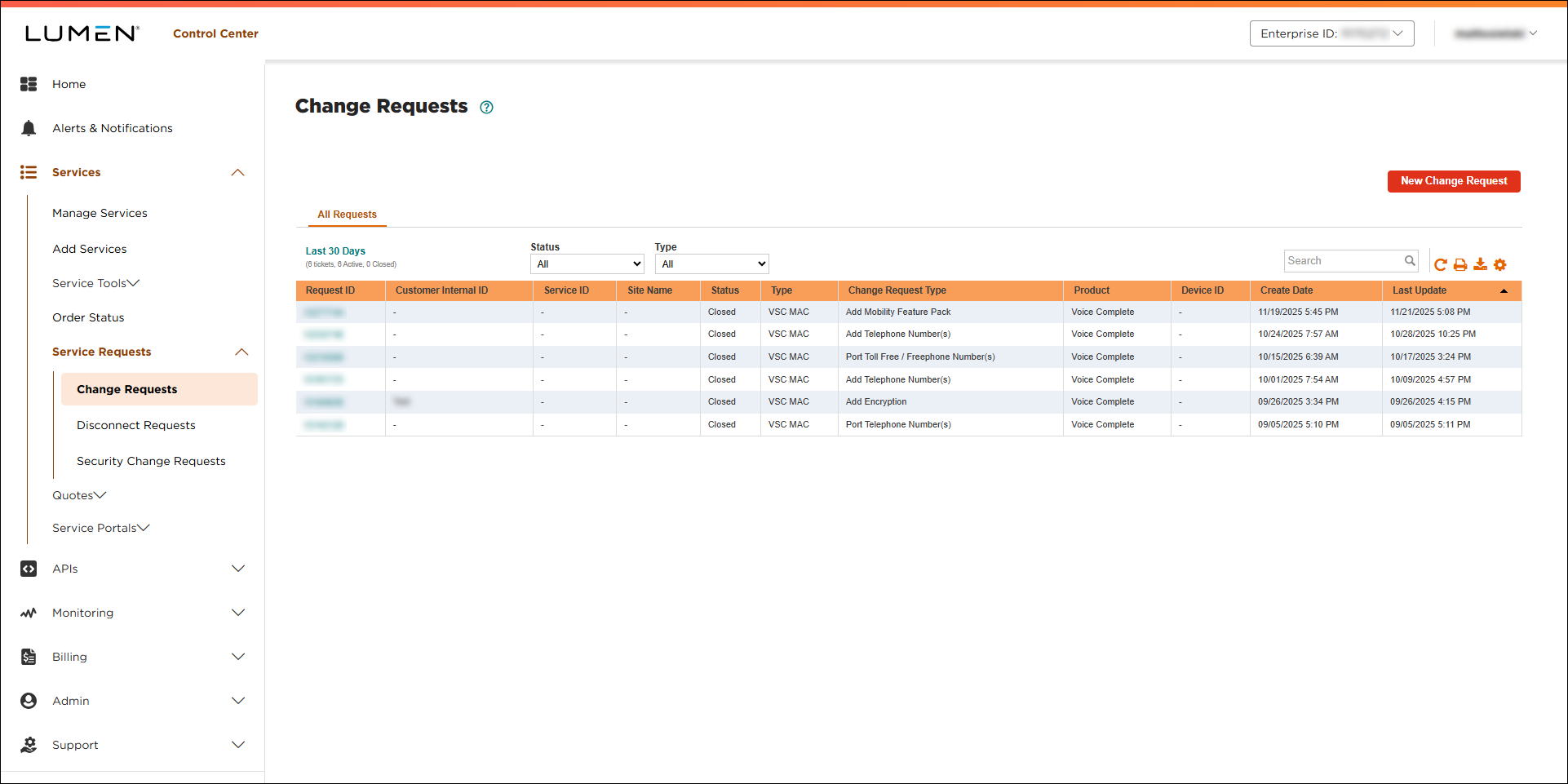
- If you don’t see the change request you’re looking for on the list, use Search. You can also filter the list by status, service ID, or time period.
- To view details for a change request, click the link in the Request ID column.
Lumen Connect shows details for the change request you selected.



