Signing up for On-Demand services
Sign up to add and manage Lumen® On‑Demand services in Lumen Connect℠ using one of the processes below.
This adds two‑factor authentication (2FA) to your account. When you log in for the first time after signing up, you need to set up 2FA, which may include installing an authentication app (if you don't already have one).
New customer
To sign up for On-Demand services as a new customer:
- Go to the sign up page.
- Click Sign Up.
- Type your business email address, name, and phone number.
- Select the I'm not a robot checkbox.
- Review and acknowledge the Lumen Privacy Notice, then click Next.
- Check your email and follow the instructions to continue signing up.
- On the Create password screen, type a password and confirm it, then click Next.
- Type your company name and legal address.
- Read and agree to the Lumen Platform Terms and Conditions, then click Submit.
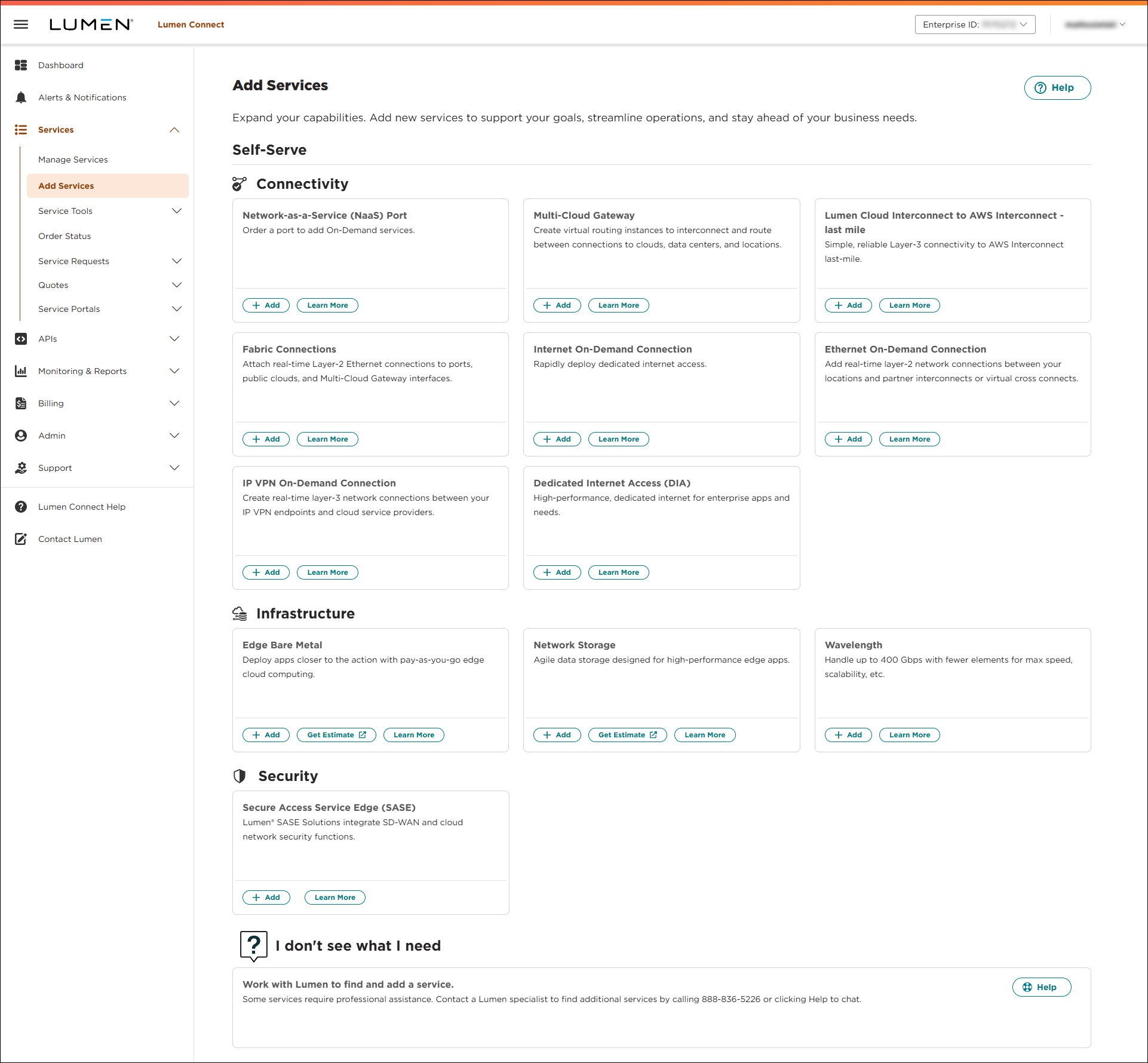
- Click Add Services.
- Review the Lumen Connect Portal Terms and Conditions, then click Agree then Submit.
Lumen Connect opens Add Services.
Learn more about On-Demand services
Existing customer with access to Lumen Connect
To access on-demand services for the first time using your Lumen Connect profile:
- Go to the sign up page.
- Click Sign In to sign in to your Lumen Connect account.
- Click Select Customer Account, choose the account(s) you want to use, then click Use Selected Account.
- Read and agree to the Lumen Platform Terms and Conditions, then click SUBMIT.
- Click Lumen Connect to access the Add Services page.
Learn more about On-Demand services
Note: If you can’t click on anything, you’ll need to contact your Lumen Connect system administrator to request Fabric & On-Demand services permissions.



