Viewing a call success rate report for Voice Complete
Use the call success rate report to view a month-to-date view of the inbound and outbound calls for phone numbers on your Lumen® Voice Complete® service, along with the percentage of successful calls and the average call-handling time (ACHT) for each call. You can download the call success rate report (including all customer numbers within the date range) from Lumen Connect®. You can also view call detail records for Voice Complete.
To view a call success rate report for Voice Complete:
- Using the left menu, click Monitoring, click Voice Reports, then click Voice Complete.
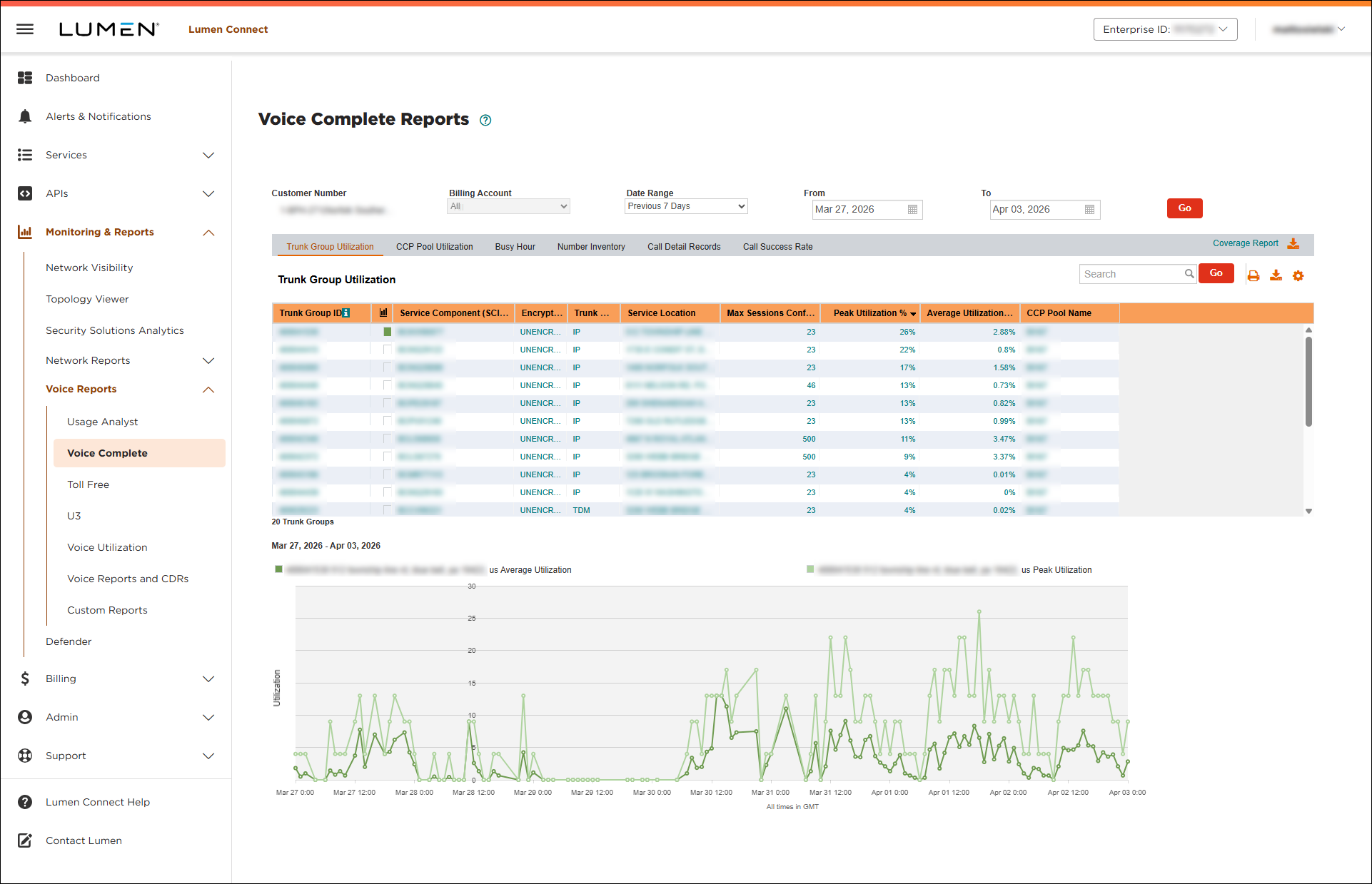
- Select the customer number with the Voice Complete trunk group(s) you want to call success data for, then click Go.
- Click the Call Success Rate tab.
Lumen Connect shows the call success rate report for the customer number you selected.
- Click the hyperlink in the Call Success Rate (Download) column to download the report to your computer.
- Open the report using Excel or another application that can process a .csv file.
The report contains call success data for the customer number you selected:
- GMT Date: the date for which the call success rate data is presented.
- Customer: the name associated with the customer number you selected.
- Total Calls: the number of calls that took place on the date in the first column.
- CSR: call success rate—the percentage of calls that were completed successfully (e.g., 1 equals 100% success and .99963 equals 99.963% success).
- ACHT: average call handling time—the average duration of the calls on that date.
- GMT Date: the date for which the call success rate data is presented.



