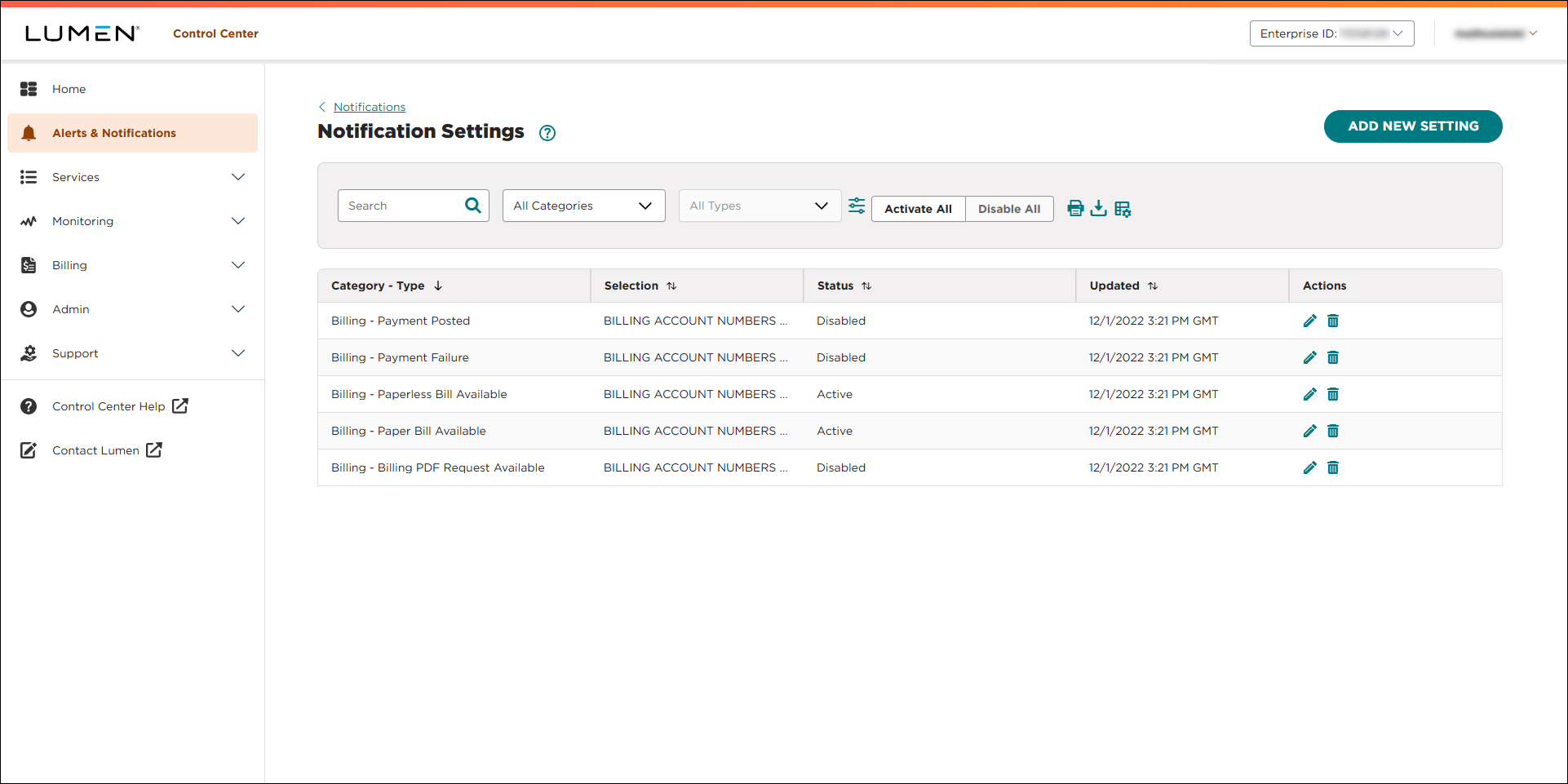
Viewing a list of your notification settings
You can view a list of notification settings for your Lumen Connect profile. From the list, you can create, edit, or delete notification settings. If you're also a Lumen Connect system administrator, you can view a list of notification settings for your organization.
To view a list of your notification settings:
- Using the left menu, click Alerts & Notifications.
Lumen Connect lists all your notifications. If you're a Lumen Connect system administrator, you see your notifications by default, but you can use the list to select another user in your organization to view their notifications.
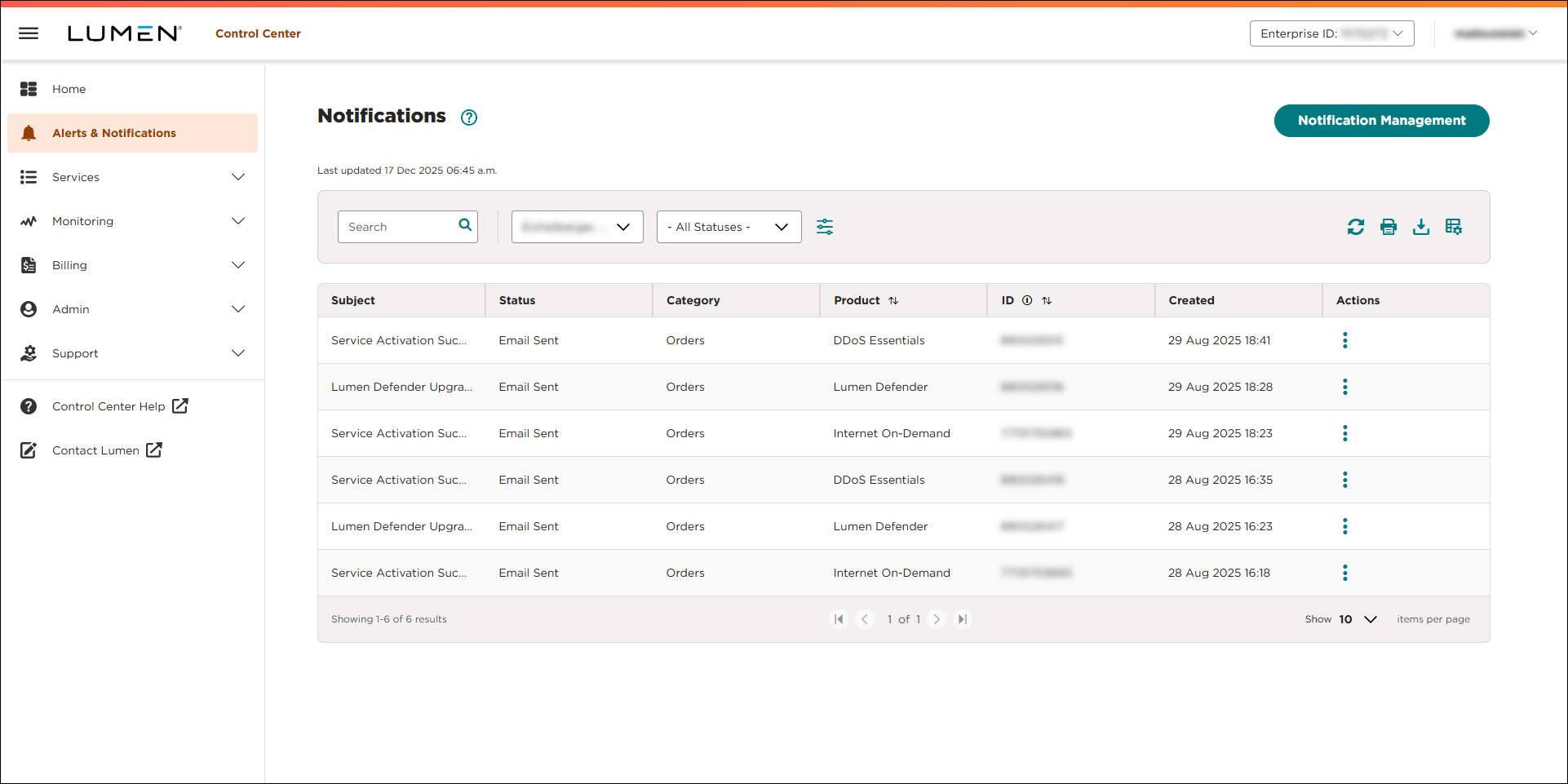
- Click Manage Notification Settings. (If you're a system administrator, click Notification Management.)
Lumen Connect lists all notification settings for your user profile. (If you're a system administrator, you'll see all the notification settings for your organization—including your own.)