Creating a Carrier Port-Out Tool user account
To port out phone numbers from SPID 8824, you must create a Carrier Port-Out Tool user account. Once you have a user account, you can then sign in, request a CSR (customer service record), etc.
Note: Be sure to provide accurate information in user account—and to add all SPIDs you need access to. Once you create your user account, you cannot edit the details.
To create a Carrier Port-Out Tool user account:
- Open a browser and go to voice-portout.lumen.com/portout/csr-request.
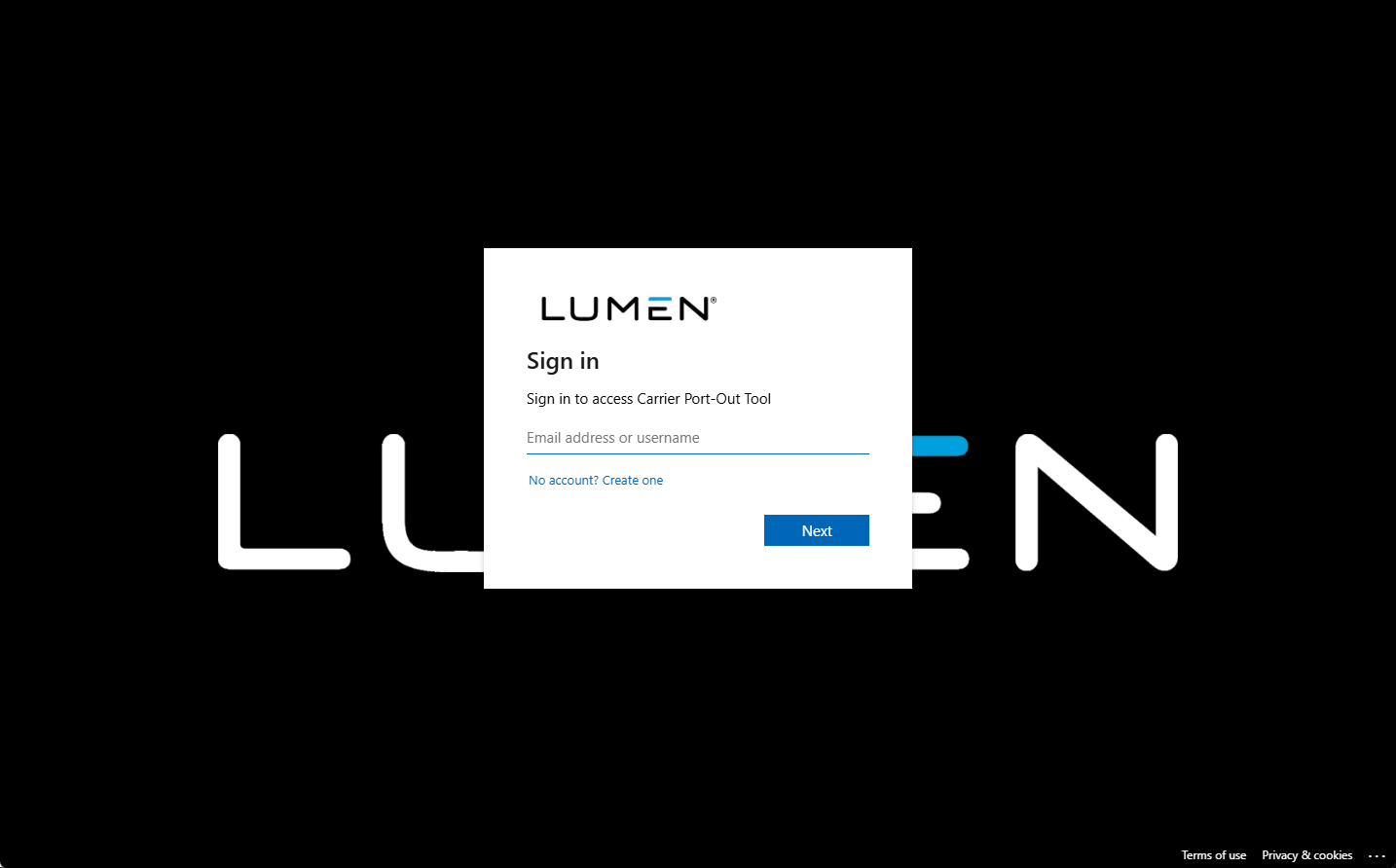
- Type your email address, then click Next.
The Carrier Port-Out Tool emails you an authentication code.
- Type or paste in the authentication code, then click Next.
- Fill in the information for your user account:
- Type your display name (up to 25 characters including spaces and special characters) and given name. (For example, you could put your company name in the Display Name field and then your first and last name in the Given Name field.)
- Use the SPID fields to add up to ten SPIDs you will be porting out to.
- Type your phone number.
- Type your display name (up to 25 characters including spaces and special characters) and given name. (For example, you could put your company name in the Display Name field and then your first and last name in the Given Name field.)
- When you're done, click Next.
The Carrier Port-Out Tool creates your user account and signs you in.



