Signing in to the Carrier Port-Out Tool
To port out numbers from SPID 8824, you must first sign in to the Carrier Port-Out Tool. Once you sign in, you can then request CSRs (customer service records) and submit LSRs (local service requests).
Need access? Learn how to create a user account
To sign in to the Carrier Port-Out Tool:
- Open a browser and go to voice-portout.lumen.com/portout/csr-request.
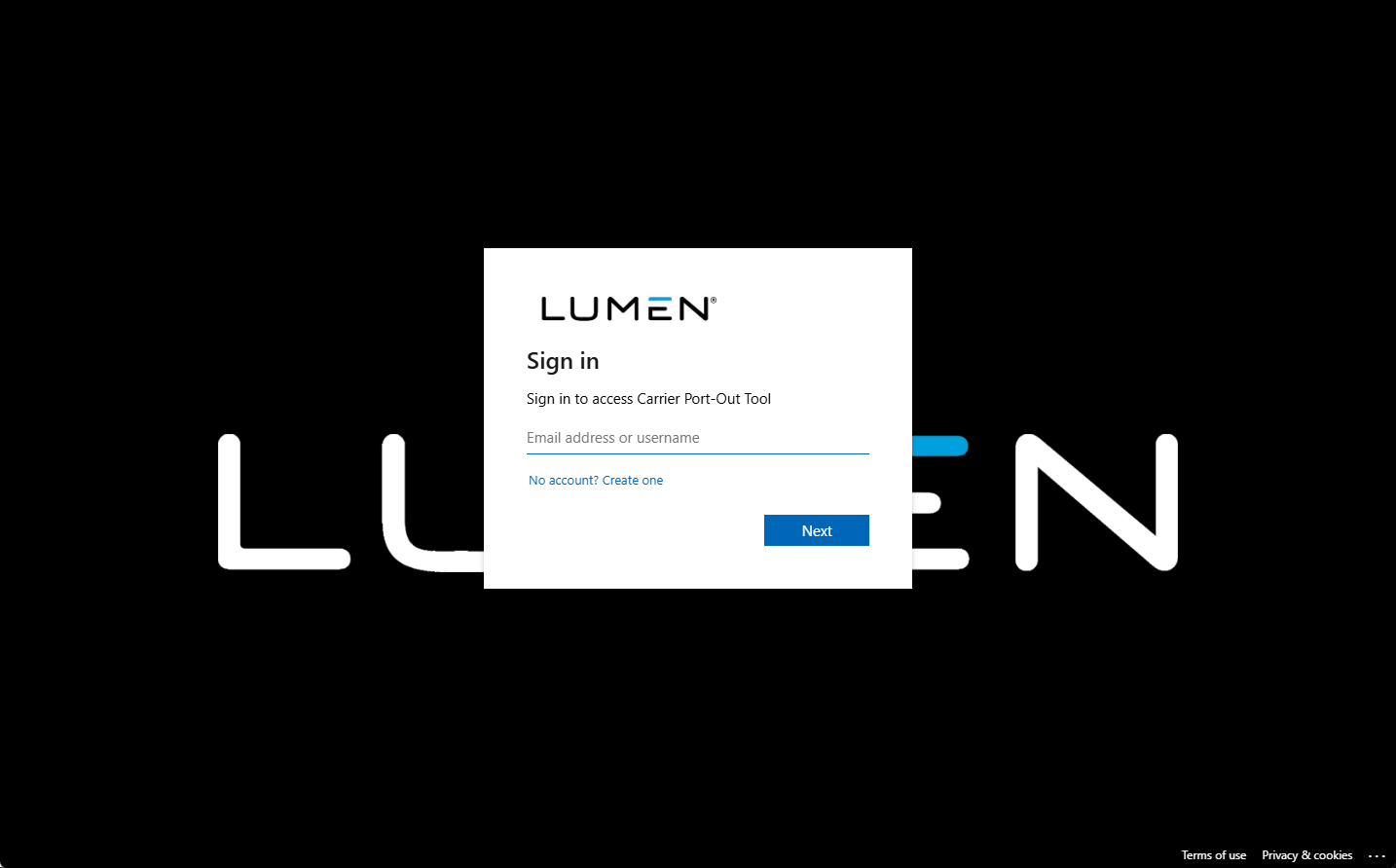
- Type your email address, then click Next.
The Carrier Port-Out Tool emails you an authentication code.
- Type or paste in the authentication code, then click Next.
The Carrier Port-Out Tool signs you in.



