VoIP equipment
After we install your VoIP service, learn how to set up your VoIP equipment—whether you're working in or out of the office. Get step-by-step instructions for using your Poly, Cisco, or Grandstream phones. Learn how to use analog termination adapters (ATAs), and how to connect analog equipment to your VoIP service. We've got step-by-step instructions and videos to help you get the most out of your VoIP phones.
Setting up VoIP equipment
Using analog equipment with VoIP
Using VoIP phones
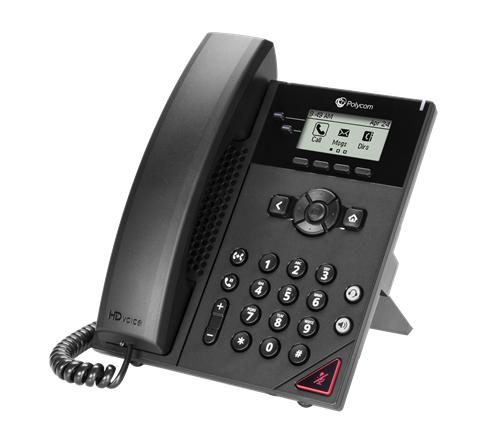
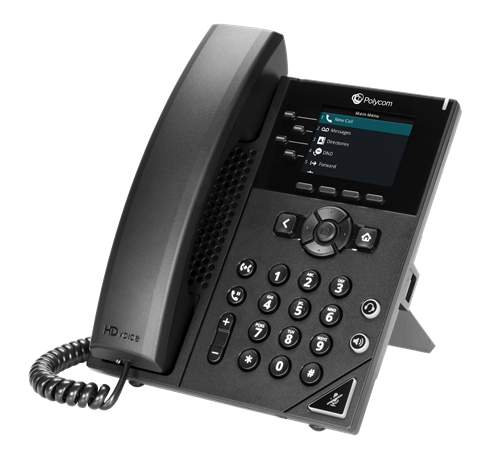
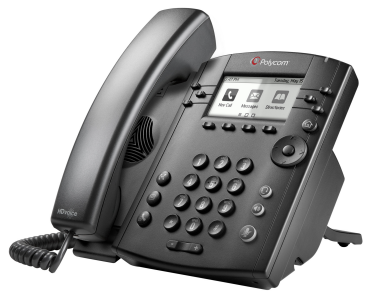
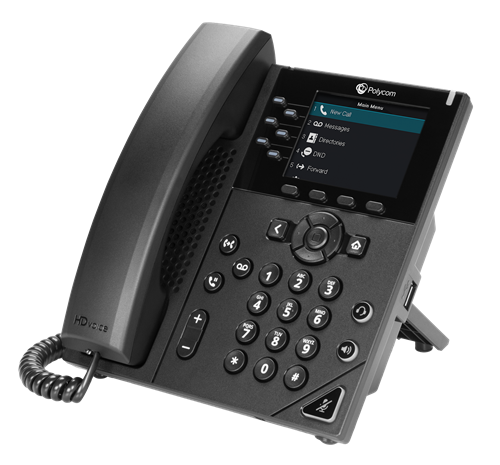
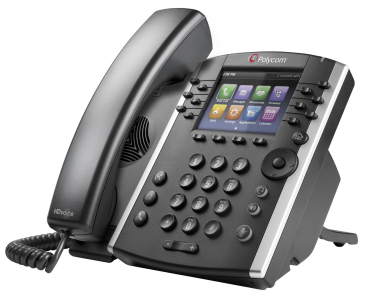
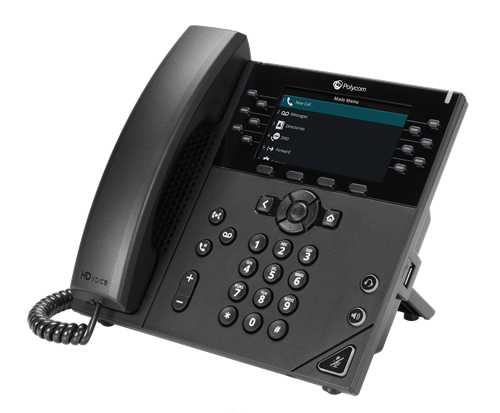
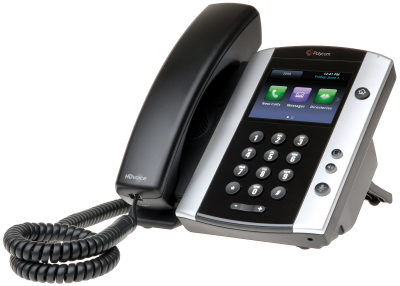
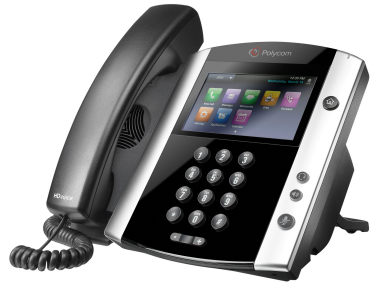
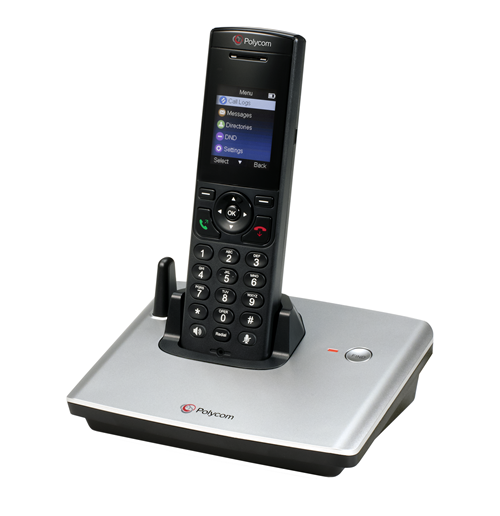
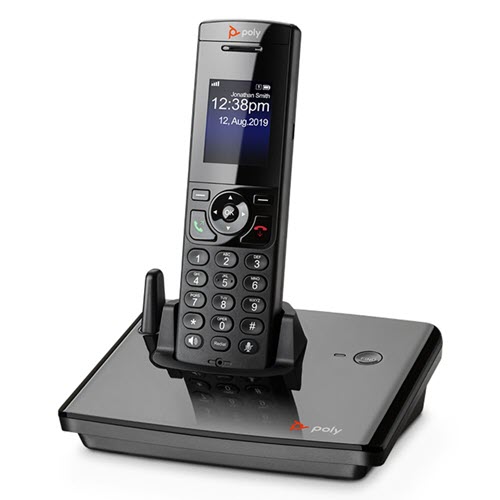
Poly phones
- Poly Edge series phones (all models)
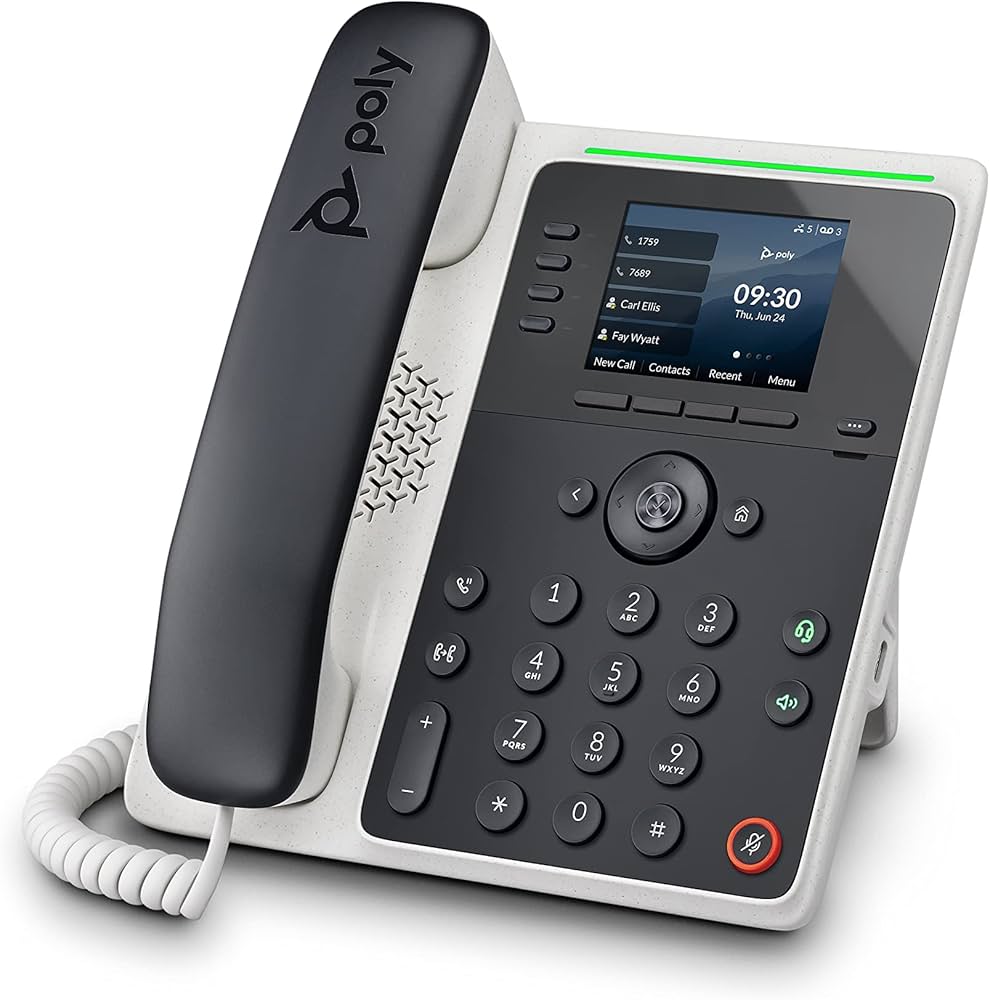
- Edge E100/E220 phones: Download quick reference guide | Download training
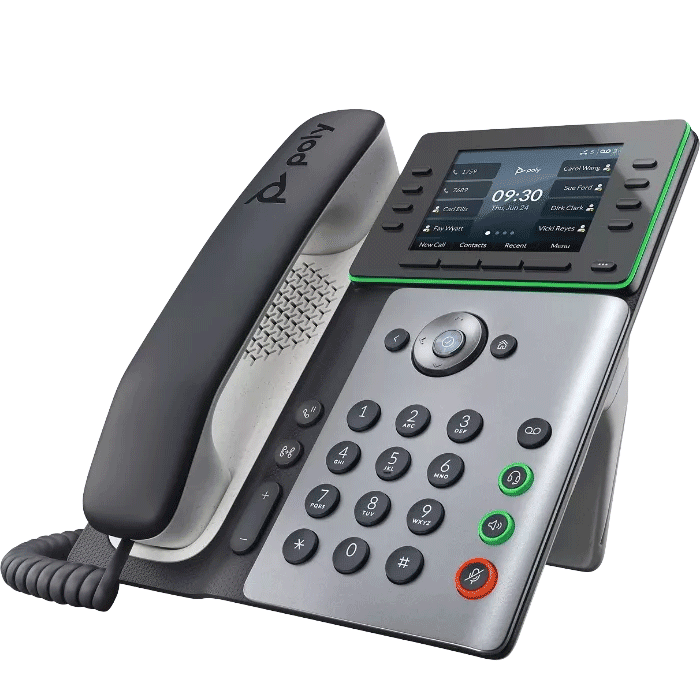
- Edge E300/E350 phones: Download quick reference guide | Download training
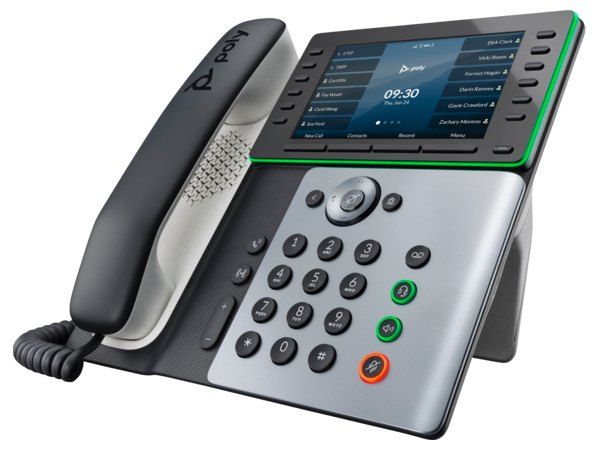
- Edge E400/E450 phones: Download quick reference guide | Download training
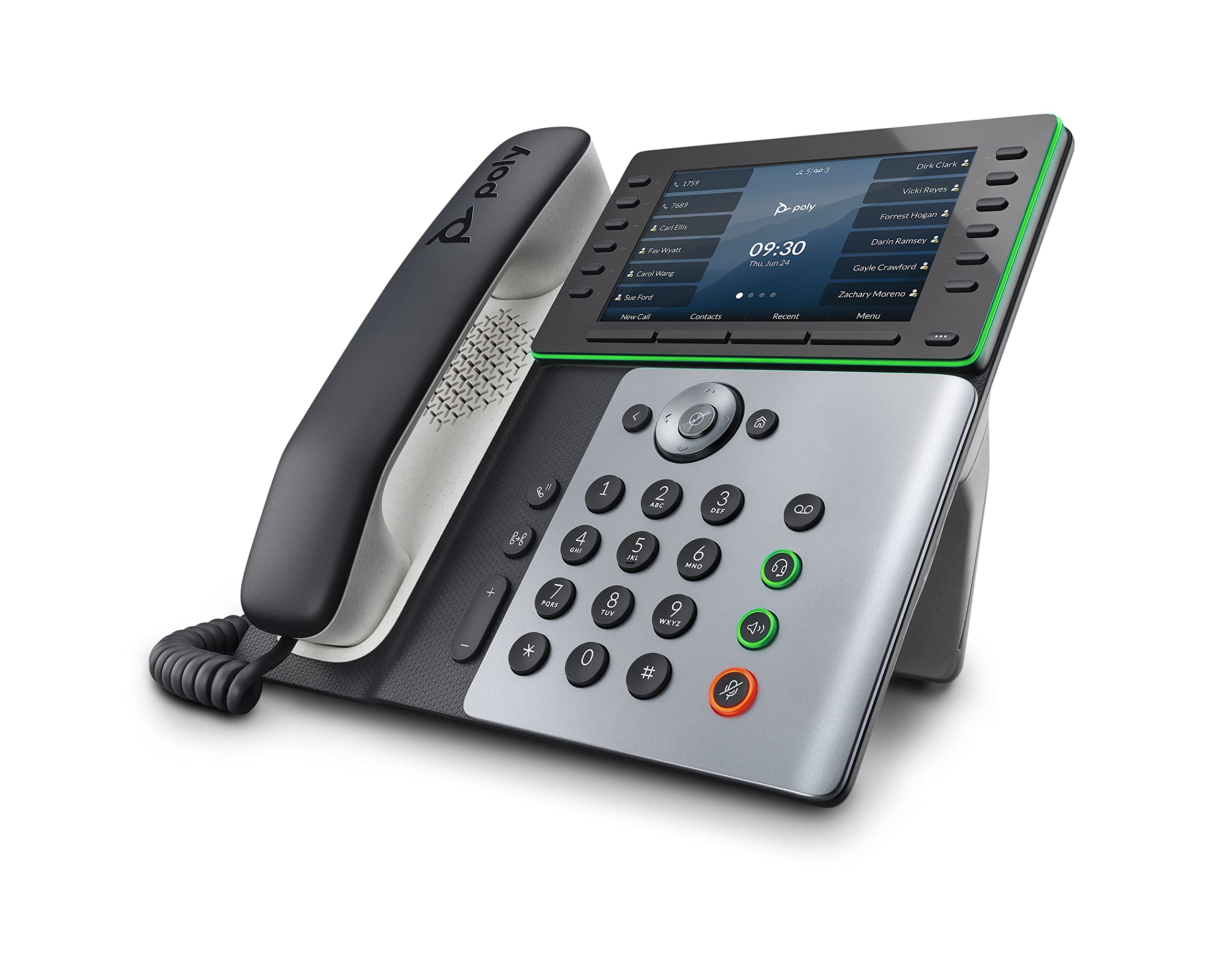
- Edge E500/E550 phones: Download quick reference guide | Download training
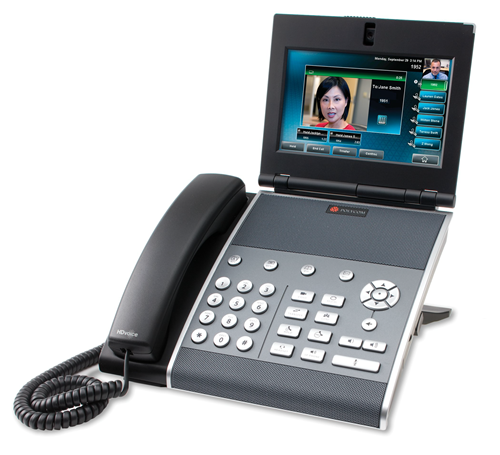
- Poly VVX series phones (all models)
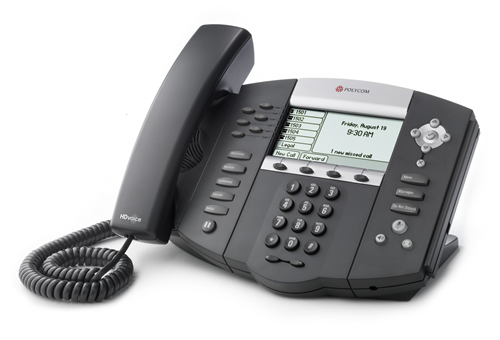
- Poly SoundPoint phones (all models)
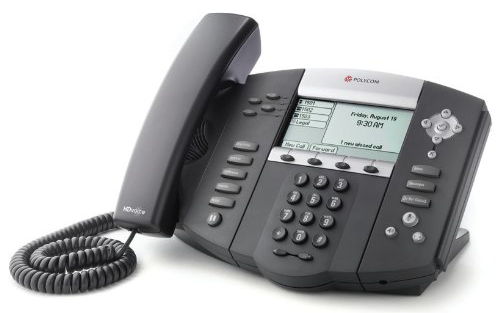
- SoundPoint 550/650 phones: Download quick reference guide | Download training
- SoundPoint 450 phones: Download quick reference guide | Download training
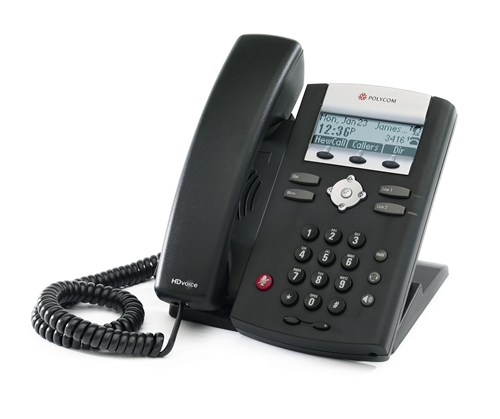
- SoundPoint 335 phones: Download quick reference guide | Download training
- Resetting your Poly SoundPoint series phone
- Using a headset with Poly phones
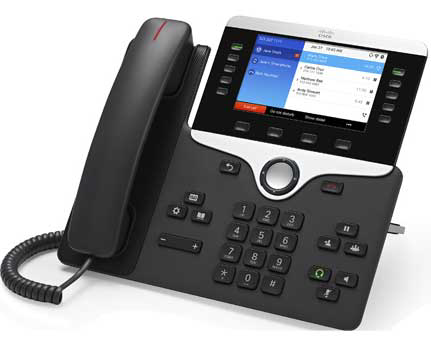
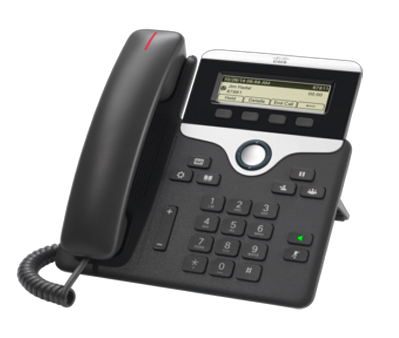
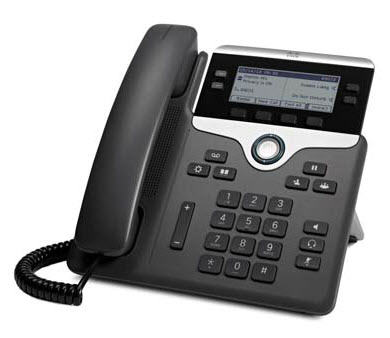
Cisco phones
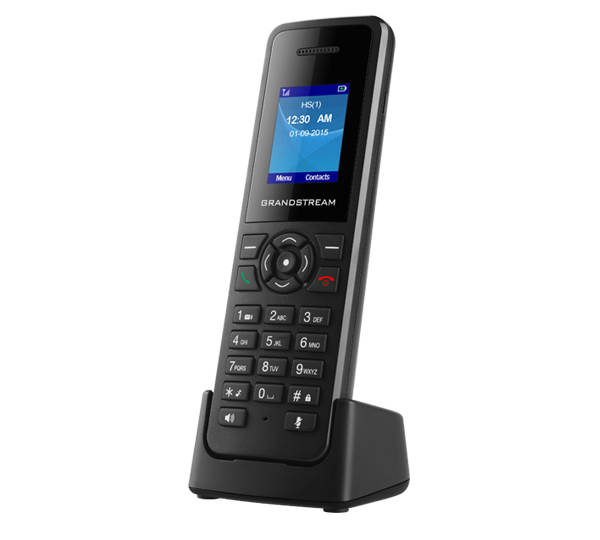
Grandstream phones
Configuring analog telephone adapters (ATAs)
Cisco ATAs
Grandstream ATAs