Canceling a local service request (LSR)
If you no longer want to port the phone number(s) in a local service request (LSR), you can cancel the LSR using the Carrier Port-Out Tool. If you need to change the port date, you can edit the local service request instead.
To cancel a local service request:
- If you have more than one SPID, select the SPID you want to work with, then click Continue.
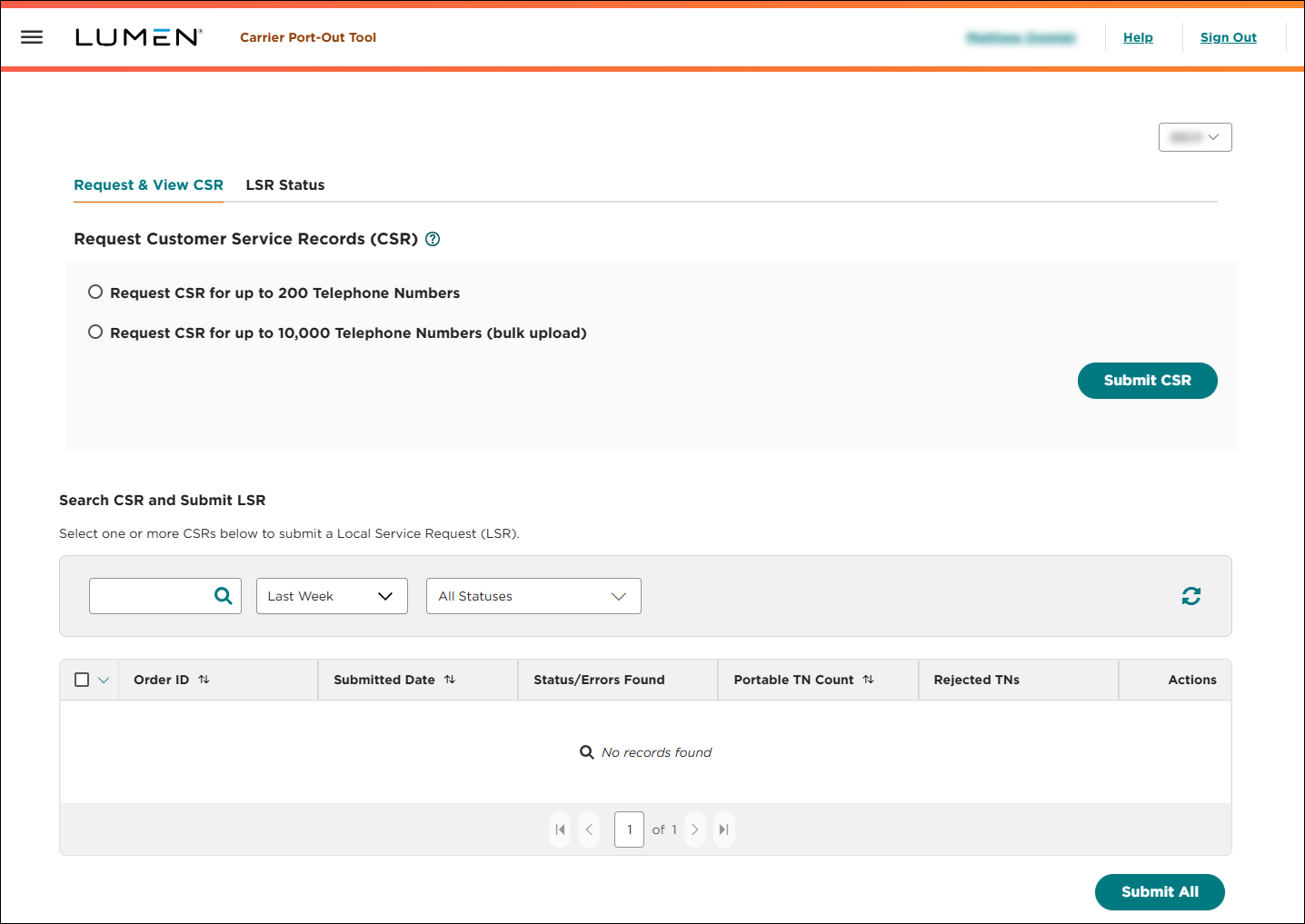
- Click the LSR Status tab.
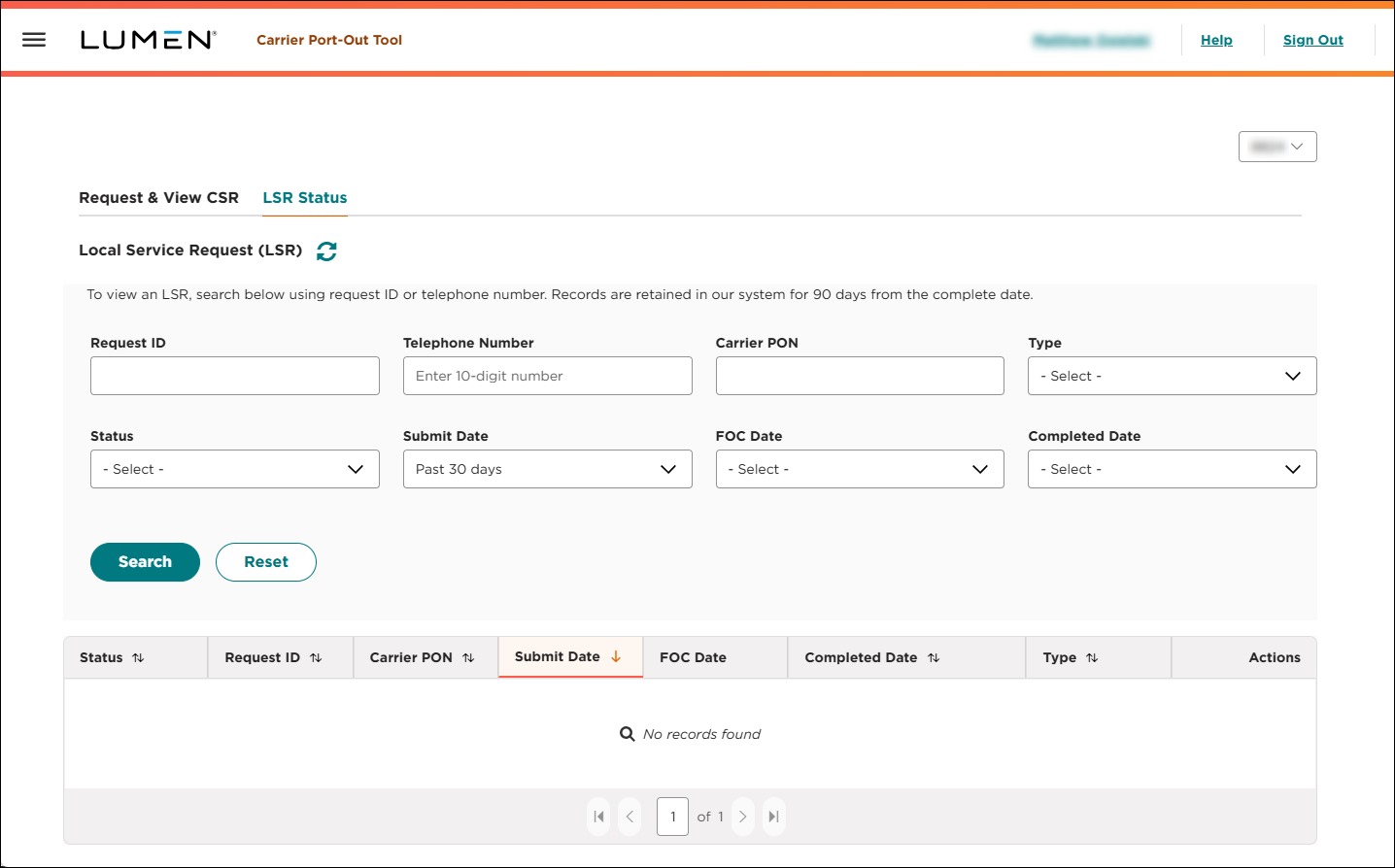
- Search for the local service request you want to work with.
- When you find the local service request you want to edit, click the icon (in the Actions column), then click Cancel LSR.
- Click Submit.
The Carrier Port-Out Tool cancels the local service request and updates the status to Processing Cancel and routes the request to a queue to be processed (generally within 30 minutes). Once we process the request the Carrier Port-Out Tool updates the status to Completed (with Cancel in the Type column).
Note: If you need to cancel the LSR immediately, email us.



