Editing a local service request (LSR)
If you need to change the requested port date for a local service request (LSR) submitted in the Carrier Port-Out Tool, you can edit (or supp) the LSR to request a new port date. You can also cancel a local service request if you no longer want to port the associated phone number(s).
Note: You can port the phone number(s) up to five business days after the firm order confirmation without needing to edit the LSR.
To edit a local service request:
- If you have more than one SPID, select the SPID you want to work with, then click Continue.
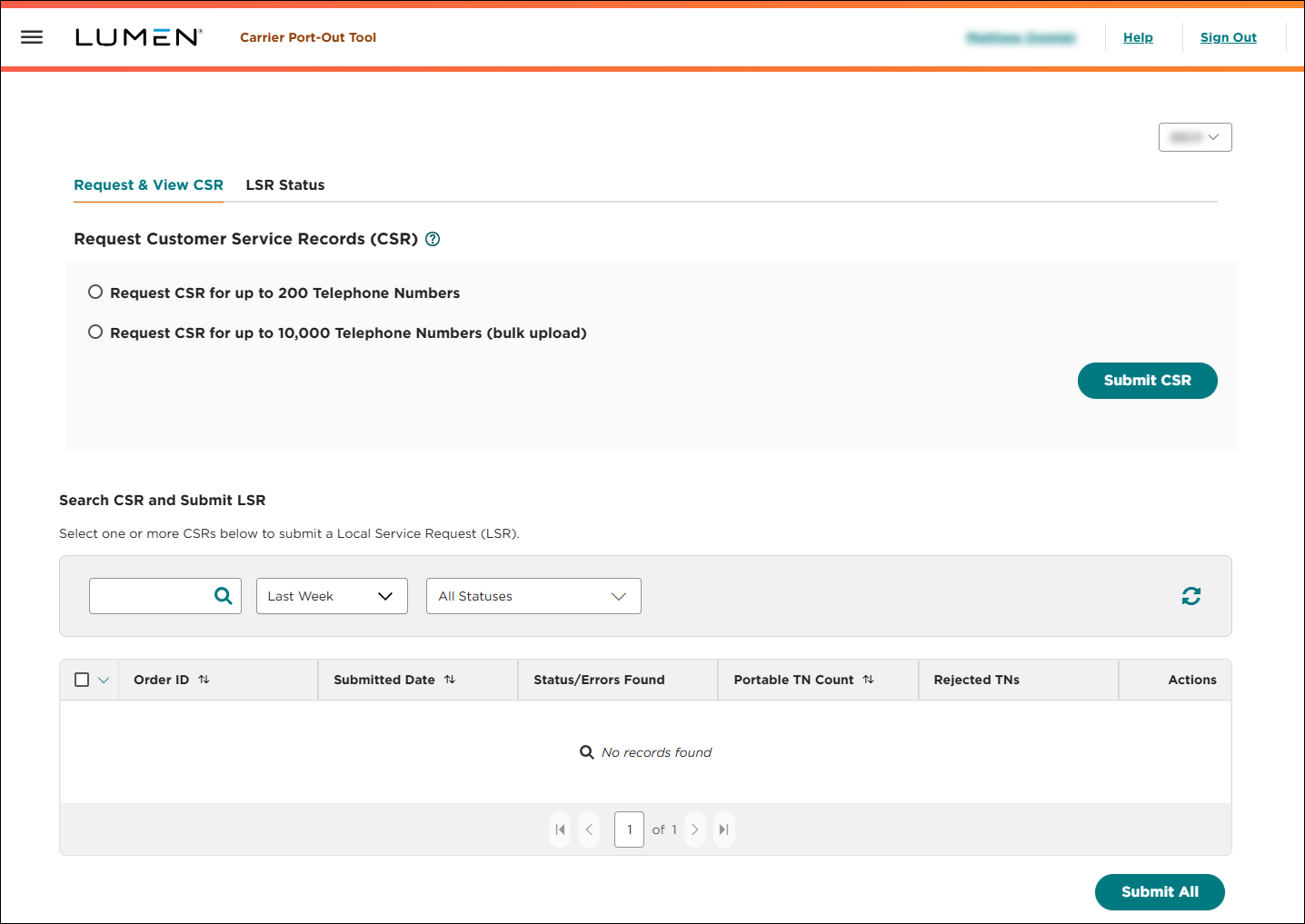
- Click the LSR Status tab.
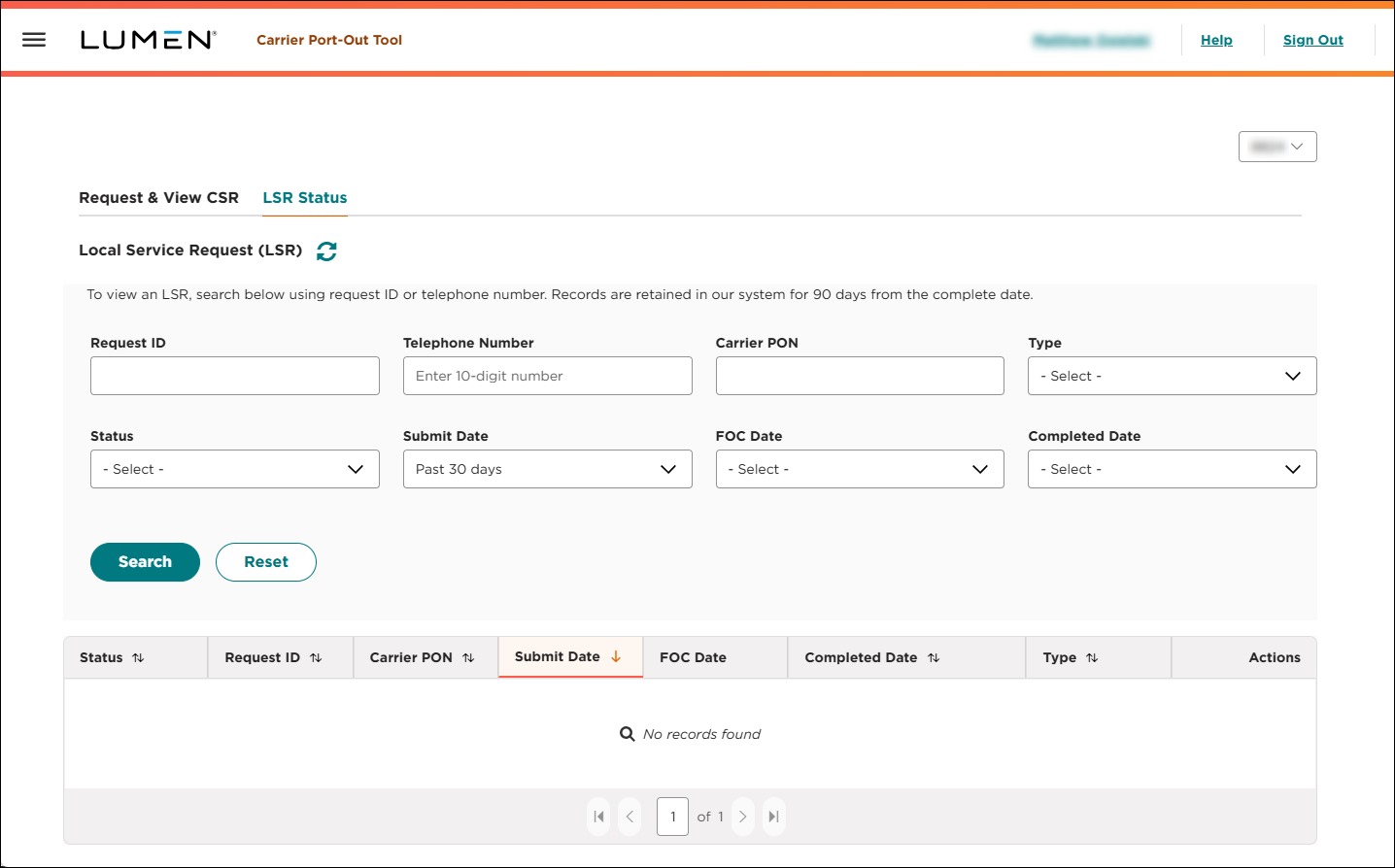
- Search for the local service request you want to work with.
- When you find the local service request you want to edit, click the icon (in the Actions column), then click Supp LSR.
- In the Customer Requested Date field, type or select the new date to port the phone number(s) associated with this local service request.
- Click Submit.
The Carrier Port-Out Tool updates the firm order confirmation date for the local service request.



