Viewing the status of a local service request (LSR)
Once you submit a local service request, you can track its status using the Carrier Port-Out Tool. You can also edit (supp) or cancel the local service request as needed.
To view the status of a local service request:
- If you have more than one SPID, select the SPID you want to work with, then click Continue.
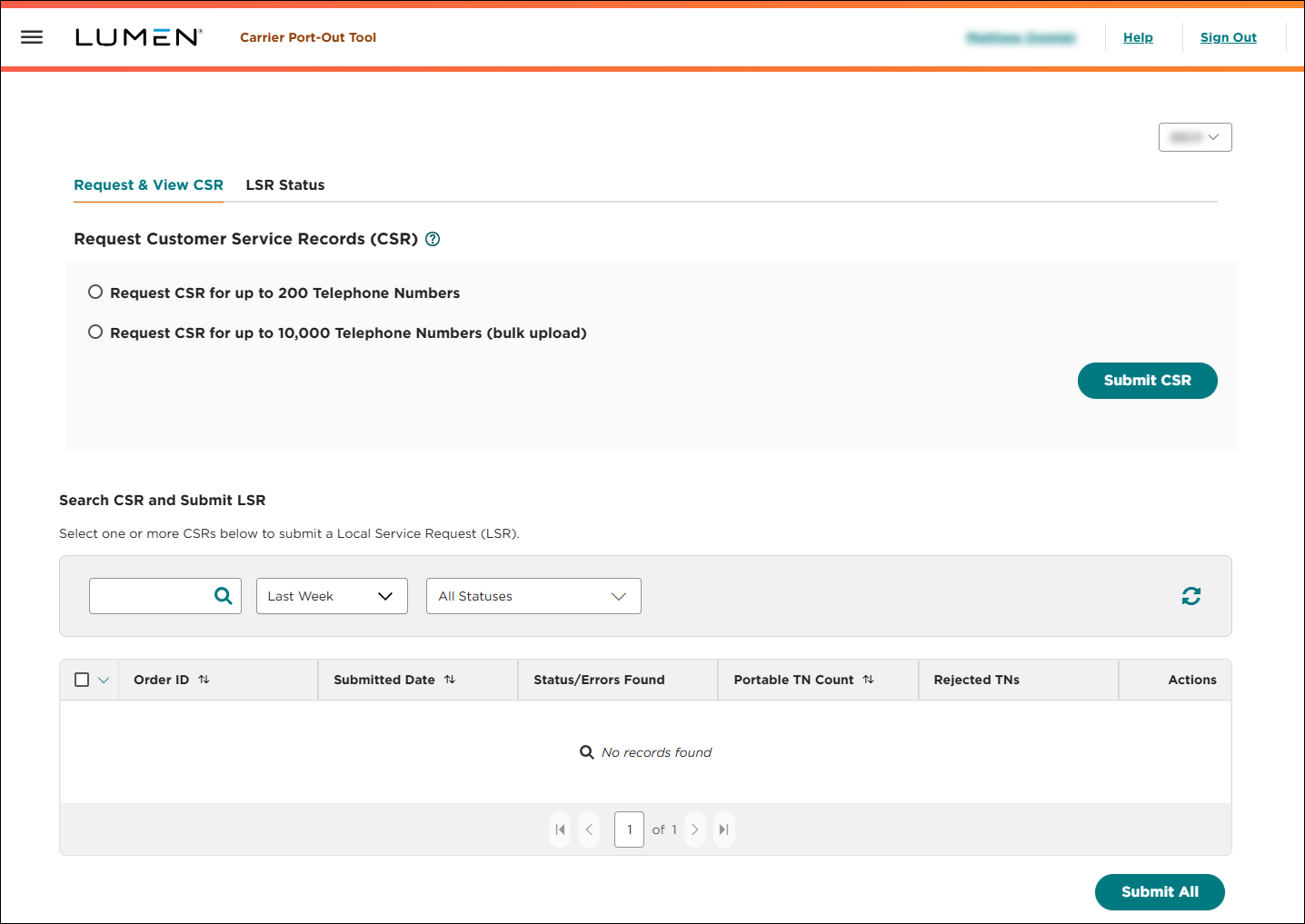
- Click the LSR Status tab.
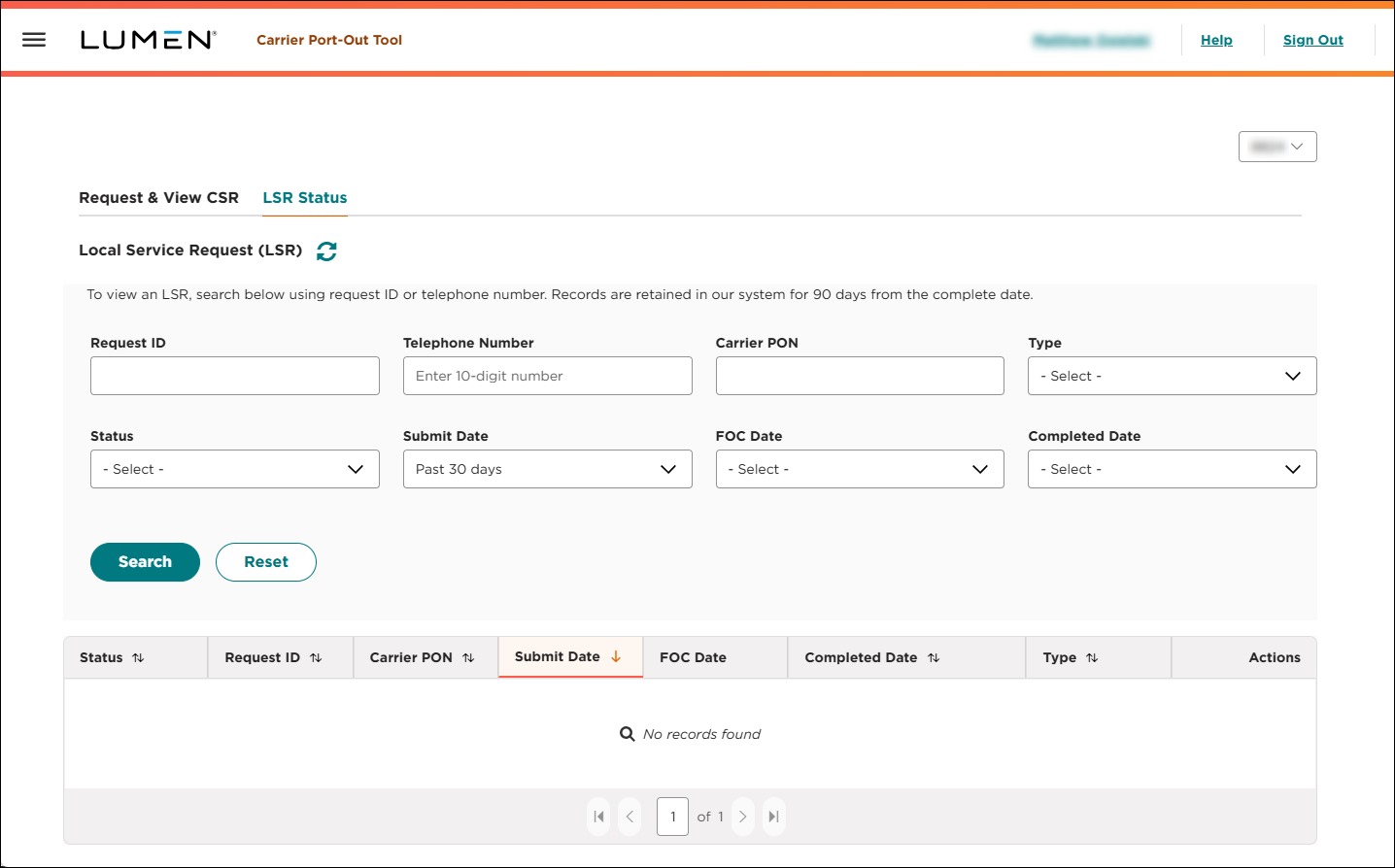
- Use the fields to search for the local service request you want to work with:
- To search by request ID, type the number in the Request ID field, then click Search.
- To search by a phone number associated with the local service request, type the number in the Telephone Number field, then click Search.
- To search by the carrier purchase order number associated with the local service request, type the number in the Carrier PON field, then click Search.
- To see all of your local service requests in a certain status, select an option from the Status list.
- To see all local service requests submitted within the past 30 days, select Past 30 Days from the Submit Date list. (To see local service requests submitted in a specifc date range, select Custom Date Range, select a start and end date, then click Apply.)
- To see all local service requests completed within the past 30 days, select Past 30 Days from the Completed Date list. (To see local service requests completed in a specifc date range, select Custom Date Range, select a start and end date, then click Apply.)
- To see all local service requests with a commit (firm order confirmation) date within the past 30 days, select Past 30 Days from the Submit Date list. (To see local service requests with a commit (firm order confirmation) date in a specifc date range, select Custom Date Range, select a start and end date, then click Apply.)
- To refresh the page, click the icon.
The Carrier Port-Out Tool shows all local service requests matching your search criteria and includes a status for each.
- To search by request ID, type the number in the Request ID field, then click Search.
- To view details for the local service request, click the icon (in the Actions column), then click View LSR Details.
The Carrier Port-Out Tool shows details for the local service request you selected.



