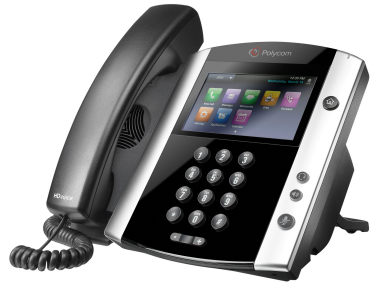
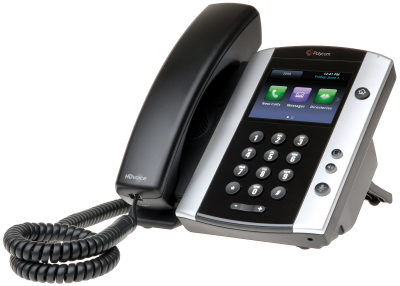
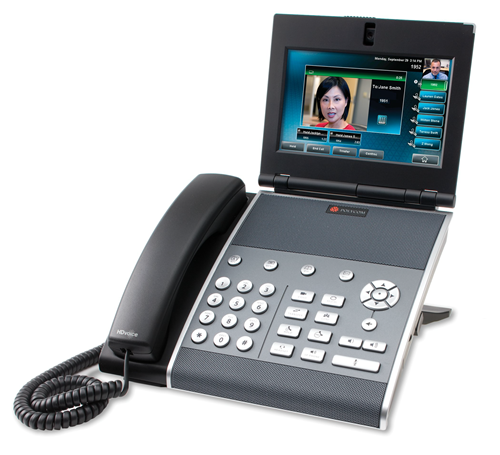
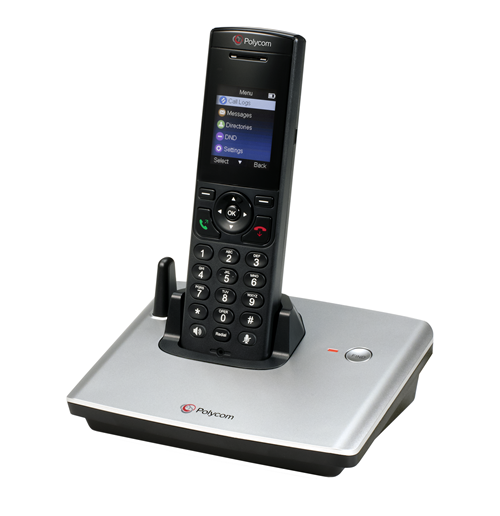
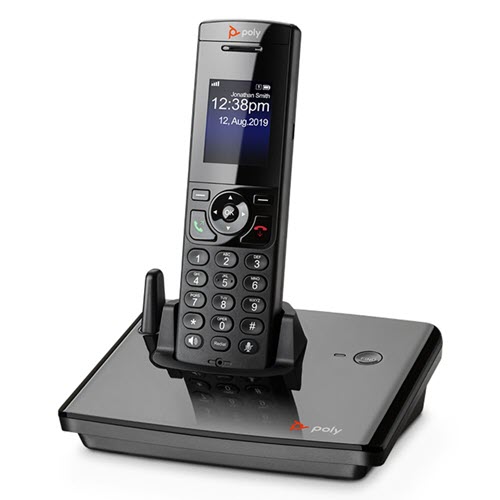
Poly VVX series phones
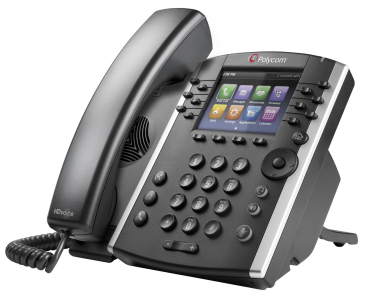
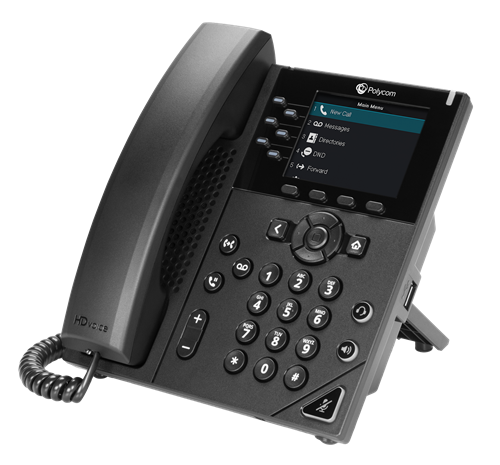
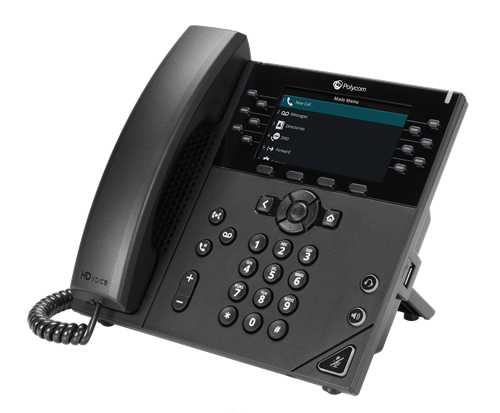
Expand a section below to download quick-reference guides and training or to watch videos for your Poly VVX series IP phones.
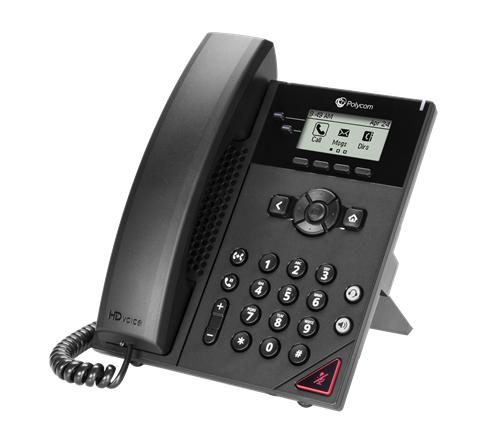
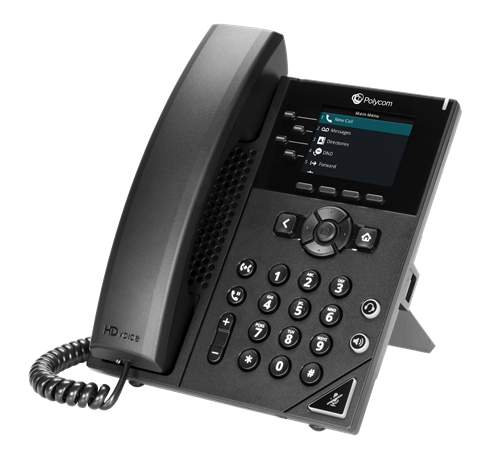
Learning about your phone
Get familiar with your new phone to make calling and managing calls easier.
Making and managing calls
Learn how to make calls, manage calls, and transfer calls to (and from) your mobile phone.
- Making calls
- Placing calls on hold and resuming held calls
- Accessing the callers list on your phone
- Accessing your voicemail
- Forwarding calls
- Conference calling
- Transferring calls
- Transferring callers directly to voicemail
- Changing the default transfer type on your phone
- Using Do Not Disturb on your phone
- Parking a call on your phone
- Retrieving a parked call
- Moving a call from your desk phone to your mobile phone
- Moving a call from your mobile phone to your desk phone
- Making a call from your Anywhere mobile phone
Managing your contact directory
You can manage your contact directory through the VoIP portal or using your phone. Contacts make calling people you work with easier than remembering their phone numbers.
Managing favorite contacts
You can also designate contacts as favorites so they're even easier to call. You can reorder your favorites as needed.
Training videos (2 videos)
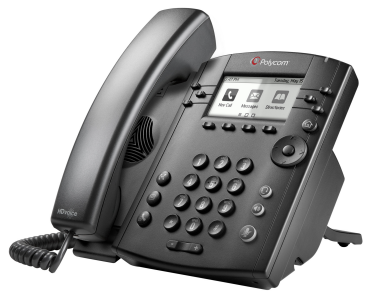
Learning about your phone
Get familiar with your new phone to make calling and managing calls easier.
Making and managing calls
Learn how to make calls, manage calls, and transfer calls to (and from) your mobile phone.
- Making calls
- Dialing a contact from a call list on your phone
- Placing calls on hold and resuming held calls
- Accessing the callers list on your phone
- Sorting and filtering call records on your phone
- Accessing your voicemail
- Forwarding calls
- Conference calling
- Transferring calls
- Transferring callers directly to voicemail
- Changing the default transfer type on your phone
- Turning Do Not Disturb on and off on your phone
- Parking a call on your phone
- Retrieving a parked call
- Making a call from your mobile phone using the Anywhere feature
- Moving a call from your desk phone to your mobile phone
- Moving a call from your mobile phone to your desk phone
Managing your contact directory
You can manage your contact directory through the VoIP portal or using your phone. Contacts make calling people you work with easier than remembering their phone numbers.
Managing favorite contacts
You can also designate contacts as favorites so they're even easier to call. You can reorder your favorites as needed.
Training videos (2 videos)